Microsoft Agent Framework Adds MCP Tool Options
Microsoft’s Agent Framework now supports MCP over stdio, HTTP, and WebSocket, with runtime headers and tighter credential handling.

Microsoft’s Agent Framework now treats the Model Context Protocol as a first-class way to wire agents into external tools. The docs show three connection styles, plus a warning that third-party MCP servers can see prompt content and other data you send.
That matters because the new examples are practical, not theoretical: local stdio tools, HTTP servers with streaming events, and WebSocket-based tools all sit in the same API family. If you are building an agent that needs GitHub data, docs search, or real-time feeds, this is the kind of plumbing that decides whether your system feels useful or brittle.
What Microsoft is actually shipping
Get the latest AI news in your inbox
Weekly picks of model releases, tools, and deep dives — no spam, unsubscribe anytime.
No spam. Unsubscribe at any time.
The updated guide explains how an agent can call MCP tools from Microsoft Agent Framework in two main styles. In .NET, the framework can talk to an MCP server, list its tools, convert them into agent functions, and then let the model call them during a run. In Python, the framework exposes dedicated tool classes for different transport types.

The transport split is the part worth paying attention to. Microsoft documents MCPStdioTool for local processes, MCPStreamableHTTPTool for HTTP and server-sent events, and MCPWebsocketTool for WebSocket servers. That gives developers a clean way to match the transport to the service they already run.
- stdio: best for local tools launched as child processes
- HTTP/SSE: useful for hosted services and doc endpoints
- WebSocket: a fit for live or bidirectional data sources
- Headers: passed at runtime, so secrets do not need to live in a shared client
There is also a strong operational angle here. Microsoft tells developers to review every server they add, prefer trusted providers over proxies, and log what data gets shared for auditing. That is a sensible warning, because MCP makes it easy to add capability fast, and easy to add risk just as fast.
For Python users, the docs note that minimal installs may need extra packages. If you want WebSocket support, Microsoft says to install mcp[ws] --pre. For stdio and streamable HTTP, the plain pre-release package is enough.
Why the security notes matter more than the code sample
The code snippets are short, but the security guidance is the real story. Microsoft says headers can be supplied only through tool_resources at each run, which means API keys, OAuth tokens, or other credentials live in runtime context instead of being baked into a long-lived client. That design reduces accidental leakage, especially in apps where multiple agents or requests share infrastructure.
The docs also call out a production warning around DefaultAzureCredential. It is convenient during development, but Microsoft recommends a specific credential such as ManagedIdentityCredential in production to avoid latency from credential probing and to reduce fallback surprises. That is the kind of detail teams only appreciate after a few painful incidents.
“You are responsible for your use of non-Microsoft services and data, along with any charges associated with that use.”
That line from the Microsoft Learn page is blunt, and it should be. MCP is about connecting models to outside systems, which means the usual cloud questions come back with more force: who owns the data, where does it go, how long does it stay there, and what happens when the provider changes behavior?
Microsoft also points developers to the Model Context Protocol security guidance and to its own security blog post on MCP risks. The message is clear: treat MCP servers like production dependencies, not like demo utilities you can bolt on and forget.
How the three transport types compare
The most useful part of the article is the side-by-side view of the transport options. The framework is trying to make MCP feel less like a protocol experiment and more like an ordinary integration layer. In that sense, each transport maps to a different deployment style.
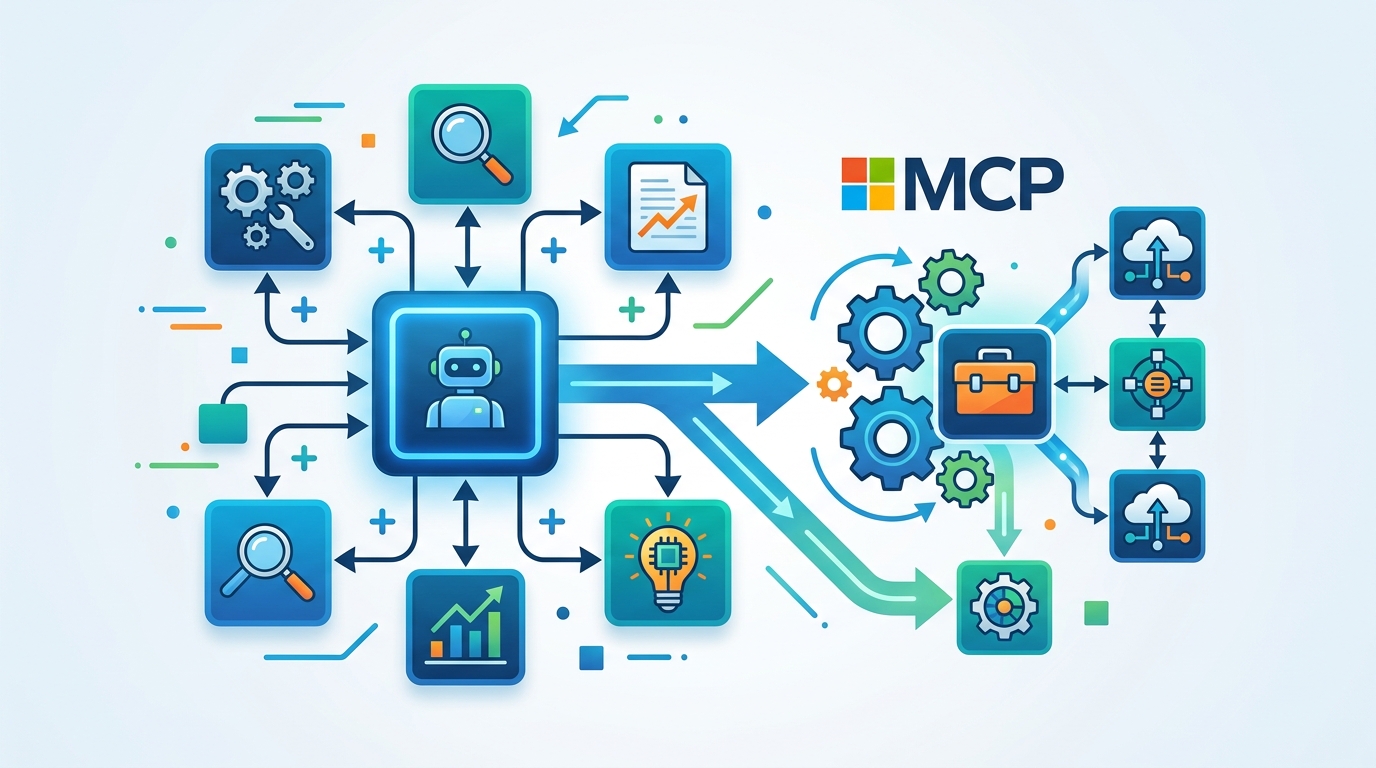
Here is the practical breakdown from the docs and examples:
- GitHub MCP server: launched with
npx -y --verbose @modelcontextprotocol/server-githubin the .NET sample - Filesystem MCP server: local process access for file operations
- SQLite MCP server: local database access for structured queries
- Microsoft Learn MCP endpoint: shown in the HTTP example at
https://learn.microsoft.com/api/mcp
The numbers in the examples are modest, but they tell you a lot about the intended workflow. The GitHub sample fetches tools from one server with ListToolsAsync(), then passes them into an agent with instructions focused on GitHub repositories only. The Python samples do the same thing with a calculator, a docs endpoint, and a WebSocket data feed.
The transport choice also changes how you think about auth. Local stdio tools usually inherit the permissions of the process that launches them. HTTP tools may need runtime headers. WebSocket tools often need the same kind of token handling, but with a connection that stays open for live updates. That makes the WebSocket example the most interesting one for real-time systems, even if it is also the one most likely to require extra care in production.
What this means for agent builders
Microsoft is pushing a very specific message here: agents should not be isolated prompt boxes. They should be able to call tools that already exist, whether those tools live on disk, behind HTTP, or inside a live socket. That is a practical direction, and it lines up with how teams actually build software today.
For developers, the upside is faster integration with systems you already trust. A GitHub agent can inspect repos. A docs agent can answer from internal documentation. A data agent can watch a live feed over WebSocket. The downside is that every extra server adds another trust boundary, another set of credentials, and another place where data can leak if you are careless.
The best signal in this article is the combination of flexibility and restraint. Microsoft gives you transport options, runtime headers, and sample code, then immediately tells you to review the servers you add and keep credentials out of shared clients. That is a healthy balance, and it is the sort of guidance teams need before they start wiring agents into business systems.
If you are already using Microsoft’s Agent Framework, the next move is simple: pick one trusted MCP server, use the narrowest transport that fits the job, and test how your agent behaves when the server is slow, unavailable, or returns unexpected data. If you are building from scratch, the better question is whether your first agent should be a chat app at all, or a thin wrapper around a tool you already depend on.
My bet: the teams that adopt MCP carefully now will spend less time writing custom glue later, and more time deciding which external systems should be allowed to answer on behalf of their agents.
// Related Articles
- [TOOLS]
Aliyun Bailian Token Plan turns credits into agents
- [TOOLS]
One API gateway turns six AI APIs into one
- [TOOLS]
OpenAI FDEs turn broken agents into shipped systems
- [TOOLS]
Anthropic’s daily brief turns news into a workflow
- [TOOLS]
Claude Reflect turns usage into retention
- [TOOLS]
Midjourney turns prompt ideas into art