OpenAI Codex APP Feature Tour: Sandbox, Worktree, and Skills
OpenAI's Codex APP has matured beyond a code completion tool into one of the most feature-complete AI Agent desktop clients in 2026. Backed by an OS-level sandbox, three-tier permission gating, native Git Worktree support, and a layered extensibility model spanning AGENTS.md, Skills, and MCP, it now pulls ahead of Claude Code on multi-task and long-horizon developer workflows. The capabilities below and the design choices behind them show OpenAI's emerging stance on production-grade agent tooling.
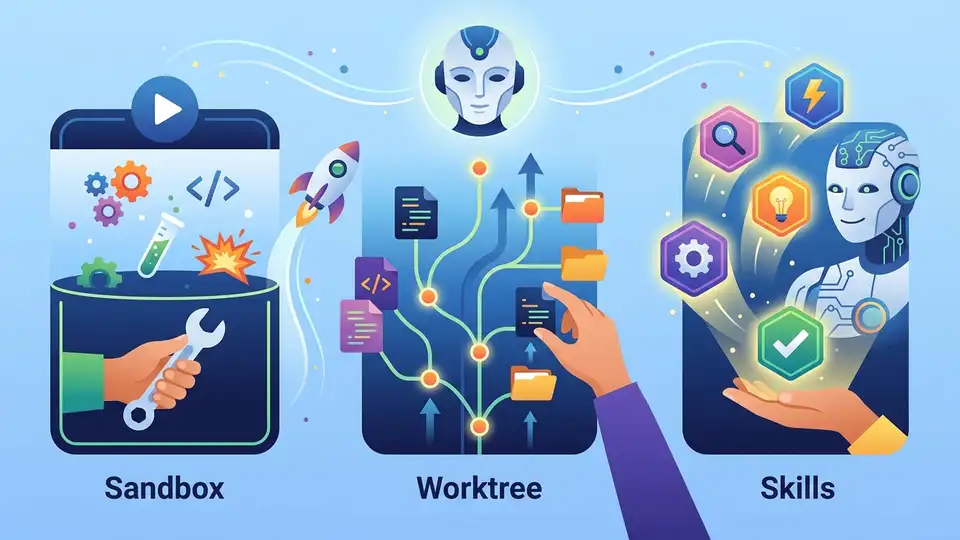
OpenAI's Codex APP has stopped being a code assistant. By late 2026 it bundles an OS-level sandbox, deep Git integration, a cloud execution environment, native Skills, and MCP support into a single desktop app — making it arguably the most feature-complete AI Agent client on the market and, in several workflows, ahead of Claude Code.
Here is what Codex now ships, and the design choice that separates it from the alternatives.
The Sandbox Is the Foundation, Not an Add-On
Get the latest AI news in your inbox
Weekly picks of model releases, tools, and deep dives — no spam, unsubscribe anytime.
No spam. Unsubscribe at any time.
The single deepest difference between Codex and Claude Code is the role of the sandbox. Claude Code treats sandboxing as an optional protective layer; Codex treats the sandbox as the bedrock of its entire permission system. The current project folder is the sandbox: by default Codex can freely read and modify files inside it, but cannot touch files outside, and has no network access.
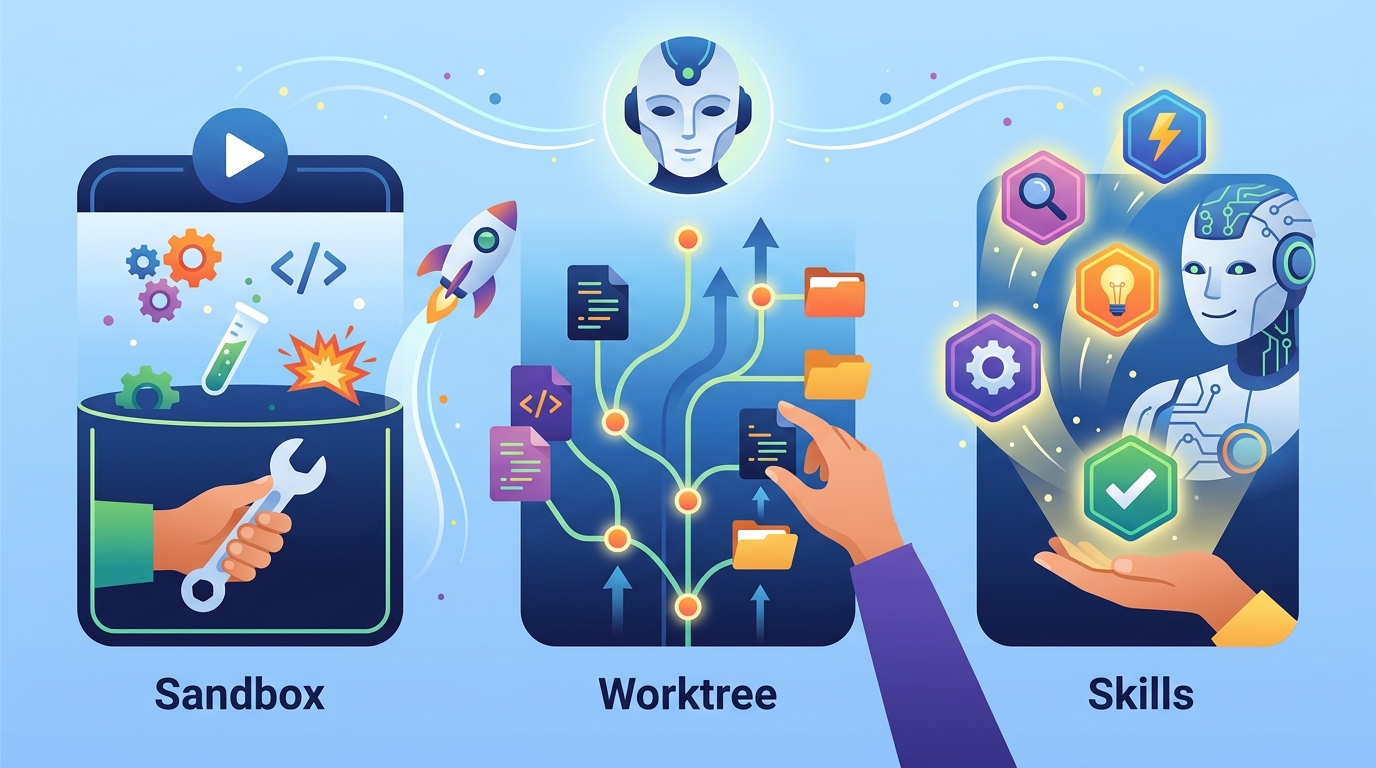
These constraints are not enforced by the model's good behavior. They are enforced by OS-level mechanisms — for example macOS's built-in Seatbelt Sandbox. When Codex needs to step outside the sandbox (an "escalate" operation), it must request permission.
Permissions ship in three tiers: manual approval, automatic review (a small model evaluates risk and waves through low-risk operations), and full access. Auto-review is the recommended default — it captures most of the safety benefit without the friction of approving every action.
Plan Mode, Steer, and Parallel Tasks
Codex runs in a three-pane layout: a left task list, a center conversation, and a right multi-function panel (browser, annotation, file tree). Multiple projects run side by side; task status is signaled by colored dots — gray for in-progress, green for awaiting approval, blue for done.
Two capabilities matter here. Plan Mode stops Codex from acting immediately; instead it produces a structured plan with question cards so the user can align on scope and approach before execution. Steer lets the user grab the wheel mid-execution and correct direction without waiting for the current task to finish — directly avoiding the common Agent failure mode of "watching it run the wrong way for ninety seconds."
Git Worktree and Cloud Execution
Git integration in Codex goes further than most agent clients. The UI exposes Git Worktree directly — copy the project to a new folder under a fresh branch, run a Codex task there in parallel with the main folder, and merge back when ready. Multiple agents can work the same repository without stepping on each other.
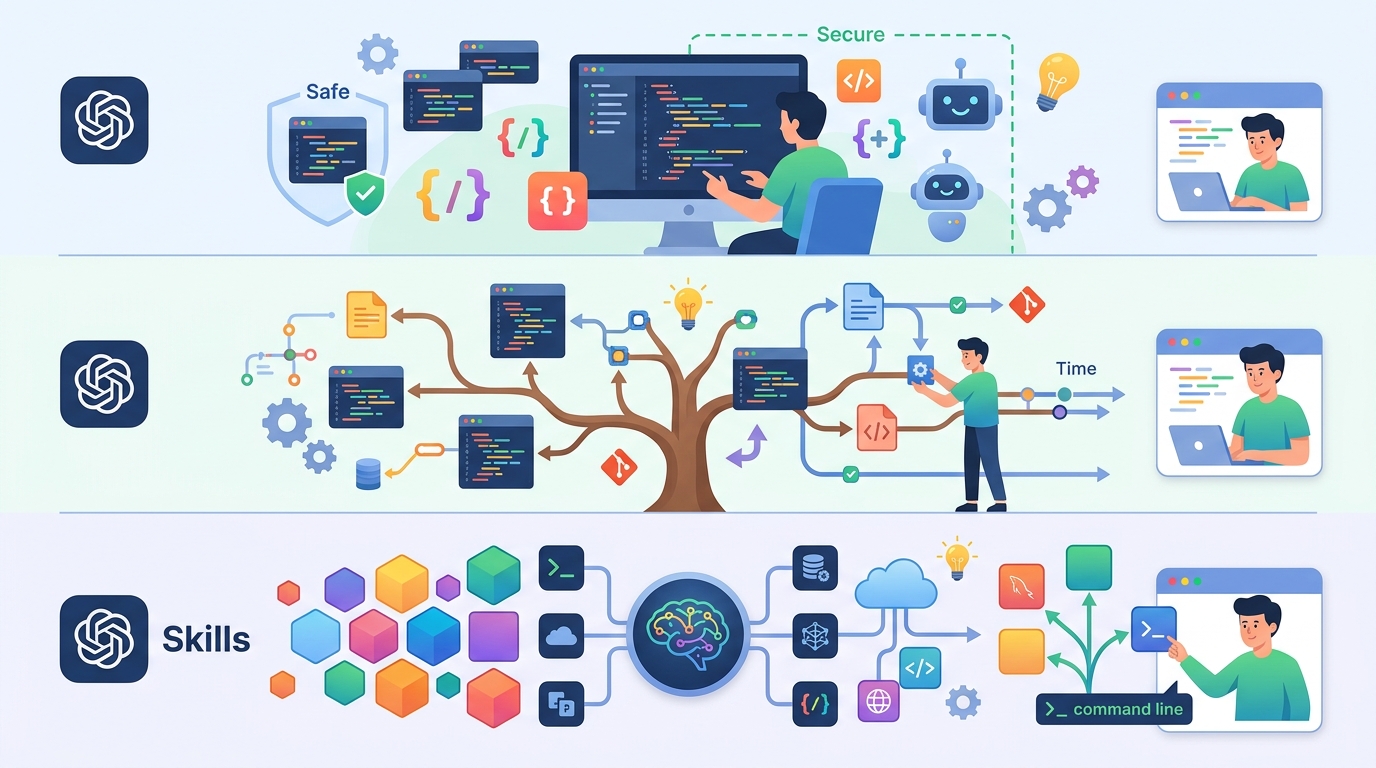
Cloud execution is the second axis. Push the project to GitHub, switch to Codex Web (the mobile browser works), issue an instruction, and a cloud container clones, modifies, and submits the result as a pull request. For travel or away-from-laptop work, this collapses the iteration loop.
AGENTS.md, Skills, and MCP: Three Layers of Extensibility
Codex stacks extensibility into three layers:
- AGENTS.md — a memory file at the project root, auto-loaded into every conversation. A global version at
~/.codex/AGENTS.mdapplies to all projects on the machine. - Skills — packaged workflows, conventions, or specialized capabilities. Install from the official marketplace (Remotion video generation, for example), grab third-party versions from GitHub, or build your own with the bundled Skill Creator.
- MCP (Model Context Protocol) — a standard protocol for plugging in external services such as Supabase, Gmail, or GitHub. Codex handles OAuth via a
codex mcp loginCLI flow.
The architecture mirrors Claude Code's Skills and MCP model, but Codex ships a more polished marketplace and a smoother first-run install experience.
Computer Use and Scheduled Automation
Computer Use is currently macOS-only. It lets the agent drive the entire desktop through a virtual cursor — open a chat app, send a message, browse a GitHub kanban, summarize ticket progress, and report back. Combined with Codex's built-in automation scheduler, the same flow can be turned into a cron-like job (a 5pm daily report to your manager, for example).
An underrated detail: during automated runs Codex writes accumulated context to memory.md, feeding the next execution. It is a pattern worth borrowing for any production agent.
Why It Matters
Codex APP embodies OpenAI's stance on Agent tooling: harness model capability with OS-level mechanisms, then expose high-level abstractions — Plan, Steer, Worktree, Skills — to keep the user in control. As AI Agents move from demo to daily-driver developer tool, this "powerful but reined in" philosophy will outrun designs that chase pure autonomy.
// Related Articles
- [TOOLS]
OpenClaw with Ollama turns Telegram into a bot
- [TOOLS]
Aliyun Bailian Token Plan turns credits into agents
- [TOOLS]
One API gateway turns six AI APIs into one
- [TOOLS]
OpenAI FDEs turn broken agents into shipped systems
- [TOOLS]
Anthropic’s daily brief turns news into a workflow
- [TOOLS]
Claude Reflect turns usage into retention