OpenCode adds MCP servers with OAuth support
OpenCode now wires local and remote MCP servers into its LLM, with OAuth, per-agent controls, and token-aware guardrails.

OpenCode now lets developers plug Model Context Protocol servers into its assistant layer, and it supports both local and remote connections. Once a server is added, its tools appear alongside the built-in ones, which means the model can call external systems without extra glue code.
The part that matters most is how quickly this can grow. OpenCode warns that MCP tools add to context, and some servers, especially ones with broad surfaces like GitHub, can chew through tokens fast. That makes MCP setup less about “can I connect it?” and more about “which tools deserve a slot in my context budget?”
How OpenCode wires MCP into the assistant
Get the latest AI news in your inbox
Weekly picks of model releases, tools, and deep dives — no spam, unsubscribe anytime.
No spam. Unsubscribe at any time.
OpenCode keeps MCP configuration in its app config, under the mcp key. Each server gets a unique name, and that name becomes the handle you use in prompts. In practice, this gives teams a clean way to expose internal systems, public APIs, or search tools without building custom agent wrappers for every integration.

The docs also make one important point clear: local and remote servers are first-class. Local servers launch from a command, while remote servers connect over HTTP. That split matters because it covers both quick experiments on a laptop and production setups backed by an organization endpoint.
- Local servers start from a command array such as
npx -y my-mcp-command - Remote servers use a URL like
https://my-mcp-server.com - Timeout for tool discovery defaults to 5000 ms
- Server names become the tool names used in prompts
For developers who already use command-line agents, this feels natural. You define the server once, and OpenCode makes the tools available to the model without forcing you to write a custom plugin for every data source.
There is also a nice operational detail here: you can disable a server without deleting it from config. That makes it easier to test new tools, turn off noisy integrations, or keep a server around for later without editing the whole file.
Local servers are simple, but they still need discipline
OpenCode’s local MCP support is straightforward. You declare the server type as local, point to a command, and optionally pass environment variables. The docs even show a test server from the official MCP ecosystem, @modelcontextprotocol/server-everything, which is handy for checking that your setup works before you connect anything real.
That simplicity hides a real tradeoff. Every local server you add can expand the model’s context and increase the chance of noisy tool selection. If you connect half a dozen services at once, you are asking the model to choose from a bigger menu while also paying for the extra context tokens.
type: "local"is required for command-based serverscommandaccepts an array of the binary and its argumentsenvironmentlets you inject variables into the processenabledcan turn a server off without removing it from config
That token warning is not theoretical. The OpenCode docs call out GitHub MCP as an example of a server that can add a lot of tokens and push you toward the context limit. If your agent is already juggling code, logs, and a long chat history, a bloated tool list can become a real cost problem.
So the practical advice is simple: start with one or two local servers, measure how often the model actually uses them, then expand only if they earn their keep. A tool that is always available is not automatically a useful tool.
Remote MCP and OAuth change the setup story
Remote servers are where OpenCode gets more interesting for teams. You can point a server at a URL, add headers when needed, and let OpenCode handle auth when the server uses OAuth. The docs say it detects a 401, starts the OAuth flow, and uses Dynamic Client Registration when the server supports it.
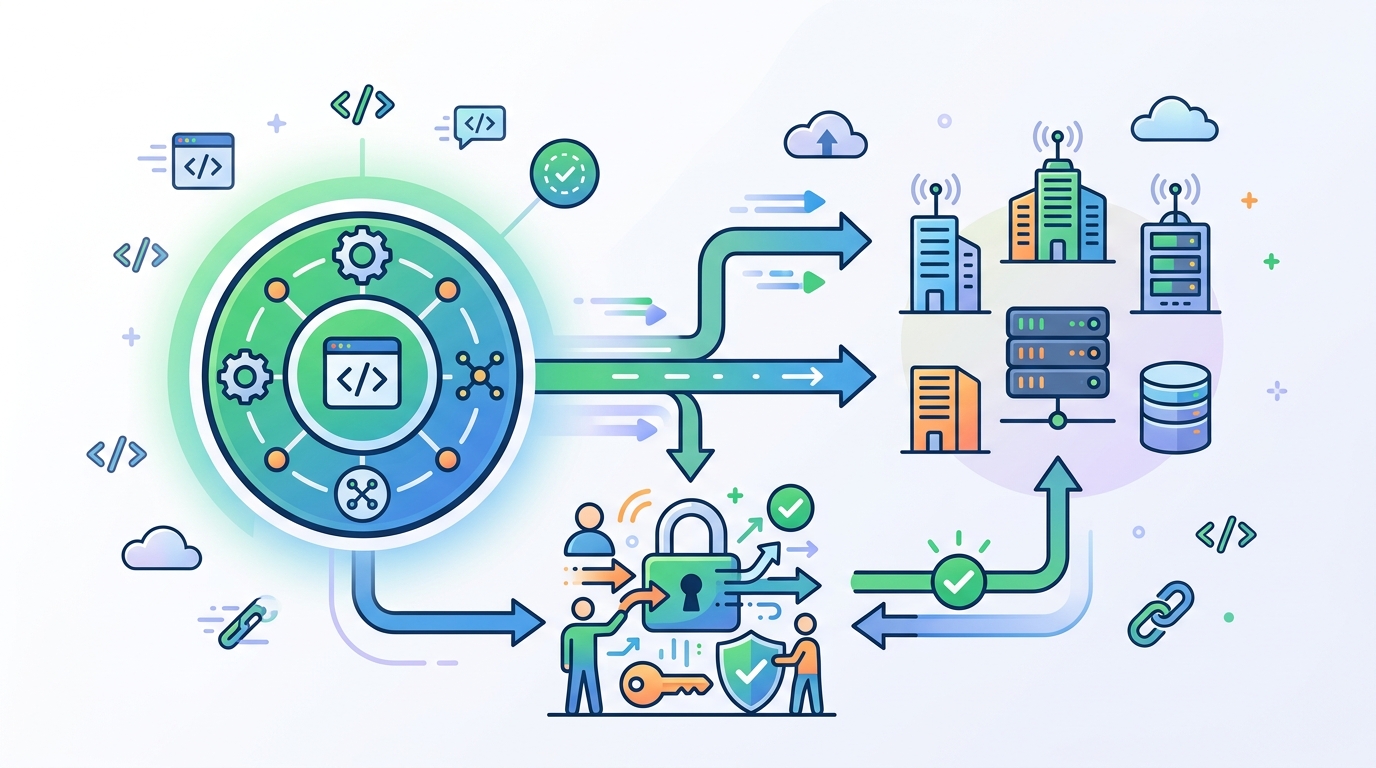
That matters because it removes a lot of manual setup friction for internal services. Instead of asking every developer to copy tokens into random config files, OpenCode can open a browser flow, store tokens locally, and reuse them later. For a tool that lives close to the command line, that is a smart fit.
“OAuth 2.0 is the industry-standard protocol for authorization.” — RFC 6749, IETF
OpenCode also supports pre-registered OAuth clients when the provider gives you a client ID and secret. In that mode, you can set the scope explicitly, which is useful when the server wants narrow permissions such as read-only tool access or execution rights for a limited set of actions.
There is an escape hatch too. If a remote server uses API keys instead of OAuth, you can disable automatic OAuth detection and send your own headers. That keeps OpenCode flexible enough for older internal services and newer identity-aware ones.
- OpenCode stores OAuth tokens in
~/.local/share/opencode/mcp-auth.json opencode mcp auth <server-name>starts the browser flow manuallyopencode mcp listshows auth status for all serversopencode mcp logout <server-name>removes stored credentials
Compared with hand-rolled agent integrations, that is a cleaner operator story. You can inspect auth state, reauthenticate a single server, or wipe credentials without touching the rest of the setup.
Per-agent control is the part teams will care about
OpenCode does something that many agent tools still get wrong: it lets you manage MCP servers globally, then re-enable them only for specific agents. That matters in larger setups where one agent should have access to code search while another should only see issue trackers or docs.
The docs show how to disable servers globally with the tools config, then opt them back in under an agent definition. That gives teams a way to keep the default tool surface small while still allowing specialized agents to use the right sources.
- Global disable can target a single tool name
- Glob patterns such as
my-mcp*can disable many tools at once ?matches exactly one character in the glob pattern- Agent-level config can re-enable matching tools for one agent only
This is the kind of detail that turns a demo-friendly feature into something production teams can live with. If you are building multiple agents for support, engineering, and docs, you do not want every one of them to inherit the same giant tool list.
It also lines up with how people actually work. A support agent needs ticket and error access. A coding agent needs repo search and doc lookup. A release agent may only need deployment and status checks. OpenCode’s config model maps cleanly onto those boundaries.
Examples show where MCP adds real value
The examples in the docs are practical rather than flashy. Sentry gives the assistant access to issues and project data. Context7 turns documentation search into a promptable tool. Grep by Vercel can search code snippets from GitHub-style sources through a remote MCP endpoint.
Those examples hint at the real value of MCP in an agent workflow: the model does less guessing and more direct retrieval. Instead of asking the assistant to remember APIs or infer a bug from a vague prompt, you let it query the source that already knows the answer.
- Sentry MCP uses remote OAuth auth for project and issue access
- Context7 can be configured with an API key for higher rate limits
- Grep by Vercel exposes code search over a remote MCP endpoint
- Each server is named in config, then referenced directly in prompts
That said, the docs also make the limits obvious. More tools mean more context, more setup, and more chances to overconfigure a system. OpenCode is giving you power, but it is also asking you to be selective.
If you are already using an agent workflow, the question is no longer whether MCP is useful. The real question is which sources deserve to be one prompt away from your model, and which ones should stay off by default.
What OpenCode’s MCP support means next
OpenCode’s MCP support feels like a practical answer to a problem that has been getting louder in agent tooling: models need external context, but tool sprawl can wreck usability. By supporting local servers, remote servers, OAuth, and per-agent enablement, OpenCode gives teams a way to keep that under control.
The most likely next step is not more tools for the sake of it. It is tighter defaults, narrower agent profiles, and better ways to measure whether a server is actually worth its token cost. If you are adopting MCP in OpenCode today, treat every new server like a budget item, not a free bonus.
My take: the teams that win with this setup will be the ones that keep the tool list short, document each server’s purpose, and review usage often. If a server is not helping the model answer better, faster, or with less hallucination, it probably does not belong in the default config.
// Related Articles
- [TOOLS]
Aliyun Bailian Token Plan turns credits into agents
- [TOOLS]
One API gateway turns six AI APIs into one
- [TOOLS]
OpenAI FDEs turn broken agents into shipped systems
- [TOOLS]
Anthropic’s daily brief turns news into a workflow
- [TOOLS]
Claude Reflect turns usage into retention
- [TOOLS]
Midjourney turns prompt ideas into art