Sim turns agent workflows into a visual canvas
Sim turns agent orchestration into a visual canvas you can run, self-host, and extend with tools, models, and vector search.
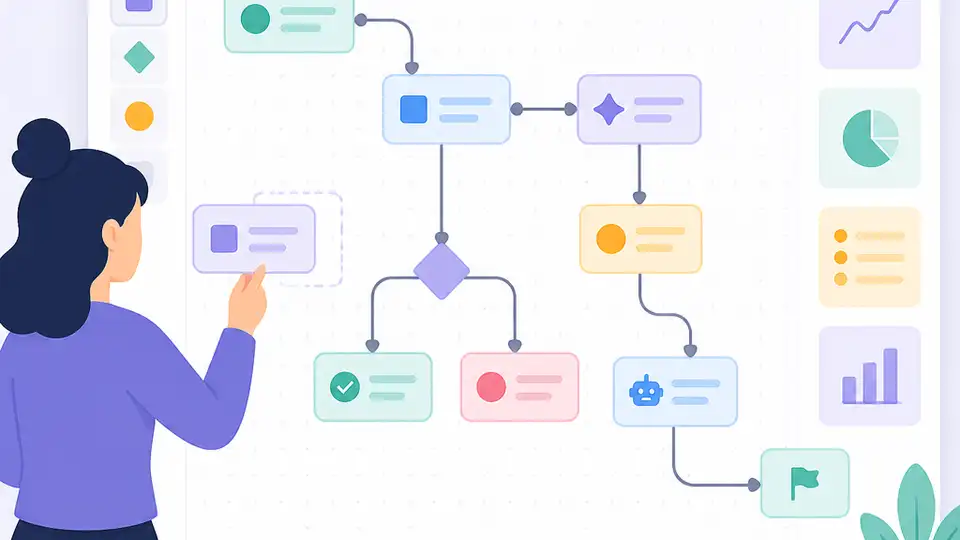
Sim turns agent orchestration into a visual canvas you can run and self-host.
I've been building agent workflows long enough to know when a tool is pretending to simplify things. Most of the time, it just moves the complexity around. You stop wiring prompts in code, and suddenly you're wiring half a dozen YAML files, a callback layer, a queue worker, a vector store, and a prayer. I've used setups that looked clean in the demo and then turned into a swamp the second I needed retries, memory, or one more tool call.
Sim felt different for one annoying reason: it doesn't hide the plumbing, but it also doesn't make me babysit it. The whole pitch is simple enough to fit on the README: build, deploy, and orchestrate AI agents, with a visual canvas for workflows and a self-hosted path if you want control. That matters because most agent tools are either toy demos or overbuilt platform theater. Sim is trying to sit in the middle, and that is exactly where I usually want these things to live.
The thing that got my attention was the combination of canvas, integrations, and actual deployment. Not just “design a flow,” but “run it instantly,” connect to 1,000+ integrations and LLMs, and self-host with Docker or a manual setup if you care about your own stack. That tells me the project is aimed at people who want an agent system they can ship, not just click around in.
Source: simstudioai/sim on GitHub. The repo currently shows 28.5k stars, which is enough signal to make me stop scrolling and actually read the README instead of assuming it's another shiny wrapper.
It starts with a canvas, not a pile of prompts
Get the latest AI news in your inbox
Weekly picks of model releases, tools, and deep dives — no spam, unsubscribe anytime.
No spam. Unsubscribe at any time.
“Design agent workflows visually on a canvas—connect agents, tools, and blocks, then run them instantly.”
What this actually means is Sim wants you to think in nodes and edges before you think in code. That sounds cosmetic until you've had to explain an agent pipeline to another developer. A canvas is not just a nicer UI. It is a shared mental model. Agents become boxes. Tools become boxes. Data flow becomes visible instead of hidden inside callback hell.
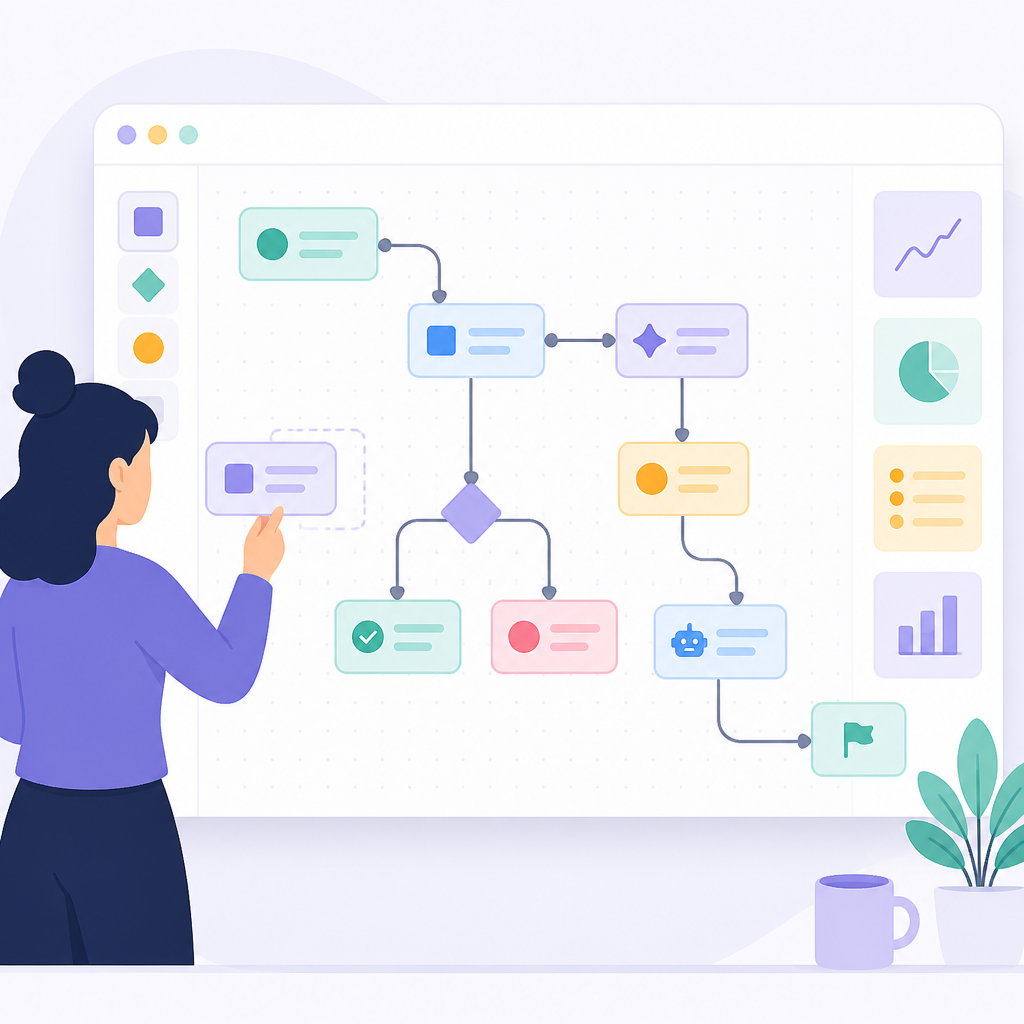
I ran into this exact problem while prototyping a support bot workflow. The prompt looked fine, but the logic was split across three files and a chain of “if this, then that” branches. Every change meant opening code, rerunning tests, and hoping I hadn't broken some implicit assumption. A canvas would have saved me from a lot of guesswork because I could have seen the branching structure before I shipped it.
Sim's canvas approach is useful for teams, but it's also useful for me when I'm working alone and my own brain starts lying to me. Visual tools are easy to dismiss as “low-code,” but the real value is inspection. When an agent system misbehaves, I want to see where the decision went sideways. I do not want to reconstruct the flow from logs alone.
How to apply it:
- Map each agent to one responsibility. If an agent does five jobs, your canvas is already lying to you.
- Keep tools narrow. One tool per external capability is easier to debug than a kitchen-sink tool.
- Use the visual flow to review failure paths before you write any glue code.
If you're used to building agent pipelines in LangChain or Mastra, Sim's canvas is basically the missing diagram I wish those stacks had baked in from day one.
It is really a workflow editor with runtime attached
“Build Workflows with Ease”
That line is marketing, sure, but the README backs it up with a real runtime story: design flows visually, then run them instantly. That distinction matters. Plenty of tools let you model something. Fewer let you model it and then execute the same thing without exporting it into some other system.
What this actually means is Sim is trying to collapse the distance between design and execution. If I can edit a node, test the result, and ship the workflow without moving between three different interfaces, I spend less time translating intent into infrastructure. That's the part that always eats time.
I care about this because agent systems fail in boring ways. A tool output changes shape. A model returns a half-structured answer. A branch that looked safe in a mock run explodes under real input. If the editor and runtime are tightly connected, I can catch those mismatches sooner. That's the entire game.
How to apply it:
- Build the smallest possible flow first: one input, one agent, one tool, one output.
- Test with ugly real inputs, not the clean examples you wrote at 2 a.m.
- Only add branches after the base path is stable and observable.
The repo uses ReactFlow for the editor, which is a sensible choice. I've used ReactFlow enough to know it is good at making node graphs feel editable instead of ceremonial.
Copilot is not a gimmick here, it is a flow authoring shortcut
“Supercharge with Copilot — Leverage Copilot to generate nodes, fix errors, and iterate on flows directly from natural language.”
What this actually means is Sim wants Copilot inside the workflow-building loop, not bolted on as a side chat window nobody remembers to open. That is a better use of AI assistance than the usual “ask a bot to summarize docs” stuff. If the assistant can generate nodes or fix errors in the flow itself, it starts acting like a pair programmer for orchestration.
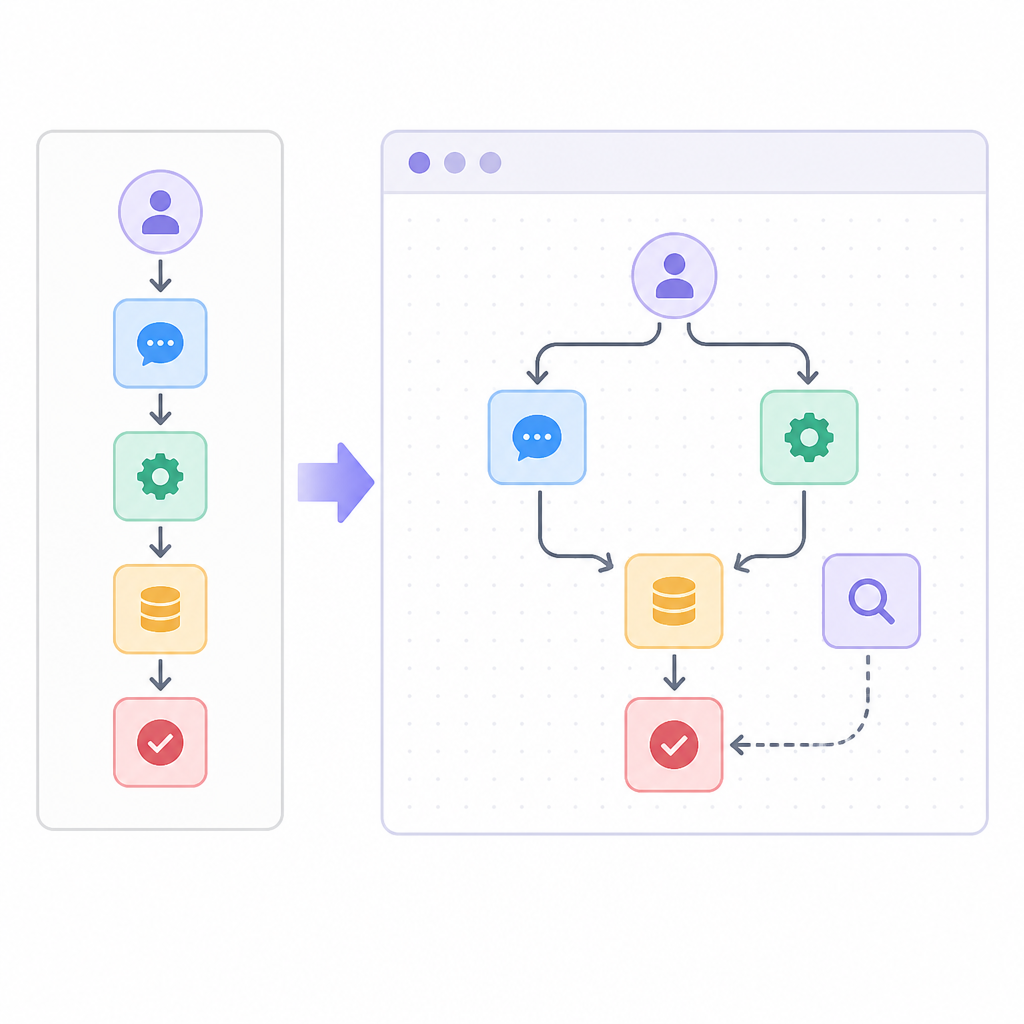
I like this idea, but I also trust it only halfway. AI-generated workflow nodes are great until they become a confidence trap. I have absolutely watched generated code or config look right enough to ship, only to discover the model quietly invented a field name or skipped an edge case. So my rule is simple: use Copilot to move faster, not to stop reading.
Sim's Copilot angle is strongest when you're iterating on structure. The README says you can generate nodes, fix errors, and iterate from natural language. That suggests the product is optimized for the annoying middle stage, when you already know the workflow shape but don't want to click through every node by hand.
How to apply it:
- Ask Copilot to draft the flow, then inspect every generated node like it was written by a tired contractor.
- Use natural language for iteration, not for final validation.
- Keep a manual checklist for inputs, outputs, and tool permissions.
If you want the Copilot piece in context, GitHub's own Copilot and the newer GitHub Models pages show where this kind of authoring support is heading inside the GitHub ecosystem.
Vector search is the part that keeps the agents grounded
“Integrate Vector Databases — Upload documents to a vector store and let agents answer questions grounded in your specific content.”
What this actually means is Sim isn't just about orchestration. It also wants to be the layer where your agents get context. That is the difference between a flashy demo and something I would actually point at internal docs, product specs, or support articles.
I've seen enough RAG setups to know the hard part is never the embedding call. The hard part is the mess around it: ingesting cleanly, keeping documents fresh, deciding what gets indexed, and making sure retrieval results are actually relevant. If Sim gives me a place to wire that into the same system as the rest of the agent flow, I stop juggling separate tools for “brain” and “memory.”
This is also where self-hosting matters. If the docs are sensitive, I do not want to spray them across random SaaS tools just to get a question-answering workflow working. The README mentions self-hosted options, PostgreSQL with pgvector, and local model support via Ollama and vLLM. That tells me the project is serious about letting teams keep the data path under their own roof.
How to apply it:
- Index only the content your agent actually needs. More data is not the same as better retrieval.
- Separate ingestion from query flows so you can debug each side independently.
- Test retrieval with adversarial questions, not just happy-path prompts.
For the storage side, the repo points to pgvector, which is the kind of boring infrastructure choice I trust more than the fancy alternatives.
Self-hosting is not an afterthought, it's one of the main reasons to care
“Cloud-hosted: sim.ai” and “Self-hosted: Docker Compose”
What this actually means is Sim is not forcing you into one deployment story. You can use the hosted version, run it through NPM, or bring it up yourself with Docker Compose. That flexibility is a big deal if you're trying to evaluate an agent platform without committing your company to a new vendor on day one.
I ran through the install paths in the README and, honestly, I appreciate that they are explicit. NPM package, Docker Compose, manual setup with Bun, Node.js 20+, and PostgreSQL 12+ with pgvector. That reads like a team that expects real users to have real constraints. Not everyone wants a black-box cloud service. Sometimes you want to know exactly what is running, where the secrets live, and how to kill it if it misbehaves.
The manual setup also gives away something useful about the architecture. There are separate environment files, database migrations, a Next.js app, and a realtime socket server. In other words, this isn't just a UI shell over an API. It is a real application stack, which means you should treat it like one when you adopt it.
How to apply it:
- Use the hosted version for evaluation, then switch to self-hosted if you need control over data and runtime.
- Keep a separate staging instance for workflow testing.
- Document your secret handling before you let anyone else edit flows.
The stack is refreshingly plain in the right places: Next.js, Bun, PostgreSQL, and Socket.io. I can work with that.
The repo tells you this is a platform, not a weekend demo
“The open-source platform to build AI agents and run your agentic workforce.”
What this actually means is the project is trying to be the center of gravity for agent ops, not just a helper library. You can see that in the monorepo layout, the docs, the background jobs, the remote code execution pieces, and the fact that the repository has thousands of commits. It is built like something that expects ongoing use.
I care about that because agent workflows rot fast when the project around them is flimsy. If the repo has no real structure, you're basically adopting a prototype with a nicer homepage. Sim has enough moving parts to suggest the team is thinking about maintainability, not just the first impression.
There are a few signals in the stack that matter to me. Trigger.dev for jobs means they expect async work. E2B and isolated-vm mean they are thinking about code execution boundaries. Zod and Drizzle tell me they care about schema and data shape. That combination is boring in the best possible way.
How to apply it:
- Evaluate whether you need a platform or just a library before you adopt anything.
- Check the repo structure for signs of long-term maintenance: docs, tests, migrations, and deployment paths.
- Prefer systems that make async work and execution boundaries explicit.
If you want to inspect the source directly, the repo is here: github.com/simstudioai/sim. The README is doing most of the explaining, which is fine by me because it means the team is at least willing to document the shape of the thing.
The template you can copy
# Sim-style AI workflow blueprint

Use this as the starting point for a visual agent workflow platform or an internal orchestration spec.

## 1) Workflow goal
- What problem does this flow solve?
- Who uses it?
- What does success look like?

## 2) Inputs
- User input:
- System input:
- Retrieved context:
- Required secrets:

## 3) Nodes

### Node: Intake
- Type: input
- Purpose: collect the request
- Output: normalized payload

### Node: Router
- Type: agent
- Purpose: decide which path to take
- Output: route label + rationale

### Node: Retrieval
- Type: vector search
- Purpose: fetch grounded context from documents
- Output: top-k passages

### Node: Tool Call
- Type: tool
- Purpose: call external API or internal service
- Output: structured result

### Node: Synthesis
- Type: agent
- Purpose: combine context, tool output, and policy
- Output: final response draft

### Node: Validation
- Type: guardrail
- Purpose: check schema, policy, and safety
- Output: pass/fail + error details

### Node: Delivery
- Type: output
- Purpose: send the final result
- Output: user-facing response or downstream event

## 4) Connections
- Intake -> Router
- Router -> Retrieval
- Router -> Tool Call
- Retrieval -> Synthesis
- Tool Call -> Synthesis
- Synthesis -> Validation
- Validation -> Delivery

## 5) Operational rules
- Every node must have a clear input and output schema.
- Every external tool call must be retryable.
- Every retrieval step must be testable with known documents.
- Every agent decision must be logged with enough context to replay.
- Every workflow must have a failure path.

## 6) Environment checklist
- APP_SECRET=
- ENCRYPTION_KEY=
- DATABASE_URL=
- VECTOR_DB_URL=
- LLM_API_KEY=
- TOOL_API_KEY=

## 7) Self-hosting checklist
- [ ] Database running with vector support
- [ ] Migrations applied
- [ ] Realtime server reachable
- [ ] Background jobs configured
- [ ] Secrets stored outside the repo
- [ ] Local model path tested
- [ ] Workflow editor accessible

## 8) Testing checklist
- [ ] Happy path passes
- [ ] Empty input fails cleanly
- [ ] Tool timeout handled
- [ ] Retrieval returns no results handled
- [ ] Malformed model output rejected
- [ ] Retry path works
- [ ] Logs show node-by-node execution

## 9) Minimal prompt for the orchestrator agent
You are the workflow orchestrator.

Your job:
1. Inspect the incoming request.
2. Select the correct path.
3. Retrieve only the context needed.
4. Call tools only when necessary.
5. Produce a structured final result.
6. Fail clearly when a step cannot continue.

Return:
- route
- reasoning summary
- required actions
- final output schema
What I like about this template is that it mirrors the actual shape of Sim without pretending you need Sim to use it. You can take the same structure into another agent stack, a design doc, or a hand-built workflow system. The point is to force clarity: inputs, nodes, connections, rules, testing, and deployment all in one place.
If I were rolling out a new agent workflow tomorrow, I'd start with this exact skeleton, then swap in my own tools, my own retrieval layer, and my own deployment rules. That is the part people skip, and then they wonder why their agent system feels fragile from day one.
Source attribution: the breakdown above is based on the Sim GitHub repository at https://github.com/simstudioai/sim. The template is my own derivative structure, written from the README and repo layout, not copied from the project itself.
// Related Articles
- [TOOLS]
Aliyun Bailian Token Plan turns credits into agents
- [TOOLS]
One API gateway turns six AI APIs into one
- [TOOLS]
OpenAI FDEs turn broken agents into shipped systems
- [TOOLS]
Anthropic’s daily brief turns news into a workflow
- [TOOLS]
Claude Reflect turns usage into retention
- [TOOLS]
Midjourney turns prompt ideas into art