Visual Studio adds custom Copilot agents
Visual Studio’s March update adds custom Copilot agents, symbol-aware code search, live profiling tips, and NuGet vulnerability fixes.
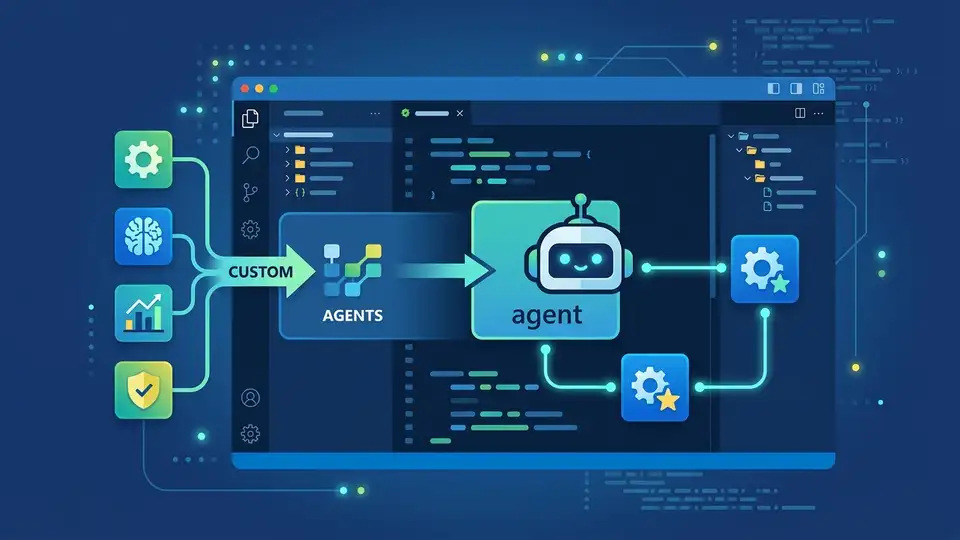
Visual Studio’s March update puts Visual Studio and GitHub Copilot closer together in a way that feels practical, not flashy. The headline feature is custom agents: repository-defined assistants that can follow team rules, use approved tools, and pull in project knowledge. Microsoft also added a new find_symbol tool, live performance tips during debugging, and one-click help for fixing NuGet vulnerabilities.
This is the kind of update that matters because it changes where work happens. Instead of treating AI as a chat window on the side, Visual Studio is turning it into part of the editor, the debugger, the test runner, and the security workflow.
Custom agents bring team-specific behavior into the repo
Get the latest AI news in your inbox
Weekly picks of model releases, tools, and deep dives — no spam, unsubscribe anytime.
No spam. Unsubscribe at any time.
The biggest addition in this release is custom agents. Microsoft says you can define them as .agent.md files inside .github/agents/ in your repository, and Visual Studio will pick them up in the agent picker. That means a team can encode its own instructions, preferred tools, model choice, and connections to external knowledge sources right next to the code.
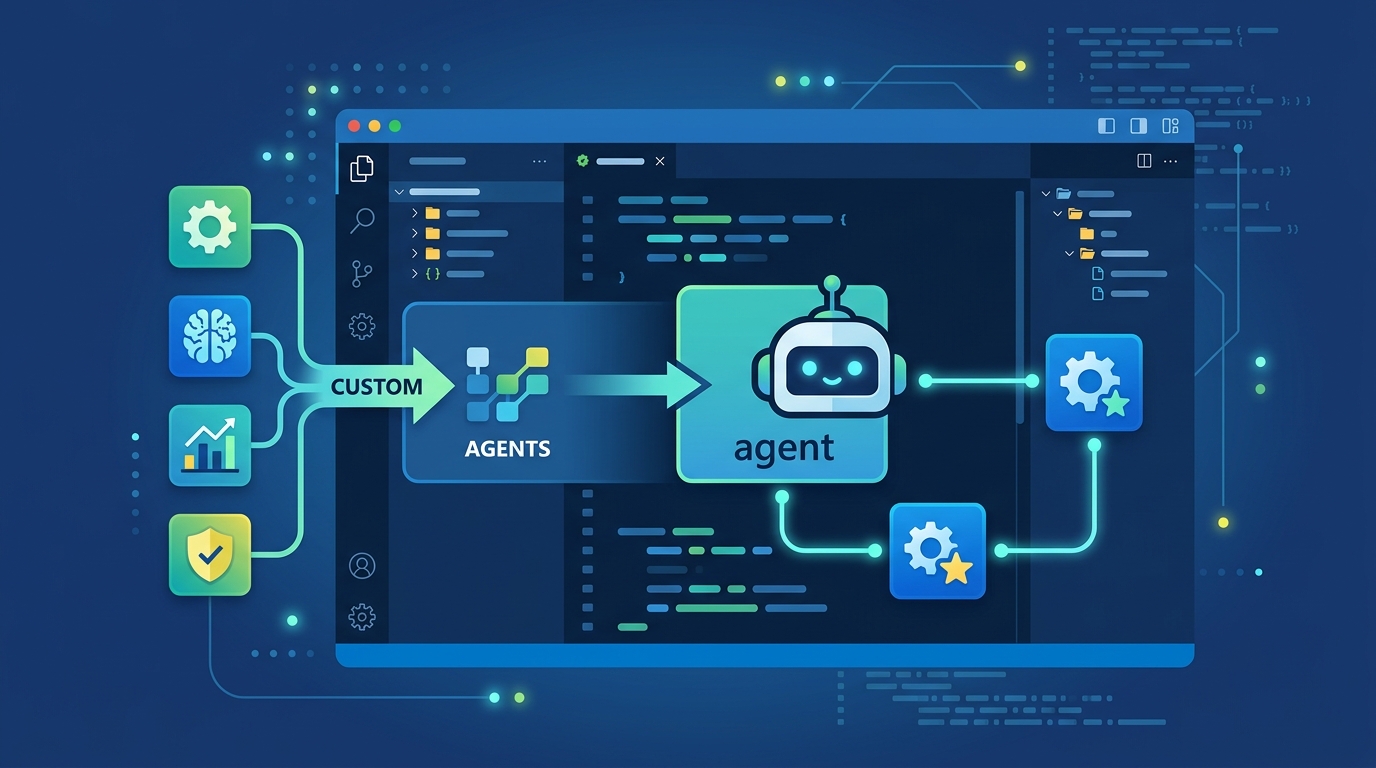
That matters because most engineering teams do not want a generic assistant. A backend team may want an agent that knows the build pipeline, checks architecture docs, and follows internal release rules. A frontend team may want one that understands component conventions and design system constraints. A platform team may want an agent that can query internal docs through MCP and use the same review checklist every time.
Microsoft says custom agents get workspace awareness, code understanding, tools, the selected model, and MCP connections. If you skip the model setting, the agent uses the model already selected in the picker. That detail matters because it keeps the configuration lightweight while still letting teams standardize behavior.
- awesome-copilot already has community agent configs you can copy and modify.
- Agents live in
.github/agents/and are defined with.agent.mdfiles. - Microsoft says tool names can differ across Copilot products, so agent portability is not automatic.
- MCP connections let agents query external knowledge sources instead of relying only on local files.
Skills make reusable instructions easier to share
Custom agents are only part of the story. Visual Studio also now picks up agent skills automatically from places like .github/skills/ in the repo and ~/.copilot/skills/ in a user profile. Each skill lives in its own directory with a SKILL.md file, following the Agent Skills specification.
In plain English, skills are reusable instruction bundles. If an agent is the personality and toolset, a skill is the repeatable behavior you want to apply in certain situations. That could be a release checklist, a test-writing pattern, a migration workflow, or a code review standard. Visual Studio surfaces the activated skill in chat, so you can see when it is in play.
Microsoft pointed developers to the same awesome-copilot repository for shared skills too, which is useful because it gives teams a starting point instead of forcing them to invent every instruction from scratch.
“Copilot is not a replacement for developers. It’s a tool that helps them work more efficiently.” — Satya Nadella, Microsoft Build 2023 keynote
That quote is old, but it fits this update well. Visual Studio is moving Copilot from general-purpose helper toward a workflow-specific tool. The more your agent understands your repo, your policies, and your language services, the less time you spend correcting it.
find_symbol gives Copilot a better sense of code structure
The new find_symbol tool is the most technically interesting piece in the update. Microsoft says Copilot’s agent mode can now do language-aware symbol navigation, which means it can find references, inspect type information, check declarations, and understand scope across your project.
That is a big step up from plain text search. If you ask Copilot to rename a parameter or refactor a method, it can use the structure of the codebase instead of guessing from string matches. In practice, that should reduce the kind of AI mistakes that happen when a tool sees text but misses meaning.
Support currently includes C++, C#, Razor, TypeScript, and any language with a supported LSP extension installed. Microsoft also notes that the best results come from models that support tool calling, which is a reminder that the model matters as much as the feature flag.
- Supported languages include C++, C#, Razor, and TypeScript.
find_symbolcan return references, declarations, scope, and type metadata.- Microsoft says the tool is enabled automatically once you turn it on.
- AI models with tool-calling support work best with this feature.
For teams living in large codebases, this is the sort of improvement that can save real time. It is one thing for an assistant to suggest a change in one file. It is another thing for it to understand where that symbol is used across the solution and update those call sites with some confidence.
Profiling, debugging, and security now sit closer together
Visual Studio also adds Copilot-powered profiling from Test Explorer and live performance tips during debugging. The new Profile with Copilot command appears in the Test Explorer context menu, runs the selected test, and analyzes performance using instrumentation profiling by default. Microsoft says this is currently supported in .NET.
During debugging, Visual Studio now shows execution time and performance signals inline as you step through code. If a line looks slow, you can click a Perf Tip and ask Copilot for optimization advice right there. The Profiler Agent captures elapsed time, CPU usage, and memory behavior automatically, then uses that data to suggest fixes.
Security gets a similar treatment. If Visual Studio detects a NuGet package vulnerability, it can show a Fix with GitHub Copilot link in Solution Explorer. Click it, and Copilot analyzes the issue and recommends dependency updates that address the vulnerability without turning the process into a manual package hunt.
- Profile with Copilot is available from Test Explorer’s context menu.
- Instrumentation profiling is the default mode for the profiling agent.
- Live perf tips appear during debugging with elapsed time, CPU usage, and memory data.
- NuGet vulnerability fixes start from Solution Explorer with a Copilot action.
These additions matter because they reduce context switching. A developer can write code, run tests, inspect performance, and patch a dependency without leaving the editor for a separate tool or dashboard. That is where AI starts feeling useful in daily work: when it shortens the path from symptom to fix.
Clipboard formatting is a small feature with a real payoff
One of the quieter changes in this release is HTML rich copy and cut support. When you copy code from the editor, Visual Studio can now place HTML clipboard content on the system clipboard, preserving syntax highlighting and formatting when you paste into HTML-based apps like presentations or web documents.
It is turned on by default, and you can adjust it in Tools > Options > Text Editor > Advanced. There you can toggle rich text copy and set a maximum length. This is not the feature that will headline a conference talk, but it will save time for people who regularly move code snippets into docs, tickets, or slides.
In a release full of AI features, this one is a reminder that developer productivity is often about the boring stuff. Copying code into a work item without breaking formatting is the kind of detail that makes a tool feel polished.
What this update says about Visual Studio’s direction
This release makes one thing clear: Visual Studio is trying to make Copilot more specific, more aware of code structure, and more useful inside real engineering workflows. The custom agent system gives teams a way to encode their own rules. The skill system makes those rules reusable. The symbol tool gives Copilot a better mental model of code. The profiling and security features tie AI into the day-to-day work of shipping software.
If you want to try any of it, Microsoft says you need Visual Studio 2026 Insiders. That is the practical next step if your team already uses Copilot and wants to see whether repo-specific agents can reduce repetitive work or improve consistency.
My read: the interesting question is no longer whether Copilot can write code. It is whether your team can shape Copilot into something that understands your build rules, your libraries, and your review habits. If that works, the next productivity jump will come from standardizing those agents across teams, not from asking one-off prompts in chat.
// Related Articles
- [TOOLS]
Aliyun Bailian Token Plan turns credits into agents
- [TOOLS]
One API gateway turns six AI APIs into one
- [TOOLS]
OpenAI FDEs turn broken agents into shipped systems
- [TOOLS]
Anthropic’s daily brief turns news into a workflow
- [TOOLS]
Claude Reflect turns usage into retention
- [TOOLS]
Midjourney turns prompt ideas into art