VS Code vs Cursor vs Windsurf in 2026
VS Code, Cursor, Windsurf, JetBrains, and web IDEs each win on different axes in 2026. Here’s the practical breakdown for teams.
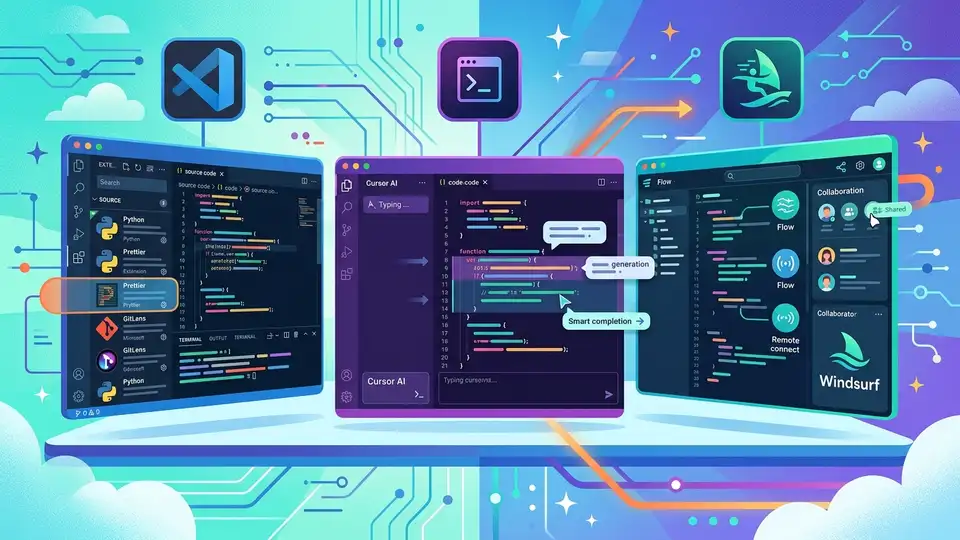
In 2026, the editor you pick is no longer a taste question. It affects how fast agents can edit code, how safely they can run tasks, and how much context they can keep in memory while working across a repo. The biggest shift is that development environments now compete on AI workflow quality, not just syntax highlighting.
This matters because the old default, VS Code, now shares the stage with AI-native editors like Cursor and Windsurf, while JetBrains and cloud-based Replit or GitHub Codespaces keep pushing their own model of how software should be built. The result is a real split in philosophy, and teams need to choose deliberately.
The 2026 question is about control, not just speed
Get the latest AI news in your inbox
Weekly picks of model releases, tools, and deep dives — no spam, unsubscribe anytime.
No spam. Unsubscribe at any time.
Five years ago, a development environment mainly helped you write code faster. Today it may also plan refactors, inspect dependencies, run tests, and keep an agent from wandering into the wrong file. That means the best tool depends on how much autonomy you want to give the machine.
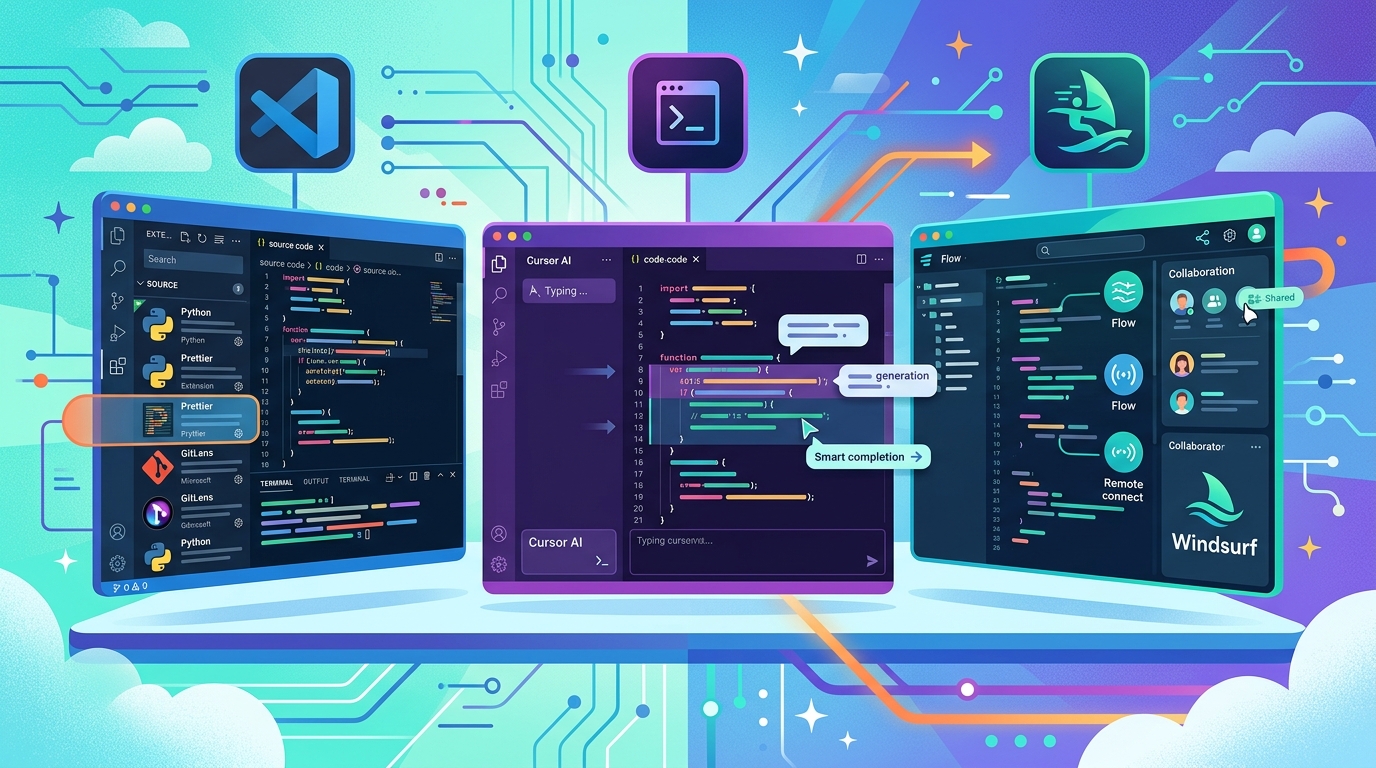
Amplifi Labs’ framing is useful here because it groups the field into three buckets: traditional IDEs with AI extensions, AI-native editors, and fully managed web IDEs. That split maps cleanly to how teams think about risk, onboarding, and ownership of the dev stack.
In practice, the tradeoffs fall into a few measurable buckets:
- Context depth: how well the editor understands a full repository, not just the open file
- Workflow control: whether the agent proposes edits or executes multi-step changes
- Operational overhead: local setup, permissions, and CI parity
- Language intelligence: how well the tool handles typed languages, refactors, and inspections
Those four dimensions matter more than theme support or shortcut nostalgia. If your team is shipping across many services, agent quality and repo context are now part of the productivity stack.
VS Code still wins on flexibility
VS Code remains the default answer for a lot of teams because it does one thing better than almost anything else: it adapts. You can pair it with GitHub Copilot, Claude Code, Continue, Aider, or a mix of MCP-connected tools without forcing the whole team into a new editor.
That flexibility is the reason VS Code keeps showing up in enterprise stacks. It is familiar, easy to standardize, and already wired into a huge extension ecosystem. For teams that work across JavaScript, Python, Go, and infrastructure code, the editor becomes a neutral shell around whatever AI stack the organization prefers.
But neutrality has a cost. VS Code is still an editor with AI attached, not an AI system designed from the start around agents. It can do a lot, but it does not feel as coordinated when an assistant needs to reason across many files, plan a sequence, and keep state synchronized while you jump around the codebase.
- Best fit: mixed-language teams and organizations that value consistency
- Strength: extension breadth and team familiarity
- Weak point: agent orchestration across large codebases
Cursor and Windsurf are built around agent workflows
Cursor and Windsurf take a different bet: the editor itself should be shaped around AI assistance, not retrofitted with it. That difference shows up fast when you ask the model to change multiple files, inspect related code, and keep the conversation aligned with what is actually in the repo.
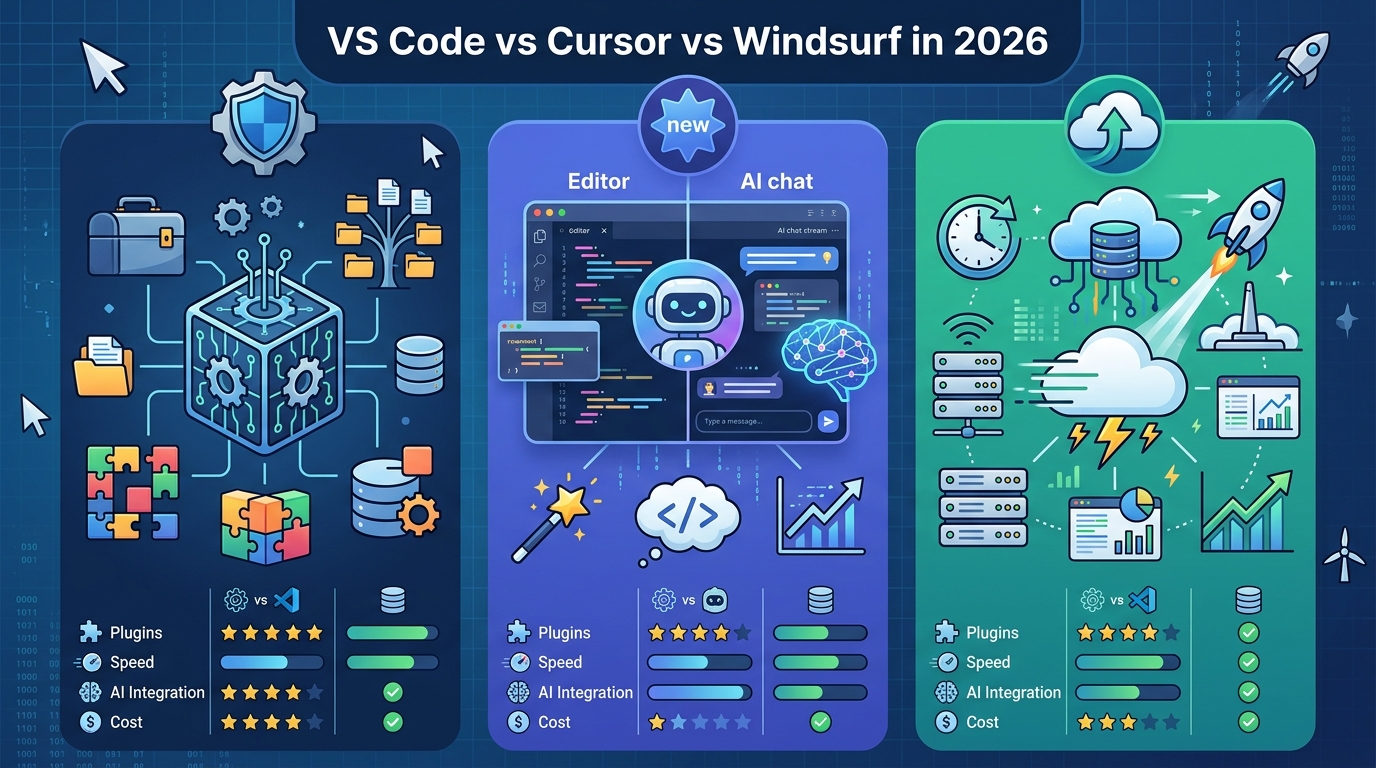
Cursor is the more direct of the two. It feels like a familiar editor that has been rebuilt around deep repository awareness. For refactors, feature work, and code exploration, that matters. You can ask for a change, then keep working while the assistant tracks the surrounding context instead of treating every prompt like a fresh start.
Windsurf takes a more structured approach with its Cascade agent. Instead of pushing freeform prompting, it encourages multi-step plans and clearer execution paths. That makes it appealing for teams that want agent behavior to feel more predictable and reviewable.
“The future is already here — it’s just not very evenly distributed.” — William Gibson
That quote fits this category well. Cursor and Windsurf are already showing what AI-native development feels like when the editor is designed for it, but plenty of teams are still working in older workflows and only adding AI as a side feature.
There is also a practical difference in model choice. Windsurf supports multiple back-end models, which can matter when a team wants to compare quality, manage cost, or route different tasks to different providers. Cursor is more opinionated, which some developers prefer because it reduces decision fatigue.
- Cursor advantage: strong repo context and multi-file editing
- Windsurf advantage: structured agent plans and multi-model flexibility
- Shared strength: better fit for large refactors than classic extension-based setups
JetBrains still owns typed-language precision
JetBrains keeps its edge where static analysis matters most. If your team lives in Java, Kotlin, Go, or Rust, the IDE’s inspections, indexing, and refactor support are still hard to beat. AI can help write code, but it still misses edge cases that JetBrains catches through type-aware analysis.
That is why JetBrains is such an interesting middle ground in 2026. It is not AI-native in the same way Cursor is, but when paired with assistants such as Claude Code or Copilot, it gives developers both machine assistance and strong local guarantees. For enterprise teams, that combination can be more valuable than a flashier interface.
The numbers are less about market hype and more about workflow fit. JetBrains wins when the cost of a bad refactor is high, when type systems are dense, and when teams want the IDE to catch mistakes before code ever reaches review.
- JetBrains strength: type-aware navigation and refactors
- JetBrains strength: mature support for large enterprise codebases
- JetBrains tradeoff: slower shift toward agent-first workflows
Web IDEs cut setup time and tighten control
Web IDEs like Replit and GitHub Codespaces solve a different problem: they remove local setup and put compute in a controlled environment. That is a big deal for onboarding, workshops, short-lived projects, and distributed teams that do not want to fight machine differences.
They also make agent execution safer. If the assistant can run tests, start services, and edit code inside a sandboxed environment, you get a cleaner boundary between the model and the rest of the machine. That matters when you want automation without giving a local agent broad access to a developer laptop.
The tradeoff is scale and customization. Web IDEs are excellent for prototypes and shared environments, but they can feel less comfortable on giant monorepos or in teams with deeply customized toolchains. Once your workflow depends on local daemons, unusual build steps, or specialized hardware, the browser starts to feel like a constraint.
For a useful comparison, think about the operating model rather than the UI:
- VS Code: local-first and highly configurable
- Cursor: local-first with AI-native repo reasoning
- Windsurf: local-first with structured agent execution
- JetBrains: local-first with strong static intelligence
- Web IDEs: cloud-first with controlled execution and easy onboarding
So which one wins in 2026?
There is no single winner, and that is the honest answer. If your team wants the most advanced AI-native experience, Cursor and Windsurf are the strongest bets because they treat the editor as part of the agent workflow. If your codebase depends on type accuracy and disciplined refactoring, JetBrains still earns its place. If your organization values flexibility above all else, VS Code remains the safest default.
Web IDEs deserve a serious look too, especially for teams that care about fast onboarding or controlled execution. They are the easiest place to start if you want agents to run code without turning every developer laptop into a special case.
For a quick decision rule, use this:
- Choose Cursor if you want deep AI assistance for day-to-day coding and refactors
- Choose Windsurf if you want a more guided agent workflow
- Choose JetBrains if your stack rewards static analysis and precise refactors
- Choose VS Code if your team needs broad compatibility and tool freedom
- Choose Codespaces or Replit if setup friction is killing momentum
The real prediction for 2026 is simple: teams will stop asking which editor is best in the abstract and start asking which one fits their agent policy, codebase size, and security model. If you are making that choice now, the smartest move is to pilot one AI-native editor alongside your current stack and measure how many multi-file tasks it can complete without human cleanup. That metric will tell you more than any feature list.
// Related Articles
- [TOOLS]
Aliyun Bailian Token Plan turns credits into agents
- [TOOLS]
One API gateway turns six AI APIs into one
- [TOOLS]
OpenAI FDEs turn broken agents into shipped systems
- [TOOLS]
Anthropic’s daily brief turns news into a workflow
- [TOOLS]
Claude Reflect turns usage into retention
- [TOOLS]
Midjourney turns prompt ideas into art