Why WebAssembly Is Killing Server-Side Browser Tools
WebAssembly now makes many browser tools faster, safer, and account-free by running work locally.

WebAssembly now makes many browser tools faster, safer, and account-free by running work locally.
WebAssembly maturation is eliminating the case for server-side browser tools, and product teams should stop building upload-and-process services for tasks that fit in the tab. SIMD, threading, and garbage collection support have pushed real workloads like image encoding, SQL analysis, encryption, and video transcoding into the browser itself. That shift does more than trim infrastructure costs. It removes the account wall, the upload delay, and the privacy risk that come with sending user files to a remote job queue.
First, the performance gap that justified server-side processing is gone
Get the latest AI news in your inbox
Weekly picks of model releases, tools, and deep dives — no spam, unsubscribe anytime.
No spam. Unsubscribe at any time.
For years, the argument for server-side browser tools was simple: the browser was too slow. That is no longer true for a wide class of workloads. SIMD support shipped across major browsers in 2021 and 2022, and it turned browser-local media processing from a novelty into a practical option. Squoosh is the clean example here. It can encode AVIF and WebP in the browser at speeds that were once the domain of desktop apps, which means the old trade-off between convenience and performance has collapsed.
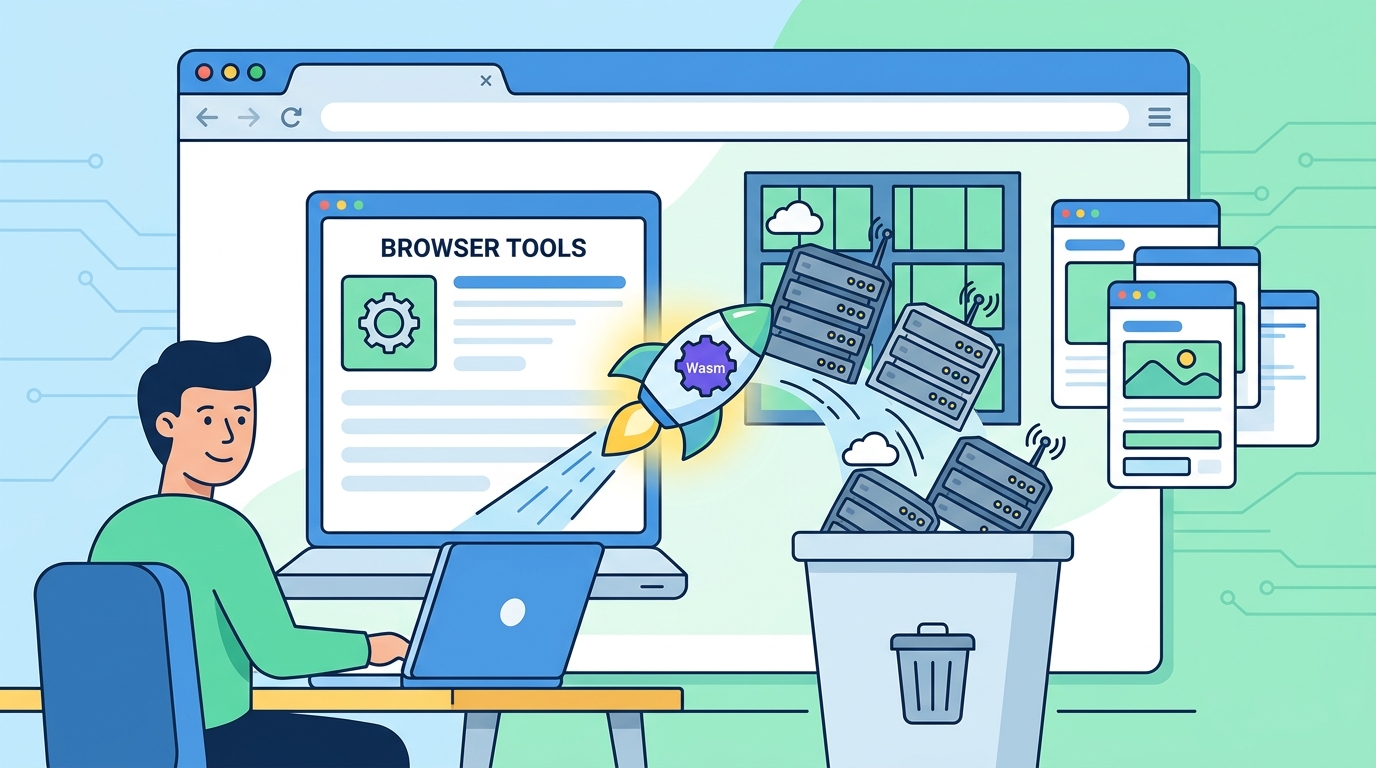
Threading pushes that boundary further. ffmpeg.wasm is not a toy demo; it is proof that browser-local transcoding can handle computationally heavy tasks when the runtime can use multiple cores. The important point is not that every video workflow belongs in the browser. It is that the default assumption has changed. If the workload is bounded, file-local, and interactive, the browser is now a serious execution environment, not a compromise.
Second, WebAssembly gives privacy a structural advantage over server promises
Server-side browser tools have always leaned on policy language: we do not store your files, we delete them after processing, we care about your privacy. WebAssembly changes the trust model. When the computation runs locally in a sandboxed tab, the data never has to leave the machine in the first place. That is structural privacy, not a promise in a footer. In practice, it is stronger because users and auditors can inspect the code path instead of taking a service’s deletion policy on faith.
The hat.sh model shows why this matters. By using libsodium through Wasm, it encrypts files locally and avoids the worst pattern in this category, which is asking users to upload sensitive data so a server can “help.” The same logic applies to Datasette Lite and the official SQLite Wasm build. A user can inspect CSVs, run SQL, and explore datasets without handing a copy of the raw data to a remote backend. That is not just a better UX. It is a different security posture.
Third, the ecosystem has matured enough to support real application design, not just demos
The biggest objection to browser-local Wasm tools used to be startup overhead and awkward language support. Native GC support changed that. With the GC proposal available in Chrome 119 and Firefox 120, languages like Python and Kotlin no longer need to drag along heavy runtime baggage just to behave normally in the browser. Pyodide benefits directly from that shift, because it can bring NumPy and pandas to the tab without forcing users into a separate install or a cloud notebook account. That is a product-quality improvement, not an academic one.

Tooling breadth matters too. AudioMass does waveform editing and effects locally, which means no upload queue and no waiting for server-side render jobs. That pattern scales across categories: local file encryption, interactive media editing, client-side data analysis, and even browser-based database exploration. The point is not that every app should be rewritten in Wasm. The point is that the browser now supports a credible class of no-login tools that were previously impossible or too brittle to ship well.
The counter-argument
The strongest case for server-side browser tools is operational simplicity. Centralized processing is easier to update, easier to monitor, and easier to secure in one place. It also avoids browser deployment constraints like COOP and COEP headers, which threading needs through SharedArrayBuffer. For teams shipping a fast-moving product, that simplicity is real. A server can normalize input formats, enforce quotas, and keep the client thin.
There is also a legitimate ceiling on what belongs in the browser. Very large models, long-running batch jobs, and workflows that depend on shared state still fit better on the server. If the task requires persistent collaboration or heavy orchestration, local execution is the wrong abstraction.
That counter-argument does not save the old architecture. It only defines the boundary. For single-user, file-centric, privacy-sensitive tools, server-side processing is now the weaker default because it adds latency, account friction, and trust overhead without adding much value. The browser is not replacing every backend. It is replacing the backend for a growing list of tools that never needed one.
What to do with this
If you are an engineer, PM, or founder, audit your product for any workflow where the user uploads a file, waits for a job, and then downloads a result. Those are the first candidates for client-side Wasm. Start with tasks that are CPU-bound, deterministic, and private: compression, encryption, parsing, filtering, and local analysis. If the tool can run entirely in a tab, remove the account wall, remove the job queue, and make the privacy guarantee a property of the architecture, not the marketing page.
// Related Articles
- [TOOLS]
Aliyun Bailian Token Plan turns credits into agents
- [TOOLS]
One API gateway turns six AI APIs into one
- [TOOLS]
OpenAI FDEs turn broken agents into shipped systems
- [TOOLS]
Anthropic’s daily brief turns news into a workflow
- [TOOLS]
Claude Reflect turns usage into retention
- [TOOLS]
Midjourney turns prompt ideas into art