IBM’s vibe coding guide turns prompts into code
I break down IBM’s vibe coding guide into a practical workflow, its limits, and a copy-ready template for AI-assisted coding.

IBM’s vibe coding guide turns plain-language prompts into AI-generated code.
I’ve been watching “vibe coding” get tossed around like it’s either magic or a threat, and honestly, both takes annoy me. In practice, it’s usually neither. It’s just a faster way to get from “I have an idea” to “I have a messy first draft,” which is useful until you pretend the draft is production-ready. That’s where I keep seeing teams trip over themselves.
What I like about IBM’s write-up is that it doesn’t hide the tradeoff. It says the point is to express intent in plain speech, let AI generate the scaffolding, then refine from there. That’s the part people skip. They hear “AI writes the code” and immediately start planning to fire half the stack. Then they spend a week debugging a generated app that nobody understands. Been there, hated it.
So I pulled IBM’s article apart into the parts I actually care about as a developer: what vibe coding is, what it buys you, where it gets flaky, and how I’d use it without turning my repo into a haunted house.
Source anchor: IBM’s What is Vibe Coding? article by Shalini Harkar is the starting point here. IBM also references Andrej Karpathy, plus tools like Replit, Cursor, and GitHub Copilot as common entry points.
Vibe coding is not “no-code.” It’s prompt-first coding
Get the latest AI news in your inbox
Weekly picks of model releases, tools, and deep dives — no spam, unsubscribe anytime.
No spam. Unsubscribe at any time.
“Vibe coding” is a new and loosely-defined term in software development that refers to the practice of prompting AI tools to generate code rather than writing code manually.
What this actually means is that the unit of work changes. I’m not sitting there typing every loop and import from scratch. I’m describing intent, constraints, inputs, and output shape, then I’m using the model as a very fast first-pass implementation engine.
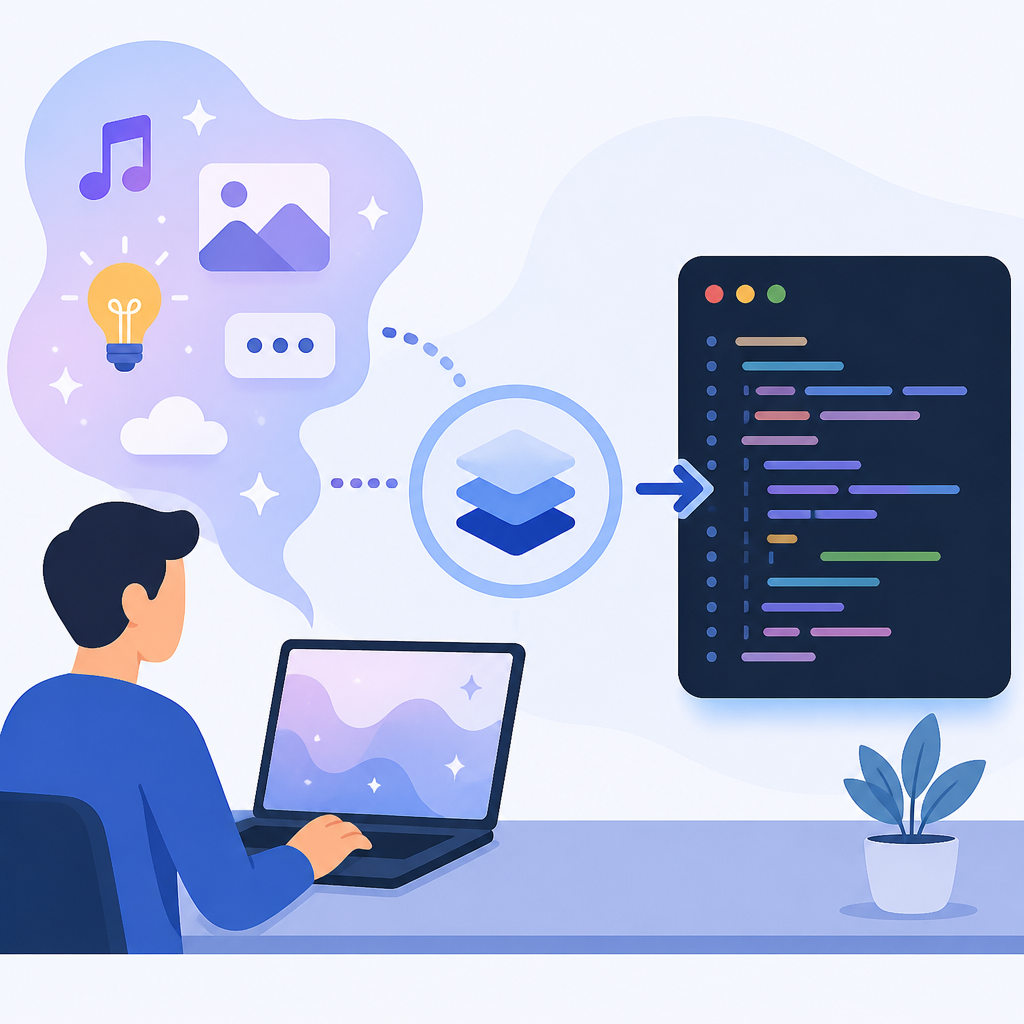
IBM frames it as a shift from strict, manual coding toward a more flexible, AI-powered workflow. That’s fair. I’d call it “prompt-first development” before I’d call it anything romantic. The important bit is that the prompt becomes part spec, part implementation request, part review checklist. If you write a vague prompt, you get vague code. If you write a sharp prompt, you get something I can actually edit instead of delete.
I’ve run into this when prototyping UI-heavy features. If I ask for “a dashboard,” I get a generic dashboard-shaped blob. If I ask for “a React admin view with a left nav, a table, inline filters, and mocked loading/error states,” I get something I can iterate on. That’s the whole game. The AI is not reading my mind. It’s pattern-matching my instructions.
IBM also ties vibe coding to LLMs like ChatGPT and Claude, plus coding systems like OpenAI Codex. That matters because different tools have different failure modes. Some are better at scaffolding, some at refactoring, some at conversational back-and-forth. I wouldn’t use one tool for everything and then act surprised when it gets weird.
How to apply it: treat the AI like a junior engineer who can type fast but needs very explicit direction. Give it the stack, the file boundaries, the user flow, the non-goals, and the acceptance criteria. If you don’t know those things yet, vibe coding is probably too early for the task.
- Use it for first drafts, not final truth.
- Always specify framework, runtime, and output format.
- Ask for the smallest useful slice first.
The real win is speed, not genius
IBM says vibe coding lets users “stay in the zone of creativity” while automating tedious work and generating standard codebase structures. That’s the honest pitch. It’s not that the AI is smarter than you. It’s that it removes enough boilerplate friction that you can keep moving.
I’ve felt this most with repetitive setup work. New feature branch, same old routing, same same-form validation, same fetch/error/loading state, same component shell. That’s exactly the kind of work that makes me want to stare at the ceiling instead of shipping. If I can hand that to a model and spend my brain cycles on the actual product logic, I’m happy.
IBM also describes a “code first, refine later” mindset. I’m on board with that, but only if “refine later” is a real step and not a lie developers tell themselves. The first draft is supposed to be ugly. The point is to get a working shape fast enough that you can validate the idea before you overinvest in polish.
That’s why this works so well for prototypes, internal tools, and demos. You can get something on screen, show it to a stakeholder, and learn whether the problem is real. If the answer is no, you’ve saved yourself from building the wrong thing beautifully. Which, let’s be honest, is a very common developer hobby.
How to apply it: use vibe coding when your highest risk is “will this idea work?” rather than “can this system survive 10 million requests?” Those are different problems. Don’t confuse them just because both involve code.
- Best fit: prototypes, internal apps, throwaway experiments, UI scaffolds.
- Poor fit: mission-critical core logic, security-sensitive flows, distributed systems.
Prompt quality is the whole job
“The more effective the prompt is, the better the output will be.”
That line from IBM is obvious, but people keep acting like it’s a minor detail. It isn’t. Prompt quality is basically requirements quality with a nicer UI.
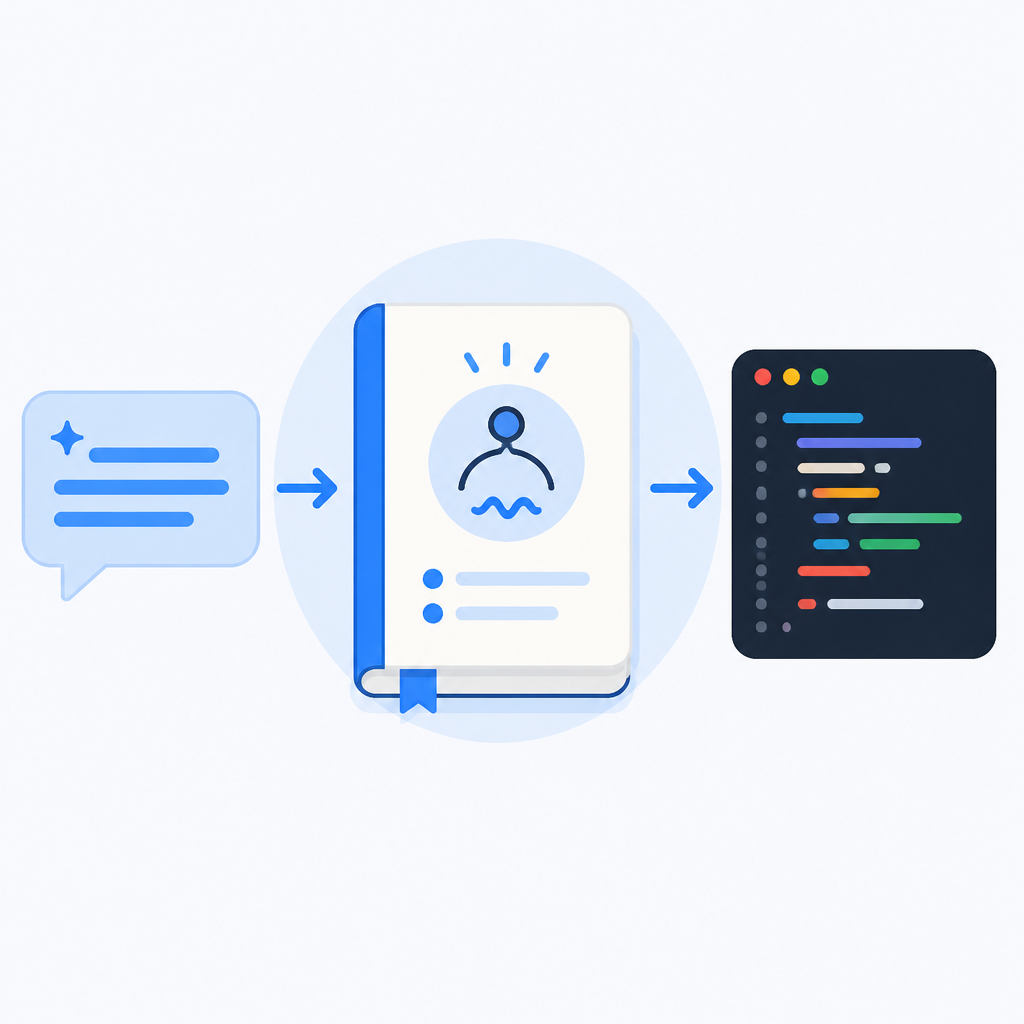
IBM gives a sample prompt for an interactive visual experience reacting to music, user interaction, or real-time data, with JavaScript or React and customization for different moods. That’s a decent example because it includes behavior, constraints, and implementation hints. It’s not just “make it cool.” Thank goodness. “Make it cool” is how you end up with nonsense.
What this actually means is that a good vibe-coding prompt should answer five questions: what am I building, who is it for, what stack should it use, what should it do, and what should it not do. If the model doesn’t know those things, it will fill the gaps with generic assumptions. That’s where the weirdness starts.
I’ve had better results when I write prompts like I’m handing a task to a contractor who will disappear after the first draft. That sounds harsh, but it works. I include the deliverable, the constraints, and the acceptance conditions. I also ask for comments or a short explanation of the generated structure so I can understand what I’m about to maintain.
How to apply it: don’t prompt for “a feature.” Prompt for the shape of the feature, the stack, the states, and the edge cases. If you can’t describe the output clearly, the AI can’t save you from that ambiguity.
Build a [feature] for [user type] using [stack].

Requirements:
- Core behavior: [list]
- Inputs: [list]
- Outputs: [list]
- States: loading, empty, error, success
- Constraints: [performance, accessibility, security, style]
- Non-goals: [what not to build]

Return:
1) file structure
2) implementation
3) brief explanation of key decisions
4) any assumptions made
Refinement is where the actual engineering happens
IBM’s four-step implementation flow is basically: choose a platform, define the requirement, refine the generated code, then review and ship. That sounds simple because it is simple. The hard part is resisting the urge to stop at step two.
Step three, code refinement, is where I’ve seen teams either become effective or become delusional. The AI gives you a basic version. Fine. Now what? You inspect the structure, identify the gaps, and ask for targeted changes. That means you’re not “talking to the model” in the abstract. You’re editing, reviewing, and iterating like a developer.
I ran into this when using AI for a small React feature. The first pass looked fine until I noticed state was scattered across three components and the naming was a mess. Instead of rewriting manually, I asked for a tighter component split, extracted helpers, and clearer prop boundaries. That’s the rhythm I prefer: generate, inspect, constrain, regenerate.
IBM’s article says the final code should be reviewed before deployment. Good. That review needs to be more than a glance. I’d check correctness, readability, dependency sprawl, error handling, and whether the generated code introduced hidden assumptions. AI loves making assumptions. Sometimes they’re harmless. Sometimes they’re a bug with a nice smile.
How to apply it: make refinement a checklist, not a feeling. If the output is missing tests, ask for tests. If the component is too large, ask for a split. If the architecture is fuzzy, ask for a diagram or folder map before touching business logic.
- Review for structure first, then behavior, then polish.
- Ask for diffs or targeted edits instead of full rewrites when possible.
- Keep the generated code small enough that you can explain it out loud.
IBM’s limits section is the part people should read twice
“AI simply generates code, but true creativity, goal alignment and out-of-the-box thinking remain uniquely human.”
That sentence is doing a lot of work, and I agree with it. AI can generate plausible code. It cannot own the product goal. It cannot decide whether a shortcut is acceptable for your org. It cannot be responsible when the thing breaks on Friday night.
IBM lists several limitations: technical complexity, code quality and performance issues, debugging challenges, maintenance and updates, and security concerns. That’s the part I wish more people would sit with. Vibe coding is easy to love when you’re making a demo. It gets less charming when you need to maintain the thing for six months.
The security warning deserves special attention. IBM says AI-generated code can be excluded from code reviews and security checks, which creates risk. I’ve seen exactly this failure pattern: someone trusts the generated output because it “looked right,” and then nobody does the boring review work. That’s how you ship vulnerabilities with confidence.
Maintenance is the other trap. Generated code can be hard to understand later because the logic wasn’t authored through your normal team conventions. If your repo doesn’t have standards for naming, folder structure, tests, and linting, the AI will happily invent its own little kingdom. And then future-you gets to excavate it.
How to apply it: use vibe coding inside guardrails. Don’t let the model define your architecture. Don’t let it skip tests. Don’t let it bypass review just because it was “fast.” Fast is only useful if you can still own the result.
The best use case is fast prototyping with a human in charge
IBM leans hard into quick prototyping, problem-first thinking, reduced risk, and multimodal coding with voice, visual, and text inputs. That all tracks. The common thread is that vibe coding is strongest when the goal is to validate an idea quickly, not to prove engineering purity.
I think the most useful mental model is this: vibe coding is a sketchpad, not the finished painting. You use it to test the shape of the problem, the rough interaction model, or the first pass at a workflow. If the sketch is promising, then you invest in the real build.
That’s why startups like the ones IBM mentions around Y Combinator keep showing up in these conversations. Early-stage teams care a lot about speed because they’re trying to learn whether anyone wants the thing. They do not need every line of code to be an artisanal masterpiece. They need signal.
IBM also mentions tools like Replit, Cursor, and GitHub Copilot as popular options. I’d add that the tool matters less than the workflow around it. If your team has no review discipline, the fanciest tool on earth won’t save you. If your team has good standards, even a basic AI assistant can be productive.
How to apply it: define a “vibe coding lane” in your process. Use it for ideation, prototypes, and internal experiments. Require normal engineering review before anything touches users. That keeps the speed without pretending the risk disappeared.
The template you can copy
# Vibe Coding Workflow Template

## 1) Problem statement
- What are we building?
- Who is it for?
- What user problem does it solve?
- What does success look like?

## 2) Prompt to the AI
Build a [feature/app/component] for [audience] using [stack].

Requirements:
- Core behavior: [list]
- Inputs: [list]
- Outputs: [list]
- UI/UX constraints: [list]
- Performance constraints: [list]
- Accessibility constraints: [list]
- Security constraints: [list]
- Non-goals: [list]

Deliverables:
1. Suggested file structure
2. Implementation code
3. Short explanation of key decisions
4. Assumptions made
5. Any follow-up questions for me

## 3) Review checklist
- Does the code match the requested behavior?
- Is the structure easy to understand?
- Are loading, empty, error, and success states handled?
- Are there tests or clear test cases?
- Are dependencies minimal and justified?
- Are there security or privacy concerns?
- Could another developer maintain this in 3 months?

## 4) Refinement prompt
Refine the code with these changes:
- [specific change 1]
- [specific change 2]
- [specific change 3]

Keep the same stack. Keep the scope limited to these changes. Preserve working behavior unless explicitly requested otherwise.

## 5) Shipping rule
Do not ship generated code until:
- a human has reviewed it
- tests have passed
- security-sensitive paths have been checked
- the code is understandable without the prompt
That template is my practical version of IBM’s article: prompt clearly, inspect hard, refine deliberately, and keep a human in charge. If I were adopting vibe coding on a team, I’d start here before I let anyone near production.
Source attribution: the breakdown above is derived from IBM’s article What is Vibe Coding?. The template and workflow guidance are my own practical interpretation, not IBM’s original text.
// Related Articles
- [TOOLS]
Gemini Live on Pixel lets you talk, not type
- [TOOLS]
Sim turns agent workflows into a visual canvas
- [TOOLS]
low_latency_layer brings Reflex to Linux GPUs
- [TOOLS]
dbt sl turns Semantic Layer setup into a loop
- [TOOLS]
Kubernetes v1.36 turns release notes into a playbook
- [TOOLS]
Kubernetes turns clusters into declared state