AWS ships Agent Toolkit for coding agents
AWS launched Agent Toolkit for AWS, adding MCP access, curated skills, and audit controls for Claude Code, Cursor, and other agents.

AWS launched Agent Toolkit for AWS to give coding agents controlled access to AWS APIs.
AWS has packaged its new Agent Toolkit for AWS around one simple idea: AI coding agents need fresher AWS context than their base models usually have. The toolkit is built for tools like Claude Code, Cursor, and Codex, and AWS says it can help agents build, deploy, and manage applications with fewer mistakes.
The pitch is easy to understand if you have ever watched an agent thrash through AWS docs, guess at the wrong service, and burn tokens on retries. AWS is trying to replace that guesswork with a managed MCP server, curated skills, and policy controls that make agent activity easier to audit.
| Item | Number | Why it matters |
|---|---|---|
| AWS services exposed | 300+ | Agents can reach a wide slice of AWS through one interface |
| API actions covered | 15,000+ | Broad command coverage without local AWS CLI installs |
| Additional charge | $0 | You pay standard AWS usage costs only |
| Supported plugin targets | Claude Code, Cursor, Codex | Easy install for popular coding agents |
What AWS is actually shipping
Get the latest AI news in your inbox
Weekly picks of model releases, tools, and deep dives — no spam, unsubscribe anytime.
No spam. Unsubscribe at any time.
The toolkit has three parts: the AWS MCP Server, Agent Skills, and agent plugins. Together, they give an AI agent a way to query AWS documentation, run approved commands, and follow tested workflows without treating AWS like a giant trivia quiz.
The most important piece is the MCP server. AWS describes it as a managed, remote server that exposes AWS through the Model Context Protocol. That means the agent can call tools through one authenticated endpoint instead of asking the user to paste commands into a terminal and hope for the best.
AWS says the server can do three things especially well: give access to the full AWS API surface, run sandboxed Python scripts for multi-step tasks, and fetch current documentation and API references in real time. That matters because model training data ages quickly, while AWS keeps shipping new services and features.
- Agents can interact with AWS services without installing the AWS CLI locally.
- Scripts run in an isolated environment with no access to the local filesystem or network.
- Documentation lookup is built in, so agents can consult current AWS guidance while they work.
- CloudWatch metrics and IAM controls help separate human activity from agent activity.
Why AWS thinks agents need more than raw model knowledge
Most coding agents are good at producing plausible code. The trouble starts when they have to choose the right AWS service, wire up permissions, or build infrastructure that survives contact with production traffic. AWS is betting that the missing ingredient is not more model size, but better context and tighter execution rules.
That is why the toolkit includes curated skills. These are packages of instructions, scripts, and reference material for specific AWS tasks. Instead of dumping every instruction into the model context window, the toolkit loads only the skill that matches the task at hand.
"MCP is an open standard for connecting AI agents to external tools and data sources."
That definition comes from the Model Context Protocol project itself, and it explains why AWS chose MCP as the transport layer here. If the agent knows how to talk MCP, it can discover tools, send structured inputs, and receive structured outputs without a custom integration for every product.
AWS says the skills are tested and evaluated. The company highlights service decision guides, step-by-step procedures, and troubleshooting guides for tasks such as creating S3 Tables, setting up Glue ETL pipelines, configuring IAM policies, and deploying serverless applications. That is a very different promise from “ask the model and hope.”
- Service decision guides help agents choose between AWS options with tradeoff notes.
- Step-by-step procedures cover repeatable workflows like VPC setup and Lambda-to-API Gateway connections.
- Troubleshooting guides help diagnose common errors and suggest fixes.
- Skills can be pre-installed or discovered at runtime through the MCP server.
The security angle matters more than the demo
The flashy part of this release is that an agent can provision infrastructure. The more important part is that AWS wants those actions to be visible and controllable. If an agent is making changes in your account, you need to know what it touched, when it touched it, and whether those actions fit your organization’s policies.
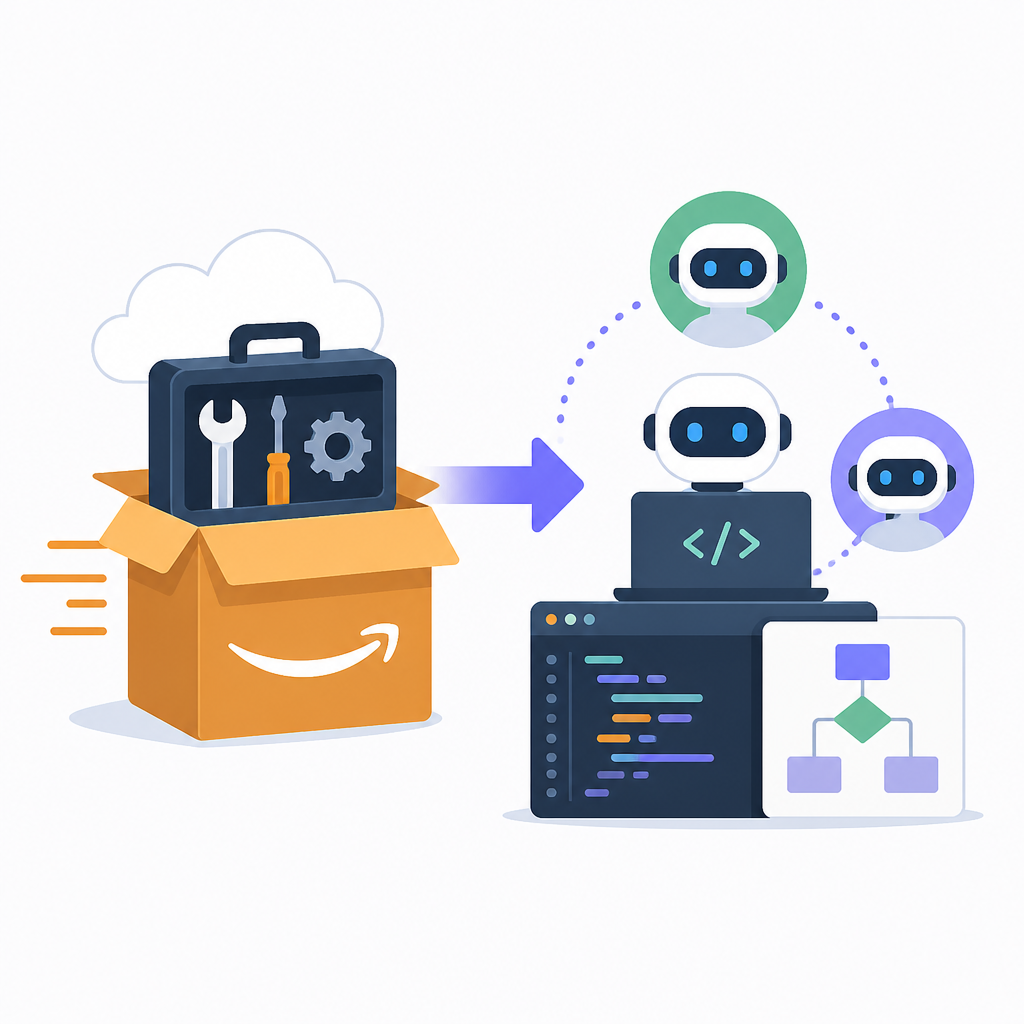
AWS says the MCP server adds CloudWatch metrics, CloudTrail audit logging, and IAM-based access controls. It also introduces the aws:CalledViaAWSMCP condition key, which lets teams write policies that apply only when an action comes through the agent path.
That detail is easy to miss, but it is the sort of thing platform teams care about. It means an IAM role can still have broad permissions for human use while the same role can be restricted when an agent is the one calling AWS through MCP. For enterprises, that is the difference between a neat demo and something you can actually run in production.
AWS also says the toolkit is available at no additional charge. That sounds generous until you remember the fine print: you still pay for the AWS resources the agent creates or uses. In other words, the toolkit is free, but bad prompts can still get expensive.
How it compares with the older AWS Labs tools
AWS is positioning the toolkit as the successor to its earlier MCP servers, skills, and plugins from AWS Labs. The big shift is not just packaging. AWS says the new toolkit adds stronger audit controls, agent-specific IAM condition keys, and evaluated skills that are meant to complete workflows more reliably.
Here is the practical comparison:
- Earlier AWS Labs tools: useful building blocks, open source, and still supported.
- Agent Toolkit for AWS: managed MCP access, plugin installs for popular agents, and automatic updates as new capabilities land.
- Security model: the new toolkit adds clearer separation between human actions and agent actions.
- Operational visibility: CloudWatch metrics and CloudTrail logging make it easier to track what the agent did.
There is also a workflow difference. AWS says plugins for Claude Code, Cursor, and Codex can be installed with a single step, while other MCP-compatible agents can point to the same server config and skill catalog. That lowers the friction for teams already experimenting with agentic development.
For builders, the most interesting use cases are practical ones: generate AWS infrastructure, connect a Lambda function to API Gateway, inspect a broken deployment, or investigate a sudden cost spike. Those are the tasks where generic coding help usually falls short and where AWS-specific context matters most.
If you want the short version, AWS is trying to make AI agents less improvisational and more accountable inside its cloud. The real test is whether teams trust the toolkit enough to let agents do more than draft templates. If the answer is yes, the next question is how much permission you are willing to give them on day one.
What to watch next
The rollout matters because AWS is making a bet that agent workflows will move from chatty experiments to routine infrastructure work. That will only happen if the skills stay current, the permissions stay tight, and the audit trail stays readable.
My guess is the first serious adopters will be platform teams that already live in AWS and already use coding agents for repetitive work. They will care less about the novelty of MCP and more about whether the toolkit saves time on VPCs, IAM policies, and deployment debugging. If those teams see fewer failed runs and fewer manual fixes, this release will matter fast.
For everyone else, the practical next step is simple: try the toolkit on a low-risk AWS task and watch how often the agent asks for help, guesses wrong, or reaches for the wrong service. That will tell you more than any launch page ever could.
// Related Articles
- [TOOLS]
Aliyun Bailian Token Plan turns credits into agents
- [TOOLS]
One API gateway turns six AI APIs into one
- [TOOLS]
OpenAI FDEs turn broken agents into shipped systems
- [TOOLS]
Anthropic’s daily brief turns news into a workflow
- [TOOLS]
Claude Reflect turns usage into retention
- [TOOLS]
Midjourney turns prompt ideas into art