Build semantic search with OpenSearch vectors
A step-by-step guide to set up OpenSearch vector search for semantic retrieval.

A step-by-step guide to set up OpenSearch vector search for semantic retrieval.
This guide is for developers who want to use OpenSearch vector search documentation and the OpenSearch GitHub repository to build semantic search with embeddings, k-NN fields, and practical query patterns.
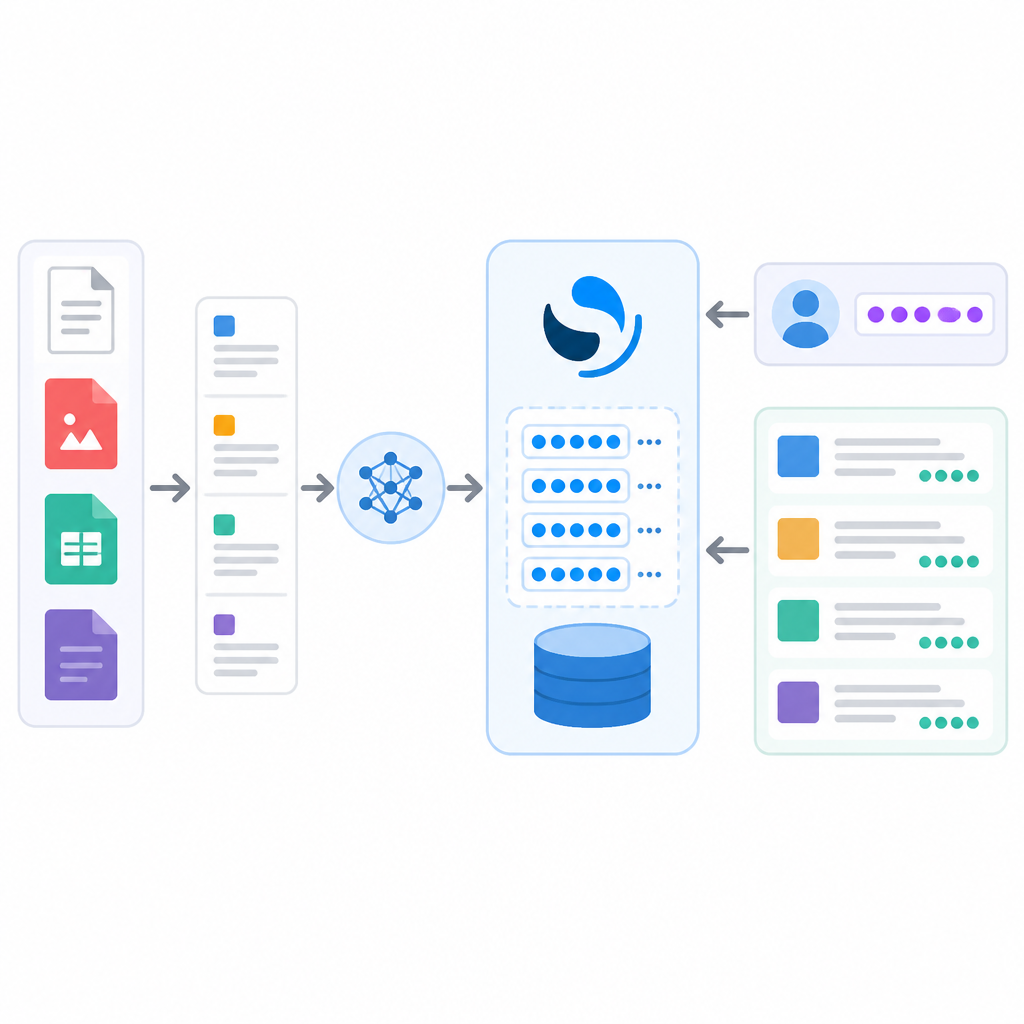
After you follow the steps, you will have a working OpenSearch index that stores vectors, accepts embedding data, and returns nearest-neighbor matches that you can adapt for semantic search or hybrid retrieval.
Before you start
Get the latest AI news in your inbox
Weekly picks of model releases, tools, and deep dives — no spam, unsubscribe anytime.
No spam. Unsubscribe at any time.
- OpenSearch 2.x or later
- OpenSearch Dashboards 2.x or later, if you want to inspect queries visually
- Node.js 20+ or Python 3.10+, if you plan to generate embeddings in your app
- Docker 24+ or a running OpenSearch cluster with HTTP access
- An OpenSearch admin username and password, or an API key
- An embedding model or embedding API, such as OpenAI, Cohere, or Amazon Bedrock
- curl 8+ for the examples below
Step 1: Start an OpenSearch cluster
Your first outcome is a live OpenSearch endpoint that can accept vector mappings and search requests. For local development, start a single-node cluster with Docker so you can test vector search without provisioning infrastructure.

docker run -p 9200:9200 -p 9600:9600 \
  -e "discovery.type=single-node" \
  -e "OPENSEARCH_INITIAL_ADMIN_PASSWORD=StrongPassword123!" \
  opensearchproject/opensearch:latest
Verify the cluster by calling the root endpoint. You should see the cluster name, version, and a status response that confirms OpenSearch is reachable.
Step 2: Create a vector index
Your second outcome is an index that can store text plus vector embeddings. Define a k-NN vector field with the dimension that matches your embedding model, such as 384, 768, or 1536.
curl -u admin:StrongPassword123! -X PUT "https://localhost:9200/articles" -k -H 'Content-Type: application/json' -d '
{
  "settings": {
    "index": {
      "knn": true
    }
  },
  "mappings": {
    "properties": {
      "title": { "type": "text" },
      "body": { "type": "text" },
      "body_vector": {
        "type": "knn_vector",
        "dimension": 384
      }
    }
  }
}'
Verify the mapping with a GET request to the index. You should see the knn_vector field and the exact dimension you configured.
Step 3: Generate and store embeddings
Your third outcome is indexed documents that contain both readable text and numeric vectors. Generate embeddings in your application, then send each document with its vector into OpenSearch.
curl -u admin:StrongPassword123! -X POST "https://localhost:9200/articles/_doc/1?refresh=true" -k -H 'Content-Type: application/json' -d '
{
  "title": "Vector search basics",
  "body": "OpenSearch can store embeddings for semantic retrieval.",
  "body_vector": [0.12, -0.03, 0.44, 0.08]
}'
Verify ingestion with a document fetch or a search for the document ID. You should see the stored text fields and the vector field in the response.
Step 4: Run a nearest-neighbor query
Your fourth outcome is semantic retrieval based on vector similarity. Use a query vector from the same embedding model and ask OpenSearch for the nearest matches.
curl -u admin:StrongPassword123! -X GET "https://localhost:9200/articles/_search" -k -H 'Content-Type: application/json' -d '
{
  "size": 3,
  "query": {
    "knn": {
      "body_vector": {
        "vector": [0.10, -0.01, 0.40, 0.05],
        "k": 3
      }
    }
  }
}'
Verify the result set by checking that the top hits are the most semantically similar documents, not just the ones with matching keywords.
Step 5: Combine text and vector signals
Your fifth outcome is a hybrid search path that can balance lexical matches and semantic matches. Add a text query alongside vector search when you want exact terms to influence ranking.
curl -u admin:StrongPassword123! -X GET "https://localhost:9200/articles/_search" -k -H 'Content-Type: application/json' -d '
{
  "query": {
    "bool": {
      "should": [
        { "match": { "body": "semantic retrieval" } },
        {
          "knn": {
            "body_vector": {
              "vector": [0.10, -0.01, 0.40, 0.05],
              "k": 3
            }
          }
        }
      ]
    }
  }
}'
Verify the ranking by comparing results from text-only search and vector-only search. You should see documents that satisfy both signals rise higher in the list.
Common mistakes
- Using the wrong vector dimension. Fix it by matching the index mapping to the exact output size of your embedding model.
- Mixing embedding models between indexing and querying. Fix it by using the same model family and preprocessing pipeline for both sides.
- Forgetting to refresh before testing. Fix it by adding
?refresh=trueduring demos or waiting for the refresh interval in production.
What's next
Once the basics work, explore semantic search, reranking, and hybrid retrieval patterns in the OpenSearch docs so you can move from a demo index to a production search pipeline with better relevance and control.
// Related Articles
- [TOOLS]
Zvec turns local vector search into a library
- [TOOLS]
Codex 的 override 文件让团队少踩坑
- [TOOLS]
OpenCode turns terminal chat into a coding loop
- [TOOLS]
Open-source AI software is winning on infrastructure, not hype
- [TOOLS]
Wazero turns Go Wasm into plain Go
- [TOOLS]
ffmpeg-webCLI brings video editing into the browser