Zvec turns local vector search into a library
I break down Zvec’s in-process vector DB design and give you a copy-ready template for local hybrid search.

Zvec is a local vector database you embed directly into your app.
I’ve been using vector search stacks long enough to know when they’re fighting me. The pattern is always the same: I want to ship retrieval, and suddenly I’m babysitting a separate service, tuning network timeouts, wiring auth, and explaining to someone why a “simple similarity search” now needs half a platform. Then the query gets more interesting. Dense vectors, a metadata filter, maybe some text search, maybe a fallback path. The stack starts sounding less like a library and more like an apology.
Zvec got my attention because it goes the other way. It’s not asking me to stand up another box. It’s saying: keep the database inside the process, keep the latency local, and keep the setup boring. That’s a much better deal for a lot of apps, especially when the retrieval layer is part of the product instead of a separate system. The repo calls itself lightweight, lightning-fast, and in-process, and that framing is exactly why I dug in.
I’m using the Zvec repository as the source here, plus the release notes and docs linked from the repo. The repo itself shows 10.8k stars and 623 forks, which tells me people are already poking at it in real projects, not just admiring the README. The thing that matters more to me, though, is the shape of the API and the way the project is trying to collapse search, storage, and filtering into one local unit.
Stop treating vector search like a separate service
Get the latest AI news in your inbox
Weekly picks of model releases, tools, and deep dives — no spam, unsubscribe anytime.
No spam. Unsubscribe at any time.
“Zvec is an open-source, in-process vector database — lightweight, lightning-fast, and designed to embed directly into applications.”
What this actually means is I don’t have to route every retrieval call through a network hop. The database lives where my code lives. That changes the whole failure model. If I’m building a desktop app, an edge tool, a notebook workflow, or a service that just needs local retrieval, I can keep the blast radius small.

I’ve lost count of how many times I’ve seen “just add vector search” turn into “now we need ops help.” The in-process part is the real point here. It strips out the ceremony. No separate deployment, no extra service discovery, no remote connection pool to tune before you’ve even proven the feature is useful.
How to apply it: use an embedded database when the retrieval path belongs inside your application boundary. If your app already owns the data lifecycle and the query volume is manageable on a single node, in-process is often the cleaner move. If you need multi-tenant coordination or huge cluster-level concurrency, that’s a different problem. Don’t pretend it isn’t.
- Good fit: local apps, agents, desktop tools, internal utilities, edge workloads.
- Poor fit: multi-node shared serving where the database must be a centralized platform.
Zvec makes that trade explicit. It’s not trying to be your distributed search backend. It’s trying to be the thing you embed when you want retrieval without the platform tax.
Hybrid search is the part I actually care about
“Hybrid Search : Fuse vector similarity, full-text search, and structured filters in a single query for precise results.”
That line matters because pure vector search is often too fuzzy for real product work. I’ve run into this when a query is semantically close but still wrong on a hard constraint. The user wants “billing issue from last week in EU,” not “sort of related to billing.” If the retrieval layer can’t combine semantic similarity with text and filters, I end up building awkward post-processing in application code.
Zvec’s pitch is more practical than flashy: dense vectors, sparse vectors, text, and scalar filters in one query path. That’s the shape I want when search has to answer both “what is this about?” and “does it satisfy the rules?” at the same time.
How to apply it: start by modeling the fields you actually need to constrain. Don’t dump everything into embeddings and hope the model sorts it out. Keep text fields searchable, keep structured metadata as filters, and reserve vector similarity for the semantic part. That gives you a retrieval plan you can explain to a teammate without waving your hands.
When I’ve built systems like this before, the mistake was usually over-indexing on embeddings and under-indexing on boring fields. Then every query became a recall problem. Hybrid retrieval fixes that by letting each part do its own job.
- Use vector search for semantic similarity.
- Use full-text search for exact or near-exact wording.
- Use filters for hard constraints like tenant, date, region, or type.
Full-text search inside the same engine is the quiet win
“Native full-text search — attach an FTS index to any string field and query it with natural-language or structured expressions, no external search engine required.”
This is one of those features that sounds secondary until you’ve had to bolt on a second search system just to cover keyword lookups. Then it gets expensive fast. Now I’m syncing data into a vector store and a text engine and trying to keep ranking logic from drifting. It’s a mess.
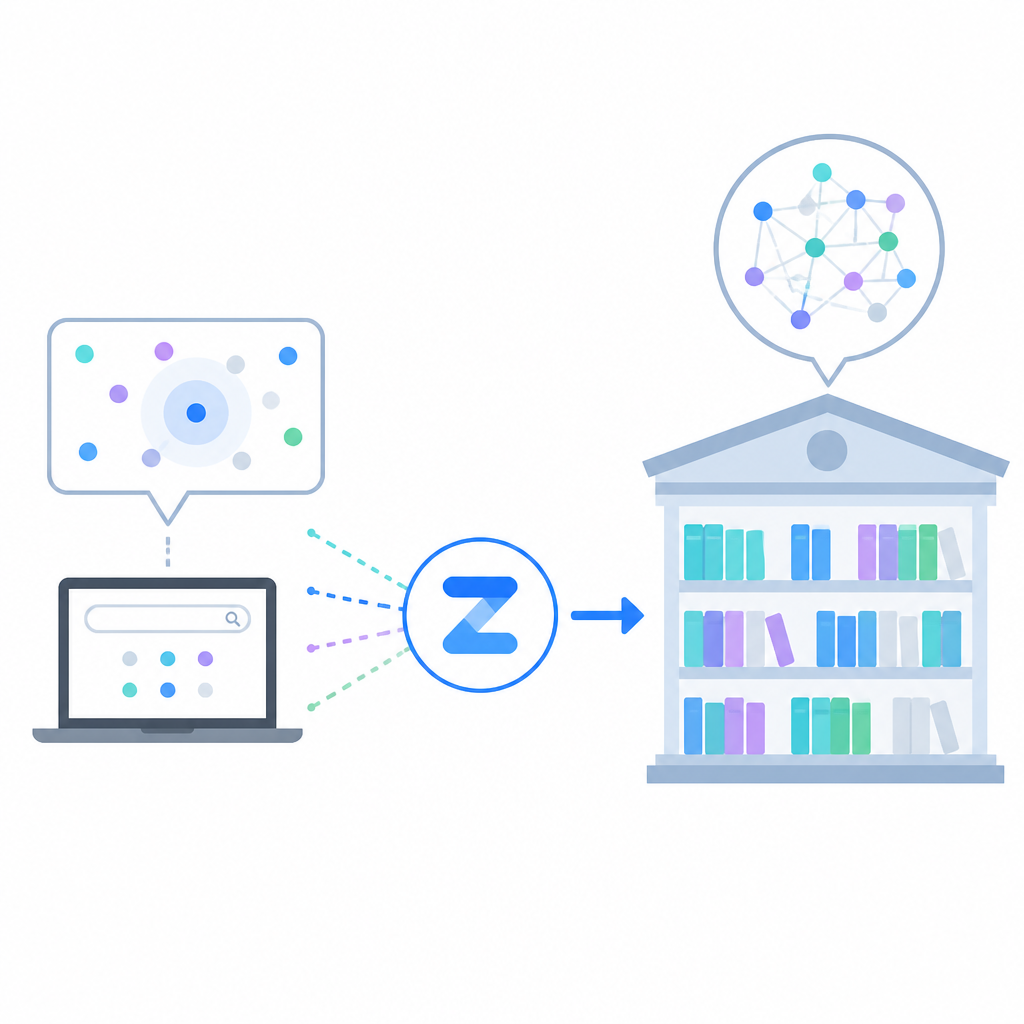
Zvec’s FTS support is useful because it keeps the retrieval story local and unified. If I already have a record in the collection, I can attach text search to string fields and query them without reaching for another service. That’s less moving parts, fewer sync bugs, and fewer weird “why is this document in one index but not the other?” moments.
How to apply it: if your app has any user-facing text retrieval, plan for keyword search from day one. Even if embeddings are your main retrieval path, users will eventually want exact phrases, names, IDs, or structured text queries. I’ve learned not to treat that as an afterthought. It becomes a cleanup project later.
One practical way to think about it is this: embeddings answer “what feels related,” FTS answers “what literally matches,” and filters answer “what is allowed.” Zvec putting those together in one engine is the part that makes it easier to keep your query logic sane.
Disk-backed indexes are how you stop lying about scale
“DiskANN Index : New on-disk index that keeps the bulk of the index on disk, drastically cutting memory usage for large-scale datasets.”
I’m always suspicious when a vector DB says it scales, because memory is usually where the bill shows up. A lot of systems look great until the index gets big enough that you’re paying for a machine whose only job is to hold the thing in RAM. That gets old quickly.
Zvec’s DiskANN support is interesting because it acknowledges the obvious constraint: not every dataset deserves to live fully in memory. Keeping the bulk of the index on disk is a more honest tradeoff for larger collections, especially if the app still needs local embedding and retrieval without a separate cluster.
How to apply it: use in-memory indexing when you’re optimizing for the fastest local experience and the dataset is small enough to fit comfortably. Switch to disk-aware indexing when memory pressure becomes the bottleneck. Don’t wait until the host is swapping and then act surprised.
I like that the repo frames this as a practical scaling option rather than a marketing slogan. It’s a reminder that “fast” is not the same thing as “everything must live in RAM forever.”
- In-memory first for prototyping and smaller data sets.
- Disk-backed indexing when your collection size starts to outgrow cheap RAM.
Persistence and concurrency are the boring features that save you
“Write-ahead logging (WAL) guarantees persistence — data is never lost, even on process crash or power failure.”
This is the stuff people skip over in demos and then spend a weekend regretting. A local database is only useful if it survives a crash without making me rebuild state from scratch. WAL is not glamorous, but it’s the reason I can trust the thing in a real app.
The concurrency note matters too: multiple processes can read the same collection simultaneously, while writes stay single-process exclusive. That’s a very specific tradeoff, and I appreciate the honesty. It tells me what kind of workload this is built for. Shared reads, controlled writes, local ownership.
How to apply it: decide early whether your app has a single writer or many writers. If you can keep writes centralized, the model is simple. If you need distributed writes, you’re back in coordination territory and you should not pretend an embedded database will magically solve that.
I’ve seen teams ignore persistence until the first bad restart. Then everyone gets religious about backups. Zvec’s WAL support means you can design for recovery from the start instead of treating it like a postmortem lesson.
The SDK spread tells me this is meant to be used, not admired
“Official Go / Rust SDKs, the Zvec Studio visual tool, and RISC-V support.”
When a project ships bindings for multiple languages, I stop thinking of it as a toy. The repo lists Python, Node.js, Go, Rust, and Dart/Flutter support, plus a visual tool. That matters because the right database is often the one your actual app stack can call without ceremony.
I also like that the repo points to zvec.org, the release notes, and the docs/benchmarks links from the README. That’s the shape of a project that expects people to test it, compare it, and use it in more than one language. The repo doesn’t hide behind a single demo.
How to apply it: pick the SDK that matches your production language first, then validate the query semantics there. Don’t prototype in Python and assume the Go binding will feel identical. I’ve been burned by that before. Same idea, different ergonomics, different sharp edges.
If you’re evaluating Zvec, I’d start with the Python package for quick experiments, then move the same schema and query shape into the language you actually ship. That tells you whether the abstraction is real or just pretty in the README.
- Python for quick validation.
- Go or Rust for production integration.
- Flutter if you want an app-side embedding story.
What I’d actually do with it in a real app
My short version: I’d use Zvec when I want retrieval inside the application boundary, not as a separate platform. I’d reach for it in a product feature, an agent memory layer, a local semantic index, or an internal tool where I control the process and want low-latency search without standing up another service.
I would not use it as a lazy excuse to avoid thinking about scale. If the product needs many writers, distributed coordination, or shared multi-node serving, I’d treat that as a different architecture. Embedded databases are great when they fit. They are annoying when you force them into the wrong job.
That’s why Zvec interests me: it doesn’t feel like a compromise pretending to be a platform. It feels like a practical tool with a clear boundary. Local, fast, hybrid, persistent, and integrated into the app where the data already lives.
The template you can copy
# Zvec local hybrid search template

Use this when you want an embedded vector database inside your app.

## 1) Schema
- collection_name: "docs"
- vector_fields:
  - embedding: VECTOR_FP32, dimension 768
- text_fields:
  - title: FTS enabled
  - body: FTS enabled
- scalar_fields:
  - tenant_id: string
  - doc_type: string
  - created_at: int64

## 2) Ingestion rules
- Write documents through one process.
- Keep WAL enabled.
- Store the source text alongside embeddings.
- Normalize metadata before insert.

## 3) Query pattern
- Use vector similarity for semantic match.
- Use FTS for exact or phrase match.
- Use scalar filters for hard constraints.
- Merge the results in one query path.

## 4) Application policy
- Use in-process mode for local latency.
- Use disk-backed indexing when memory becomes the bottleneck.
- Keep reads concurrent.
- Keep writes single-writer unless you have a stronger coordination layer.

## 5) Example prompt for your team
"We are embedding Zvec inside the app so retrieval stays local.
Use hybrid search for semantic + text + filters.
Do not add a separate search service unless we prove we need one."

## 6) Minimal Python-shaped pseudocode
import zvec

schema = zvec.CollectionSchema(
    name="docs",
    vectors=zvec.VectorSchema("embedding", zvec.DataType.VECTOR_FP32, 768),
)

collection = zvec.create_and_open(path="./data/zvec", schema=schema)

collection.insert([
    zvec.Doc(
        id="doc_1",
        vectors={"embedding": [0.1, 0.2, 0.3, 0.4]},
        fields={
            "title": "Crash recovery notes",
            "body": "WAL keeps local data durable after restart",
            "tenant_id": "acme",
            "doc_type": "note",
            "created_at": 1710000000,
        },
    )
])

results = collection.query(
    zvec.MultiQuery(
        vector={"field": "embedding", "value": [0.4, 0.3, 0.3, 0.1]},
        text={"field": "body", "query": "crash recovery"},
        filters={"tenant_id": "acme", "doc_type": "note"},
    ),
    topk=10,
)

print(results)
This template is original to this article, but it’s based on the Zvec README, docs links, and release notes from the project page. I’ve paraphrased the repo’s ideas into a practical shape you can adapt for your own app.
Source: https://github.com/alibaba/zvec. For the project’s own docs, benchmarks, and release notes, start from the repository README and follow the linked pages there.
// Related Articles
- [TOOLS]
Build semantic search with OpenSearch vectors
- [TOOLS]
Codex 的 override 文件让团队少踩坑
- [TOOLS]
OpenCode turns terminal chat into a coding loop
- [TOOLS]
Open-source AI software is winning on infrastructure, not hype
- [TOOLS]
Wazero turns Go Wasm into plain Go
- [TOOLS]
ffmpeg-webCLI brings video editing into the browser