ChatGPT updates turn into a June 2026 playbook
A developer-style breakdown of June 2026 ChatGPT updates, with a copy-ready template for release-note analysis.
A copy-ready breakdown of June 2026 ChatGPT updates you can reuse for release-note analysis.
I've been reading OpenAI release notes like a habit I can't quite shake. Usually they’re fine, but this June 2026 batch felt oddly uneven. One update is about security sessions, another is job search, then Codex gets shoved into Windows, mobile, and Mac like it’s trying to live everywhere at once. And the GPT-5.5 Instant note? That one finally admits what I’ve felt for a while: the model was doing too much of the wrong kind of talking. Too many bullet dumps, too much “helpfulness,” not enough actual pacing.
What bothered me wasn’t the number of features. It was the pattern. OpenAI keeps turning ChatGPT into a place where you don’t just chat; you inspect sessions, hunt jobs, format resumes, review money, and steer an agent across devices. That’s a lot of surface area. If you’re building products on top of this stuff, or just trying to understand where ChatGPT is headed, the release notes matter more than the marketing copy. I pulled the June 2026 entries from Releasebot’s OpenAI ChatGPT feed and started reading them like a product spec instead of a changelog.
That’s the angle here: not “look at the shiny updates,” but “what is OpenAI actually optimizing for, and how would I copy the useful parts without inheriting the mess?”
Releasebot’s feed for OpenAI ChatGPT updates collects the June 2026 notes in one place, including the GPT-5.5 Instant change, Active sessions, job search, Codex on Windows, mobile Codex, file library expansion, and finance features. The source is useful because it preserves the actual wording from OpenAI, not a watered-down summary. I’m using that as the anchor and breaking it into the parts I’d actually care about if I were shipping a product or writing a release-note summary for my own team.
OpenAI is trying to make ChatGPT feel less like a chat box
Get the latest AI news in your inbox
Weekly picks of model releases, tools, and deep dives — no spam, unsubscribe anytime.
No spam. Unsubscribe at any time.
We’re updating GPT-5.5 Instant in ChatGPT and the API to improve response style and quality. It’s now easier to read, more natural in everyday conversations, and better paced in practical help tasks, with fewer overly long or bullet-heavy responses.
What this actually means is simple: OpenAI noticed the model was sounding like a machine that had read too many internal docs. The note doesn’t say “we made it smarter.” It says style and pacing got better. That’s a very different claim. They’re tuning for readability, not just competence.
I’ve run into this problem constantly when teams expose an LLM directly to users. The model becomes a compulsive list-maker. It answers everything like a FAQ written by a committee. Great for coverage, awful for humans. When OpenAI says “fewer overly long or bullet-heavy responses,” I hear “we’re trying to stop the model from exhausting people.”
That matters because the model is not just the engine anymore. In ChatGPT, style is product. If the answer feels like a wall of text, users bounce. If it sounds too agreeable or too polished, they stop trusting it. If it’s too terse, they think it’s broken. So this update is really about calibration.
How to apply it: if you’re building with an LLM, stop treating length and formatting as an afterthought. Put response style in your evals. Measure whether the model answers in one useful paragraph before it reaches for bullets. Add a “pacing” instruction to your system prompt if your users are asking for practical help. And if your app is full of bullet spam, that’s usually not the user’s fault.
- Prefer one clear answer first, details second.
- Use bullets only when the user asked for options, steps, or comparison.
- Test for “sounds human” instead of only “contains correct facts.”
The interesting part is that OpenAI also says canvas is no longer available in GPT-5.5 Instant or GPT-5.5 Thinking. That’s not a tiny footnote. It tells me they’re collapsing writing and coding back into the chat stream through blocks. In other words, the company is reducing mode-switching. Less “go over there to do the real work,” more “stay in the thread.”
If I were documenting this for a team, I’d say the lesson is to keep the primary interaction path obvious. Every extra mode adds friction, and users always notice friction before they notice power.
Security finally gets a visible control panel
We’re rolling out Active sessions, a new security feature in ChatGPT that helps users review sessions associated with their account and sign out of sessions they don’t recognize.
This is the kind of feature I wish more products shipped earlier. Session management sounds boring until you need it. Then it becomes the first thing you go looking for after you suspect something is off.
OpenAI says users can review first-party OpenAI sessions from Settings > Security > Active sessions, with details like device, app, approximate location, sign-in time, trusted-device status, and whether it’s the current session. They can log out of one session or all sessions. That’s the right shape. It makes the invisible visible without turning the UI into a security lecture.
I’ve had to explain this exact gap to teams before: people trust a product more when they can see where they’re signed in. Not because they’re paranoid, but because it gives them a mental model. If the same account is open on a laptop, a phone, and some forgotten browser tab from three weeks ago, users want to know that. They don’t want a support article. They want a button.
How to apply it: if your product has account access across devices, expose active sessions in plain language. Show device, approximate location, and last sign-in time. Let users kill one session without nuking everything. And don’t pretend third-party connections are the same thing as first-party sessions. OpenAI is explicit that Active sessions does not manage third-party app sessions, connected apps, Sign in with ChatGPT sessions used only for third-party services, or Codex CLI sessions. That distinction saves support headaches later.
There’s also a broader product lesson here: security features work better when they’re framed as user control, not admin policy. Nobody wants to “manage authentication state.” They want to kick out the weird login they don’t recognize.
- Put session controls where users already look for account settings.
- Use labels people understand: current session, trusted device, approximate location.
- Separate first-party session management from connected-app permissions.
If I were writing release notes for my own app, I’d steal the structure of this announcement. It’s concrete, it names the limits, and it doesn’t oversell. That last part is rare enough that I notice it when it happens.
ChatGPT is quietly becoming a job-search tool
ChatGPT can now help with more of the job search process, from finding live roles to tailoring a resume for a specific opportunity.
Honestly, this one is less surprising than it sounds. Once a product already sits in the middle of writing, summarizing, and personal context, job search is an obvious next move. It’s the same pattern: take a messy workflow and compress the parts people hate.
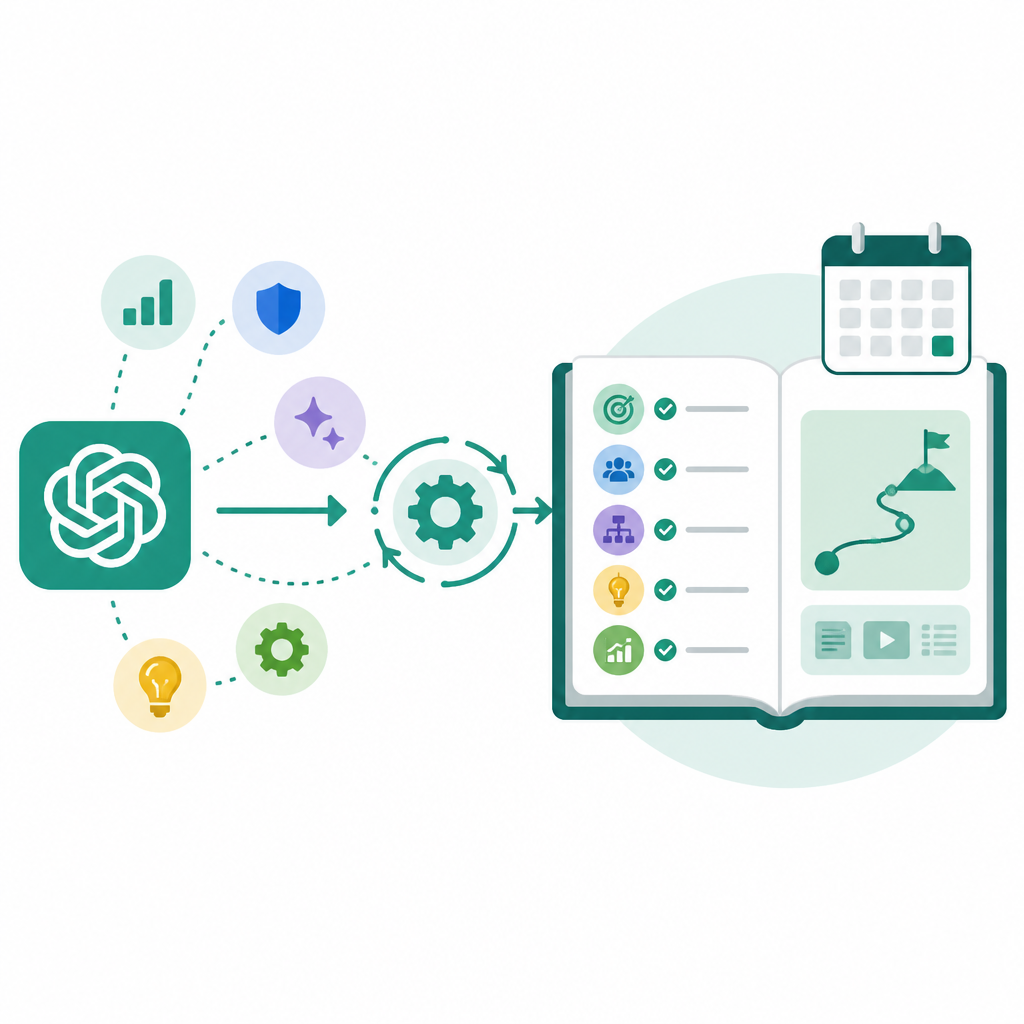
OpenAI says ChatGPT can surface live listings and freelance opportunities from sources like Indeed, Upwork, Appcast, and across the web. It also lets users upload or create a resume, tailor it to a specific role, and download a polished version. That’s a lot of workflow in one place. Search, shortlist, rewrite, export. The whole loop.
I’ve worked on enough “AI assistant” features to know the trap here: if the product only summarizes listings, it feels thin. If it helps rewrite a resume but can’t connect that rewrite to the actual role, it feels fake. The useful version is when the model keeps context across the workflow. OpenAI is clearly aiming at that.
How to apply it: if you’re designing a workflow assistant, don’t stop at retrieval. Tie the search result to the artifact the user needs to produce. In this case, that’s the resume. In another product, it might be a proposal, a bug report, or a customer reply. The key is to let users move from discovery to output without re-entering the same context five times.
There’s also a practical distribution note here. OpenAI says job search is available to users in the U.S. on Free, Go, Plus, and Pro plans, while resume formatting is available in English globally on the web for all plans. That split tells you they’re testing demand and keeping the export feature broader than the search feature. Smart move. The editing utility is easier to generalize than the live job feed.
If you’re building a similar feature, don’t assume every part of the workflow needs the same rollout policy. Sometimes the search layer is the regulated or partner-dependent part, while the transformation layer can go wider.
Codex is being pushed out of the IDE and into real life
Codex now supports Computer Use on Windows in the Codex app, so eligible users can ask Codex to see, click, and type in Windows applications while they test, debug, and refine what they are building.
This is the update that made me sit back and mutter, “Okay, now it’s getting serious.” Not because Windows support is glamorous. It isn’t. Because it means the agent is no longer confined to code-aware surfaces. It’s acting inside operating systems, clicking around like a junior teammate with a very literal mouse hand.
OpenAI says users can start work on a Windows machine and then use ChatGPT on iOS or Android, or Codex on Mac, to check progress, continue the thread, respond to prompts, and steer work while away from the desk. The Windows machine remains the host for project files, shell, app server, and local context. That host/remote split is the real story.
I’ve seen teams struggle with this exact boundary. If the agent owns the thread but not the machine, it becomes a glorified chat assistant. If it owns the machine but not the thread, it becomes hard to steer. OpenAI is trying to keep both in play. That’s why the mobile and Mac continuation bits matter as much as the Windows computer-use piece.
How to apply it: if you’re building agentic workflows, define the host clearly. What is the source of truth? What context stays local? What can be continued remotely? If you don’t answer those questions, users will lose work or lose trust, and usually both.
OpenAI also mentions infrastructure updates that improve responsiveness, in-app browser speed, stability, and web compatibility, plus Codex Profiles for eligible users to see identity, activity over time, profile details, usage stats, and token activity. That’s not fluff. When an agent becomes persistent, observability becomes part of the product. People need to know what it did, how much it used, and where it’s going.
- Define the machine that owns files and execution.
- Define the surfaces that can steer the work remotely.
- Expose activity history so users can audit what happened.
One more thing I’d call out: OpenAI says Computer Use on Windows is unavailable in the EEA, the UK, and Switzerland at launch. That’s the kind of detail people skip over until they’re blocked by it. If your product has regional constraints, say them early and say them plainly.
File libraries are becoming the memory users actually feel
File library is expanding to Free and Go users, including to users in the European Economic Area (EEA) making it easier to find, reuse, and build on files you upload or create in ChatGPT.
This is one of those updates that looks minor until you imagine using the product every day. Then it becomes obvious. A file library is not a nice extra. It’s how users stop treating the app like a disposable chat window.
OpenAI says users can add recent files from the composer, browse saved files in Library, and ask ChatGPT about files they used before. They can also manage storage across plans, with limits like 500 MB for Free, 4 GB for Go, 20 GB for Plus and Business, and 100 GB for Pro. Files stay until deleted, and temporary chat files aren’t saved to Library. That’s a very opinionated storage model, and I mean that in a good way.
I’ve built enough file-adjacent features to know that “where did my stuff go?” is the fastest way to ruin trust. A library solves that only if it is predictable. OpenAI is doing the right thing by making the storage rules visible and by giving users a delete path from Library itself. No scavenger hunt.
How to apply it: if your app stores user-generated artifacts, give people a stable place to find them, a visible retention policy, and a simple delete action. Then connect the library back into the assistant flow so users can reuse old material without re-uploading it every time.
The really useful bit here is that ChatGPT is no longer just remembering text. It’s remembering artifacts. Documents, spreadsheets, presentations, images. That shifts the product from conversation toward workspace. If you’re building in this direction, stop thinking in terms of “chat history” and start thinking in terms of “user-owned assets.”
Finance and browsing are getting pulled into the same interface
We’re starting to roll out a new personal finance experience in ChatGPT.
This one is the most obviously risky and the most obviously useful. OpenAI is letting Pro users in the United States connect financial accounts through Plaid, see spending, bills, subscriptions, net worth, and investments, and ask grounded questions in ChatGPT. It explicitly says ChatGPT cannot move money, pay bills, place trades, file taxes, or act as an adviser.
That boundary matters. A lot. I’ve watched products get themselves into trouble by pretending context is the same thing as authority. It isn’t. A model can help you understand your money without being allowed to touch it. That’s the right line to draw, and it’s one more reason this release note reads more carefully than most AI announcements.
How to apply it: if your product enters a sensitive domain, separate analysis from action. Let the assistant explain, compare, and summarize. Keep execution behind explicit user intent and domain-specific controls. Don’t blur those roles just because the UI is one chat box.
OpenAI also added more inline web images for Free users on 5.5-Instant, which sounds small but fits the same pattern: the interface is becoming more multimodal by default. Text, images, files, sessions, and tools are all getting pulled into one place. That can be helpful, but it can also become a mess if the product doesn’t keep the boundaries visible.
My read on the whole June batch is this: ChatGPT is being turned into a control surface for work, not just a place to ask questions. Sessions, jobs, files, finance, Codex, and model style all point in the same direction. The app is trying to hold more of your workflow without making you jump between tools. That’s the real story hiding under the release-note wording.
The template you can copy
# Release-note breakdown template for AI product updates

## What changed
- Summarize the update in one sentence.
- Name the product surface affected.
- Say whether it changes behavior, workflow, or policy.

## What this actually means
- Translate the announcement into plain language.
- Explain the user problem it solves.
- Call out what was annoying or broken before.

## Why I care
- Note the product pattern behind the change.
- Explain what it says about the company’s direction.
- Mention the tradeoff or constraint if there is one.

## How I’d apply it
- List 3 practical steps a developer or product builder can use.
- Include one rollout or UX detail.
- Include one boundary or limitation to document.

## Copy-ready summary
OpenAI is pushing ChatGPT toward a full workflow surface: cleaner model output, visible security controls, job search, file memory, agent control, and domain-specific tools.

## Reusable release-note prompt
You are an experienced developer writing in the first person.
Break down this product update like a colleague explaining what changed, what it means, and how to apply it.
Use a personal opening, quote the original note, then explain the practical lesson.
End with a copy-ready template.

## Reusable evaluation checklist
- Is the user-facing change obvious?
- Does the note explain the workflow impact?
- Are limits and exclusions named clearly?
- Can a developer copy the pattern into another product?
- Does the summary avoid hype and stay specific?
If I were turning this into a team format, I’d use that template every time I read a release note, not just for OpenAI. It forces the same questions: what changed, what does it mean, what should I do with it, and what should I not assume.
That’s the part people skip. They read the announcement, nod, and move on. Then three weeks later they’re surprised the product shifted under them. I’d rather do the annoying work up front.
Source attribution: the original material here comes from Releasebot’s OpenAI ChatGPT updates feed, which mirrors the June 2026 release notes from OpenAI. My commentary, framing, and template are original; the quoted update text is derivative of the source release notes.
// Related Articles
- [TOOLS]
Nvidia and LG turn AI plans into a playbook
- [TOOLS]
Ollama is the best free AI path in 2026 for real work
- [TOOLS]
This MLOps list turns chaos into a stack
- [TOOLS]
BentoML turns model serving into Python APIs
- [TOOLS]
Magenta RealTime 2 lets you score in the DAW
- [TOOLS]
Open-source AI tools beat Claude’s paid tiers on value