How to choose a third-party AI for Apple Intelligence
iOS 27 adds third-party AI choices for Apple Intelligence, including Claude and Gemini.

iOS 27 will let Apple Intelligence users pick third-party AI services like Claude or Gemini.
This guide is for iPhone, iPad, and Mac developers who want to understand the new Apple Intelligence extension model and prepare their app or service for it. After following the steps, you will know how the feature works, what you need to ship support, and how to verify that your AI service can appear as a selectable option in Apple’s system experiences.
You will also see where Apple is changing the user flow for Siri, Writing Tools, and Image Playground, so you can plan for voice separation, provider selection, and extension registration before iOS 27, iPadOS 27, and macOS 27 ship.
Before you start
Get the latest AI news in your inbox
Weekly picks of model releases, tools, and deep dives — no spam, unsubscribe anytime.
No spam. Unsubscribe at any time.
- Apple Developer Program membership
- Xcode 27 beta or later
- iOS 27, iPadOS 27, or macOS 27 beta on test devices
- An AI service account for your provider, such as Claude or Gemini
- Valid API keys or OAuth credentials for your AI backend
- Swift 6 and the latest Apple SDKs
- Basic familiarity with Apple Intelligence, Siri, and app extensions
Step 1: Review Apple’s new AI extension model
Your first outcome is a clear map of where third-party AI can plug into Apple Intelligence. Apple’s reported iOS 27 design lets installed apps expose generative AI capabilities through an Extensions feature that Siri, Writing Tools, Image Playground, and related surfaces can call on demand.
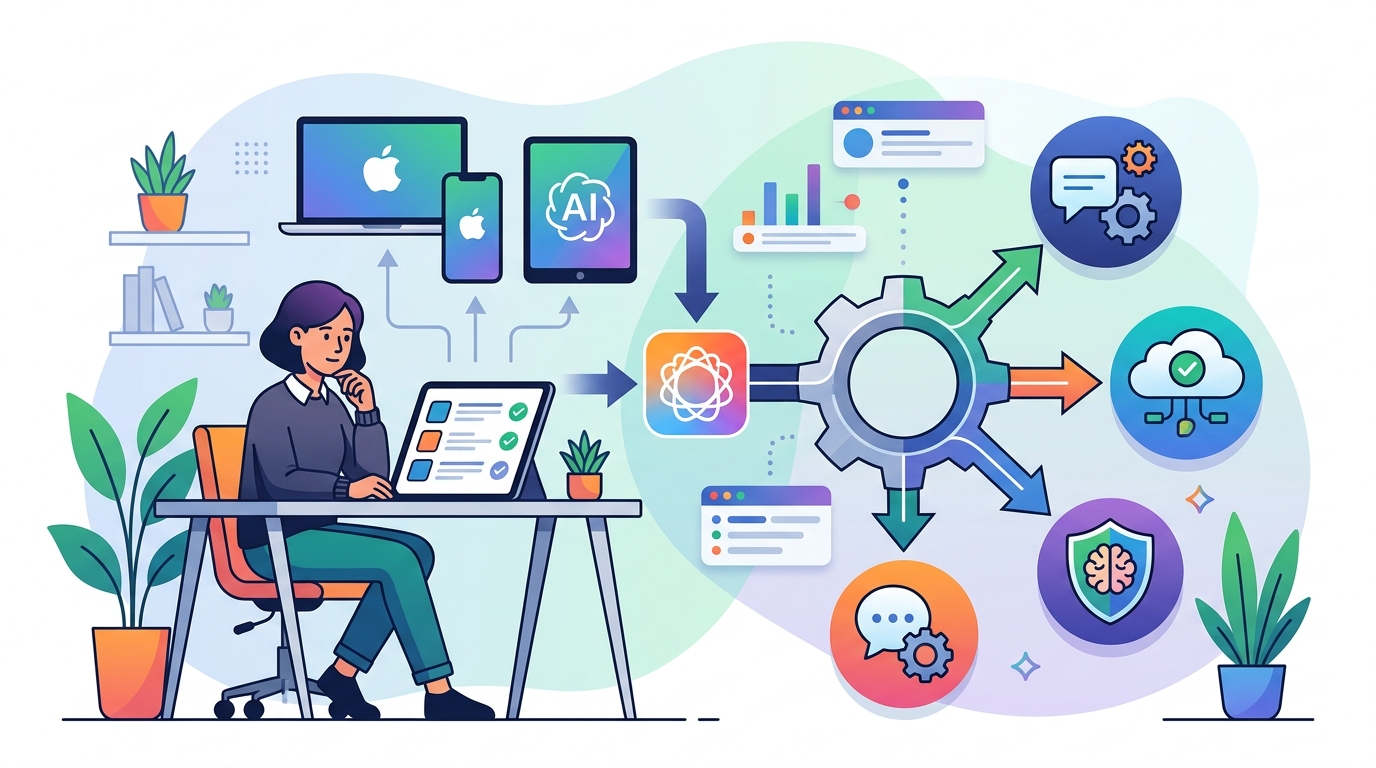
Start by reading the current Apple Intelligence documentation and the official developer materials for app extensions. For the source story, see MacRumors and Bloomberg coverage, then compare that with Apple’s own docs once they are published: MacRumors report and Apple Developer.
Verification: you should be able to explain which system features can invoke a third-party model, and where the selection happens in the user flow.
Step 2: Register your AI service as an extension
Your next outcome is a provider entry that Apple can recognize as an eligible AI option. The reported behavior says users will choose among providers that add support for the new iOS 27, iPadOS 27, and macOS 27 Extensions feature, so your app needs a formal extension point rather than a standalone chat UI.
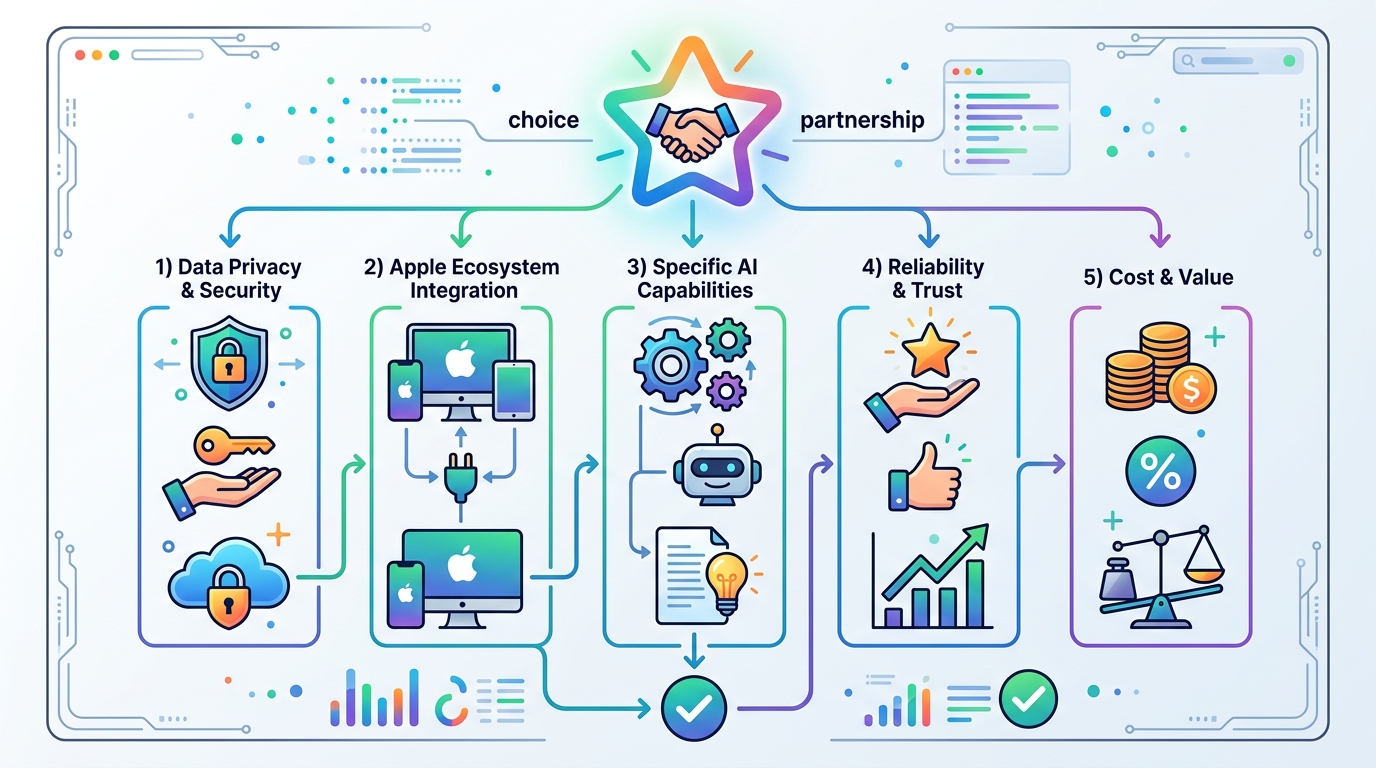
Prepare the app target, extension bundle, entitlements, and any required Info.plist metadata. In practical terms, you want a provider package that declares your service, describes supported capabilities, and routes requests to your backend.
// Example shape only, not final Apple API syntax
{
  "providerName": "Example AI",
  "capabilities": ["writing-tools", "image-playground", "siri-response"],
  "auth": "oauth2",
  "endpoint": "https://api.example.com/apple-intelligence"
}
Verification: you should be able to install the app and see the extension listed in the system’s AI provider chooser during testing.
Step 3: Connect authentication and request routing
Your outcome here is a secure path from Apple’s system request to your model endpoint. Because Apple may route requests from Siri, Writing Tools, and Image Playground through your provider, you need a stable auth flow, token refresh logic, and request mapping for each surface.
Implement a backend that can distinguish the request type, user locale, content policy, and prompt context. If your service supports multiple model tiers, map Apple requests to the right tier automatically so the user does not need to manage model selection inside the Apple UI.
Verification: you should see authenticated requests arrive at your service with the expected metadata, and failed tokens should trigger a clean re-auth flow instead of a silent failure.
Step 4: Differentiate Siri and third-party voices
Your outcome is a response experience that makes it obvious whether Siri or another AI service answered. The article says Apple plans to let users choose voices from third-party AI services for Siri, while Siri itself would use one voice and third-party AI responses would use another.
Build a voice mapping table in your app or backend so each provider can return a distinct voice profile or spoken-response label. This matters for trust, because users need to know when Apple’s assistant spoke and when a third-party model spoke.
Verification: you should hear or see a different voice identity for the third-party provider, and Siri responses should remain clearly separated from external chatbot responses.
Step 5: Test system surfaces on beta devices
Your final outcome is a release candidate that behaves correctly in Apple’s own UI. Test the provider in Siri, Writing Tools, and Image Playground on iPhone, iPad, and Mac beta builds so you can catch capability mismatches, permission issues, and latency spikes before public release.
Use a test matrix that covers signed-in and signed-out states, low-connectivity conditions, and unsupported prompt types. If your provider cannot handle an image task, the system should fail gracefully rather than breaking the Apple Intelligence workflow.
Verification: you should be able to invoke the extension from each supported Apple surface, receive a valid response, and see fallback behavior when a capability is unavailable.
| Metric | Before/Baseline | After/Result |
|---|---|---|
| AI provider choice | ChatGPT only | ChatGPT, Claude, Gemini, and other supported providers |
| Voice identity | Single Siri voice path | Separate Siri voice and third-party voice options |
| Apple Intelligence surfaces | Siri, Writing Tools, Image Playground with limited provider options | Expanded extension-based provider selection across system features |
Common mistakes
- Skipping extension metadata. Fix: add the bundle identifiers, entitlements, and capability declarations Apple needs to discover your provider.
- Using one generic model route for every request. Fix: separate Siri, writing, and image flows so each surface gets the right prompt and response format.
- Blending Siri and third-party voices. Fix: assign distinct voice profiles or labels so users can tell who answered.
What's next
Once Apple publishes the final iOS 27 extension APIs, build a small provider prototype, test it on beta devices, and then expand support to the Apple Intelligence surfaces that matter most to your product. From there, you can tune auth, latency, and model routing before the fall release.
// Related Articles
- [TOOLS]
Aliyun Bailian Token Plan turns credits into agents
- [TOOLS]
One API gateway turns six AI APIs into one
- [TOOLS]
OpenAI FDEs turn broken agents into shipped systems
- [TOOLS]
Anthropic’s daily brief turns news into a workflow
- [TOOLS]
Claude Reflect turns usage into retention
- [TOOLS]
Midjourney turns prompt ideas into art