How to Track a Multi-Day Severe Weather Outbreak
Use live radar, alerts, and forecast data to monitor a tornado outbreak safely.
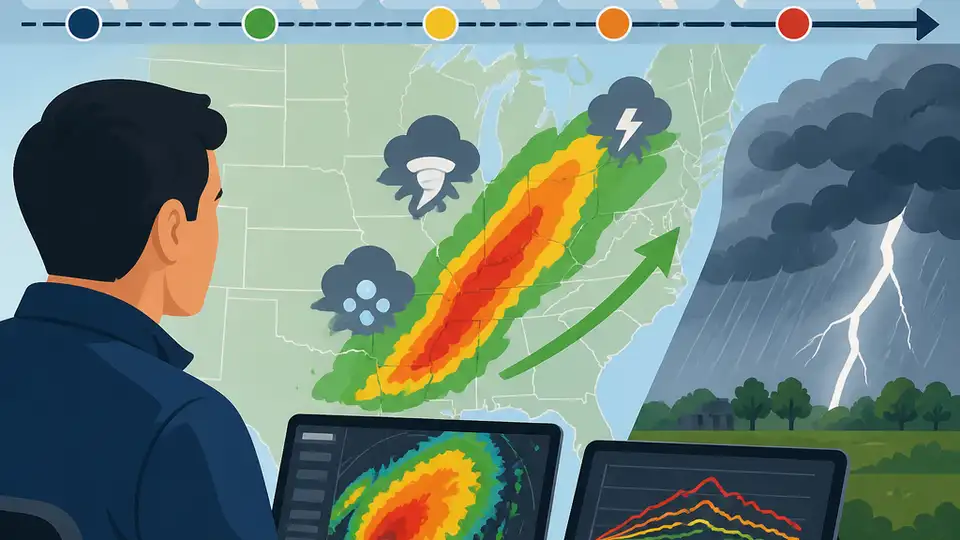
Use live radar, alerts, and forecast data to monitor a tornado outbreak safely.
This guide is for developers, weather app builders, and newsroom technologists who need to follow a fast-moving severe weather event and turn live updates into a reliable monitoring workflow. By the end, you will have a simple setup for watching alerts, reading official forecasts, and verifying tornado, hail, wind, and flood threats as they evolve.
The example below uses public weather sources and a lightweight Node.js script so you can automate checks, surface warnings, and keep a clear record of the most important storm updates.
Before you start
Get the latest AI news in your inbox
Weekly picks of model releases, tools, and deep dives — no spam, unsubscribe anytime.
No spam. Unsubscribe at any time.
- Node.js 20+ installed
- Git installed
- A free account on the National Weather Service API docs and access to the [National Weather Service API](https://www.weather.gov/documentation/services-web-api)
- A weather data source or API key if you want map layers or radar tiles
- Basic comfort with HTTP requests and JSON
- Optional: an editor such as VS Code
Step 1: Set up a weather watch project
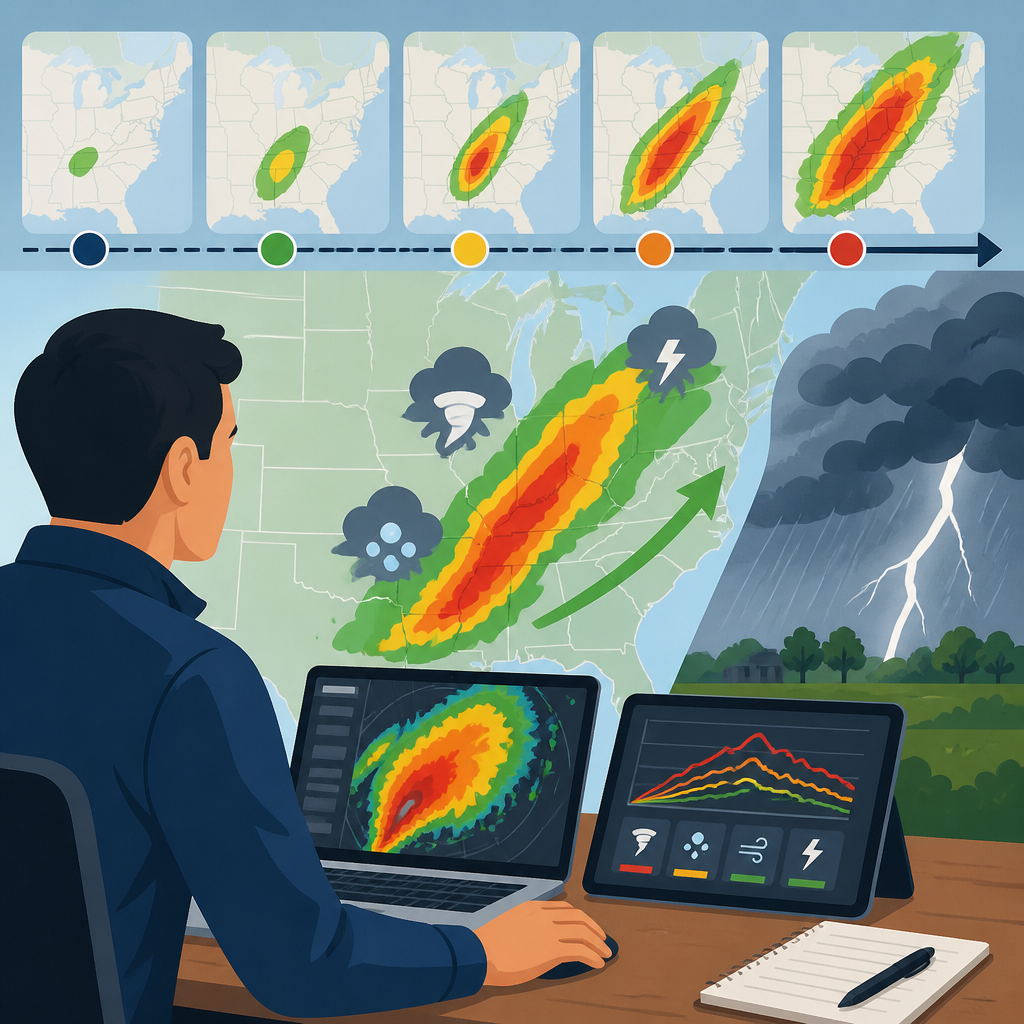
Goal: create a small project that can fetch alerts and forecast data without extra tooling.
mkdir severe-weather-watch
cd severe-weather-watch
npm init -y
npm install node-fetch
Verification: you should see a new package.json file and a node_modules folder after installation.
Step 2: Pull official alert data
Goal: connect to the [National Weather Service API](https://www.weather.gov/documentation/services-web-api) so your app can read active watches and warnings from a trusted source.
import fetch from 'node-fetch';

const url = 'https://api.weather.gov/alerts/active?area=NE';
const res = await fetch(url, {
  headers: { 'User-Agent': 'severe-weather-watch/1.0 you@example.com' }
});
const data = await res.json();

console.log(data.features.map(f => f.properties.event));
Verification: you should see alert names such as Tornado Warning, Severe Thunderstorm Warning, or Flash Flood Warning.
Step 3: Filter the highest-risk storm signals
Goal: highlight the signals that matter most during a Plains outbreak, including strong tornadoes, giant hail, and destructive winds.
const events = data.features.map(f => f.properties);
const highRisk = events.filter(e =>
  ['Tornado Warning', 'Severe Thunderstorm Warning', 'Flash Flood Warning'].includes(e.event)
);

console.log(highRisk.map(e => ({ event: e.event, area: e.areaDesc, severity: e.severity })) );
Verification: you should see a shorter list of only the most urgent alerts, not every advisory in the feed.
Step 4: Add a simple severity dashboard
Goal: turn raw alerts into a readable status view that tells you where the threat is strongest and what kind of damage is possible.
for (const alert of highRisk) {
  console.log(`${alert.event} | ${alert.areaDesc} | ${alert.severity}`);
}
Verification: you should see a clean text summary that can be copied into a dashboard, Slack channel, or newsroom ticker.
Step 5: Verify the storm against radar and forecast guidance
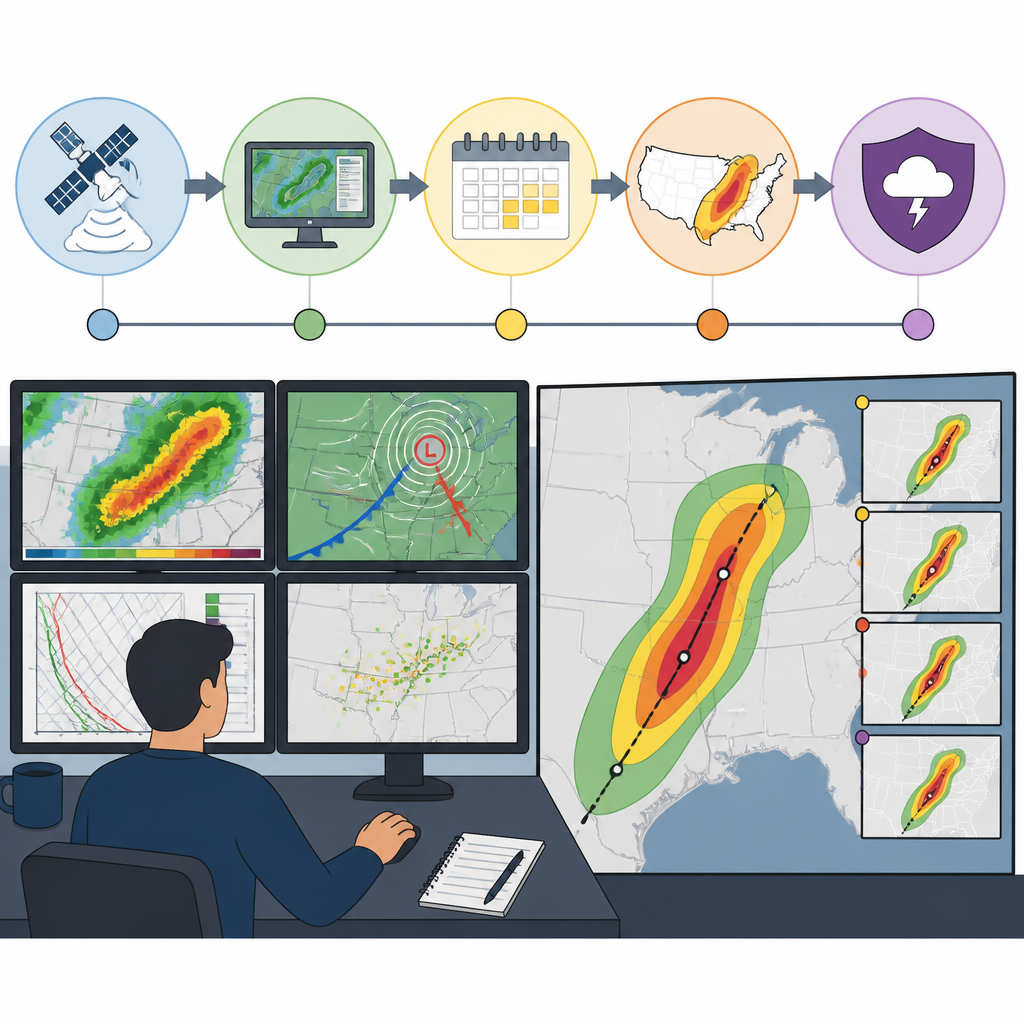
Goal: cross-check alerts with radar and forecast products so you do not rely on a single source when storms are moving quickly.
Use live radar from your preferred provider, then compare it with the Storm Prediction Center outlook and local National Weather Service warnings. During a major outbreak, that extra check helps confirm whether a storm is still tornadic, whether hail cores are intensifying, and whether warnings are expanding eastward.
Verification: you should be able to match at least one active warning area with a visible storm cell or forecast risk zone.
Step 6: Automate overnight checks and notifications
Goal: keep monitoring active when storms continue after dark and people may miss manual updates.
Schedule your script to run every 5 to 10 minutes with cron, GitHub Actions, or a serverless job, then send a message when a new Tornado Warning appears or when a warning polygon expands into a new county. That gives you a repeatable way to track changing threats during long-lived outbreaks.
Verification: you should receive a test notification when the script detects a new alert or a changed area description.
| Metric | Before/Baseline | After/Result |
|---|---|---|
| Alert visibility | Manual checking of headlines | Automated pull of active warnings every run |
| Update latency | Minutes to hours between checks | Near-real-time refresh on a schedule |
| Coverage | Single article or single map view | Alerts plus forecast and radar cross-checks |
Common mistakes
- Using only a news recap. Fix: always verify against official alerts and forecast products before acting on the information.
- Ignoring overnight risk. Fix: schedule checks and notifications so warnings still surface while people are asleep.
- Treating every alert the same. Fix: prioritize Tornado Warning, Severe Thunderstorm Warning, and Flash Flood Warning before lower-priority advisories.
What's next
Next, extend the workflow with county-level geofencing, map overlays, and a small incident log so you can compare outbreaks over time and build a stronger severe-weather monitoring tool.
// Related Articles
- [TOOLS]
mimoLive 6.17b2 fixes SDI combing on Blackmagic
- [TOOLS]
Why Claude for Small Business belongs on every Mac, not just in demos
- [TOOLS]
Why DeepScientist is the right shape for AI research
- [TOOLS]
Claude Code v2.1.143 fixes background sessions
- [TOOLS]
Microsoft Fluent 2: What Makes It Work
- [TOOLS]
OpenCode CLI adds ACP server support