Microsoft Fluent 2: What Makes It Work
Microsoft Fluent 2 powers Microsoft 365, Windows, Teams, and Azure with shared tokens, components, and cross-platform rules.

Microsoft Fluent 2 is Microsoft’s shared design system for Microsoft 365, Windows, Teams, and Azure.
Microsoft Fluent 2 has to do a hard job: make products across desktop, mobile, web, and native apps feel related without making them look identical. That matters because Microsoft ships software for billions of users, and even small UI mismatches get noticed fast.
Fluent 2 is the latest version of Microsoft’s design system, and it focuses on consistency, simplicity, and platform-aware behavior. If you are trying to understand how a giant product company keeps a huge portfolio coherent, Fluent 2 is a useful case study.
| Fact | Detail |
|---|---|
| Platforms | Web, Windows, iOS, Android, macOS |
| Products | Microsoft 365, Windows, Teams, Azure |
| Framework support | React, React Native, native frameworks |
| Design focus | Simplicity, consistency, cross-platform coherence |
What Fluent 2 is trying to solve
Get the latest AI news in your inbox
Weekly picks of model releases, tools, and deep dives — no spam, unsubscribe anytime.
No spam. Unsubscribe at any time.
Microsoft does not have the luxury of designing for one product line. It has to keep office apps, cloud tools, communication software, and operating systems aligned while still respecting the conventions of each platform. Fluent 2 is the glue that helps that happen.

The system gives teams shared foundations such as tokens, components, and interaction rules. That means a Teams button, a Microsoft 365 panel, and an Azure control can feel like they belong to the same family even if they live in different environments.
This is where design systems earn their keep. Without a shared system, each product team invents its own spacing rules, typography decisions, and component behavior. Over time, that creates visual drift and a lot of rework.
- Shared language for designers and engineers
- Reusable components across product lines
- Platform-specific behavior without brand drift
- Faster delivery for large teams
Why the latest version matters
Fluent 2 is not a cosmetic refresh. Microsoft frames it around a simpler visual language and a more coherent experience across devices and input methods. That includes the basics, like spacing and typography, but also the details users feel when they switch from touch to keyboard or from mobile to desktop.
A system like this has to do more than look good in a design file. It has to survive real product constraints: accessibility requirements, code reuse, localization, and the different expectations people bring to Windows versus iPhone versus the browser.
That is also why Microsoft’s approach is worth studying alongside other public systems like Google Material Design 3, Shopify Polaris, and Atlassian Design System. Each one solves the same basic problem in a different product environment.
“Design is not just what it looks like and feels like. Design is how it works.” — Steve Jobs
That quote gets reused a lot, but it fits Fluent 2 well. Microsoft is not trying to make every surface identical. It is trying to make the experience feel intentional everywhere.
How Fluent 2 compares with other systems
Fluent 2 is interesting because it has to balance two competing goals. It needs enough consistency to make Microsoft products feel unified, but it also needs enough flexibility to respect the native feel of each platform. That is a harder line to walk than many teams realize.
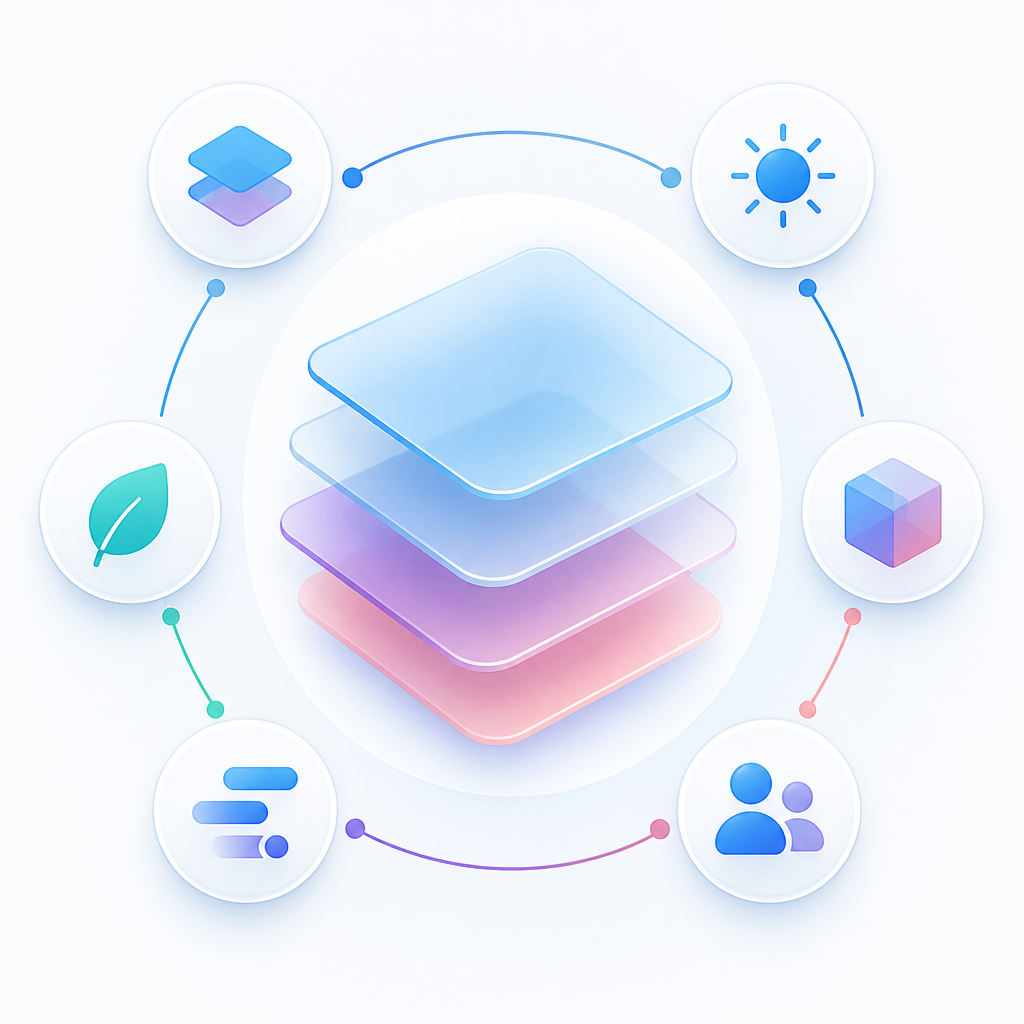
Compare that with Apple Human Interface Guidelines, which are deeply platform-specific, or IBM Carbon Design System, which is especially strong in enterprise data-heavy interfaces. Fluent 2 sits in the middle: broad enough to span many products, specific enough to keep Microsoft’s brand recognizable.
- Apple HIG: strongest on platform-native behavior and device-specific patterns
- IBM Carbon: strongest on enterprise data visualization and framework flexibility
- Salesforce Lightning: strongest on forms, records, and workflow-heavy enterprise UI
- Fluent 2: strongest on cross-platform consistency across a massive product suite
That comparison matters for teams outside Microsoft too. If your company ships on web and mobile, you may not need a giant system, but you do need a clear rule for when components should stay shared and when they should adapt.
Microsoft also benefits from the fact that Fluent 2 is paired with real implementation options, including React and React Native support. That shortens the gap between design intent and production UI, which is where many design systems lose momentum.
What product teams can learn from Fluent 2
The biggest lesson from Fluent 2 is that a design system is not a library of pretty components. It is an operating model for how product teams make decisions. The more products and platforms you have, the more valuable that operating model becomes.
If you are building your own system, Fluent 2 suggests a few practical rules. Keep your tokens semantic, define how components behave across input types, and make sure your documentation speaks to both designers and engineers. That is how a system stays useful after the first rollout.
It also helps to study how other companies document their systems. Shopify is unusually strong on content guidance, IBM on contribution models, and Salesforce on enterprise templates. Microsoft’s strength is breadth across products and platforms.
If you want a more hands-on comparison, OraCore’s guide to design system examples is a good companion read.
For teams evaluating their own system, the real question is simple: can a designer change a component, can an engineer ship it, and can a user see the same quality everywhere it appears? Fluent 2 is Microsoft’s answer to that problem, and it is a strong model for any company trying to keep a large product family from drifting apart.
My take: the next wave of design systems will be judged less by visual polish and more by how well they handle cross-platform behavior, accessibility, and code reuse at scale. Fluent 2 is already built around that reality.
// Related Articles
- [TOOLS]
Aliyun Bailian Token Plan turns credits into agents
- [TOOLS]
One API gateway turns six AI APIs into one
- [TOOLS]
OpenAI FDEs turn broken agents into shipped systems
- [TOOLS]
Anthropic’s daily brief turns news into a workflow
- [TOOLS]
Claude Reflect turns usage into retention
- [TOOLS]
Midjourney turns prompt ideas into art