mimoLive 6.17b2 fixes SDI combing on Blackmagic
mimoLive 6.17b2 fixes interlaced SDI combing on Blackmagic gear and updates the Zoom SDK to 6.7.5.

mimoLive 6.17b2 fixes interlaced SDI combing on Blackmagic gear and updates the Zoom SDK.
mimoLive has pushed out version 6.17b2, a beta release dated February 12, 2026, with a narrow but important fix for live video operators: it avoids combing artifacts when playing out an interlaced SDI signal through Blackmagic Design hardware. The same build also updates the Zoom SDK to version 6.7.5 and improves network monitoring data inside the app.
If you work with SDI, Zoom, or live switching on a Mac, this is one of those updates that matters less on paper and more in the control room. A bug that shows up as combing on interlaced output can make a feed look wrong even when everything else in the pipeline is behaving.
| Version | Date | Key change | Other update |
|---|---|---|---|
| 6.17b2 | February 12, 2026 | Fixes combing on interlaced SDI via Blackmagic hardware | Zoom SDK 6.7.5 |
| 6.17b1 | February 9, 2026 | Zoom SDK 6.7.2 | Functionality update only |
| 6.17 | March 20, 2026 | Zoom meetings use Program Output by default | HTTP API additions and output fixes |
What changed in 6.17b2
Get the latest AI news in your inbox
Weekly picks of model releases, tools, and deep dives — no spam, unsubscribe anytime.
No spam. Unsubscribe at any time.
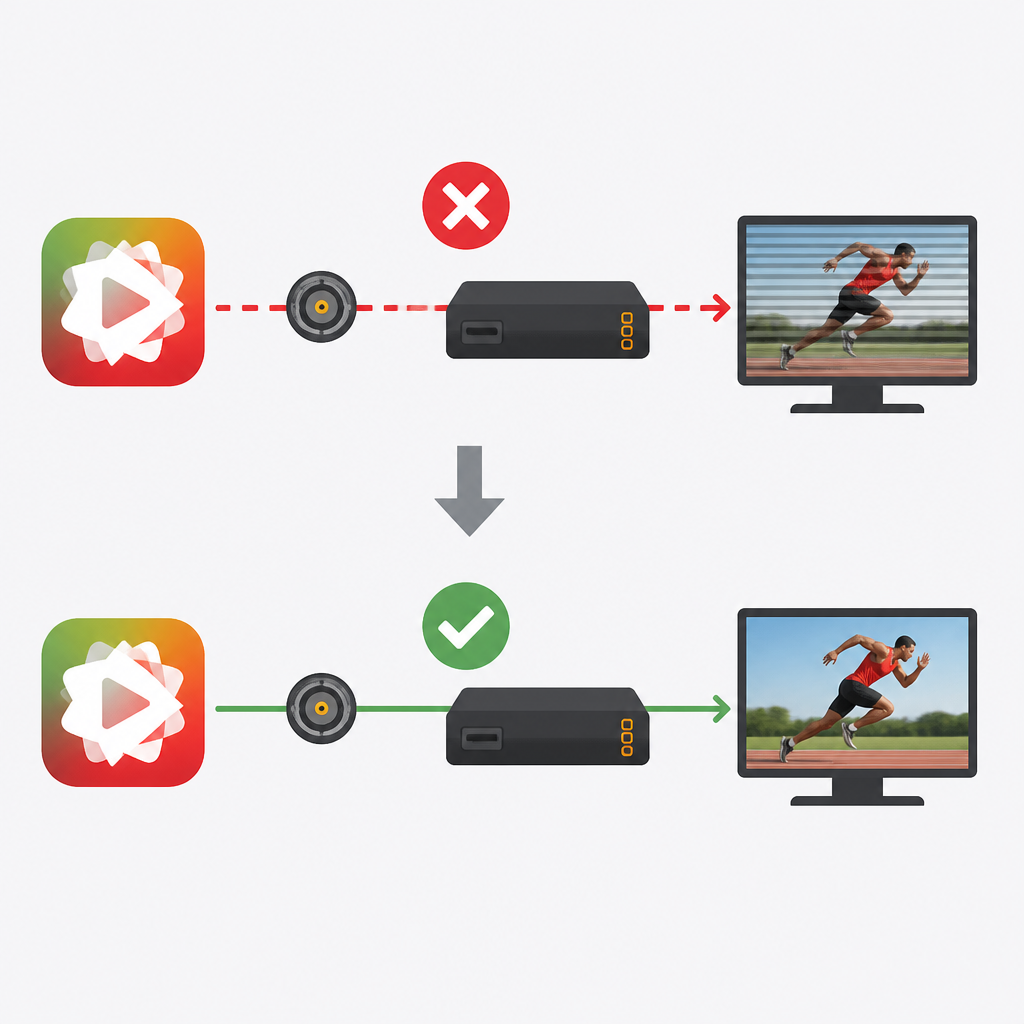
The headline fix in mimoLive 6.17b2 is simple to describe and easy to appreciate if you have ever seen interlaced video misbehave on output. The update avoids combing effects when the app plays out an interlaced SDI signal via Blackmagic Design hardware.
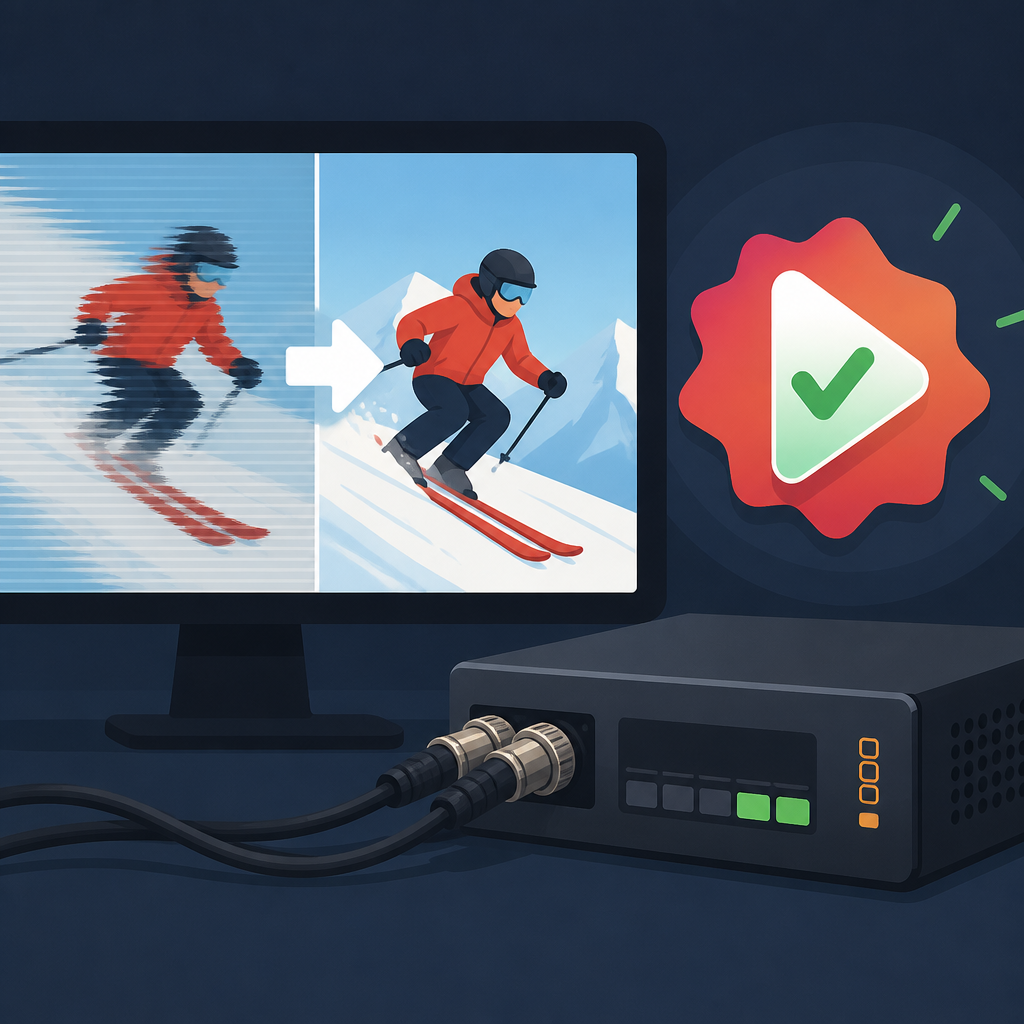
That sounds specific because it is. This is not a broad UI refresh or a major workflow rewrite. It is the kind of fix that protects a live show from looking sloppy on a broadcast monitor, an encoder chain, or a venue feed.
- Version: 6.17b2
- Release date: February 12, 2026
- Primary fix: interlaced SDI combing on Blackmagic output
- SDK update: Zoom SDK 6.7.5
mimoLive also says the build improves statistics in the Network Monitor and lets users edit some show metadata while output destinations are active. Those are small workflow wins, but they matter when you are trying to keep a live production moving without stopping the show.
Why the Blackmagic fix matters
Interlaced SDI still shows up in real production environments, especially where older cameras, switchers, and routing gear remain part of the chain. When a software update causes combing, the result is not subtle. Motion looks wrong, edges appear split, and the output can look unfit for air even if the source is fine.
Blackmagic hardware is common in Mac-based live workflows, so a fix like this is aimed at a real installed base, not a hypothetical one. If you are running a studio, a church stream, a classroom setup, or a remote event rig, the difference between clean output and visible artifacting can be the difference between confidence and a last-minute scramble.
“Artifacts in live video are a pain because they are visible immediately and hard to explain away.”
The quote above is from Blackmagic Design founder Grant Petty, who has long framed video tools around practical production reliability. That mindset fits this update well: the value is in removing a visible failure mode before it reaches an audience.
Zoom keeps getting more attention inside mimoLive
The other notable thread in the mimoLive release history is how often Zoom appears in the changelog. In 6.17b1, the app updated the Zoom SDK to 6.7.2. In 6.17b2, it moved to 6.7.5. In the later 6.17 release, mimoLive went further and made Zoom meetings use the Program Output as the default camera and audio input.
That tells you where the product is heading: tighter integration with meeting platforms, less manual patching, and fewer awkward transitions between production output and conferencing software. For operators who mix live guests into a show, that can simplify the path from studio to call.
- 6.17b1: Zoom SDK 6.7.2
- 6.17b2: Zoom SDK 6.7.5
- 6.17: Zoom SDK 6.7.6 and Program Output as default camera/audio
- 6.18b1: Zoom SDK 7.0.0
There is a clear pattern here. mimoLive is not treating Zoom as a side feature; it is treating it as part of the core production pipeline. That matters for users who build shows around remote guests, virtual events, and hybrid presentations.
How this release fits the bigger update cycle
Seen on its own, 6.17b2 is a maintenance release with one visible fix and one SDK bump. Seen alongside the surrounding betas, it is part of a much busier march toward more remote control, more API access, and more device-level flexibility.
The nearby releases add features such as remote control surface QR presets, HTTP API calls for adding and deleting sources and layers, and later support for fixed NDI resolution and frame rate settings. That is a lot of motion for a single product line, and it suggests the team is trying to make mimoLive easier to automate as well as easier to operate live.
- HTTP API additions for sources, layers, output destinations, and layer sets
- Remote Control Surface 2.0 beta work
- NDI output controls in 6.18b5
- MCP support for AI agents in 6.18b4
If you are deciding whether to install this beta, the answer depends on your workflow. If you use Blackmagic output with interlaced SDI, the fix is directly relevant. If you rely on Zoom integration, the SDK update is another sign that the app’s conferencing path is being actively maintained. If you do neither, you may still want to wait for a broader release unless you are already testing betas in production-adjacent setups.
What operators should do next
The practical move is straightforward: check whether your current mimoLive build is touching interlaced SDI or Blackmagic output, then test 6.17b2 in the same signal chain you use on show day. A fix like this only proves itself when it is fed through the actual hardware, resolution, and frame-rate mix you ship to audience or venue screens.
My read is that mimoLive is tightening the boring but important parts of live production software: output correctness, device handling, and conferencing integration. The next question is whether the company keeps pushing the API hard enough that advanced users can automate these workflows without opening the app every time.
For teams running live shows on Macs, that is the metric to watch in the next few betas: not how flashy the feature list looks, but how many edge cases disappear before the next stream starts.
// Related Articles
- [TOOLS]
OpenClaw with Ollama turns Telegram into a bot
- [TOOLS]
Aliyun Bailian Token Plan turns credits into agents
- [TOOLS]
One API gateway turns six AI APIs into one
- [TOOLS]
OpenAI FDEs turn broken agents into shipped systems
- [TOOLS]
Anthropic’s daily brief turns news into a workflow
- [TOOLS]
Claude Reflect turns usage into retention