How to Choose a Vector Database in 2026
A practical guide to selecting a 2026 vector database by scale, pricing, and architecture.

This guide shows how to choose a vector database in 2026 by matching scale, pricing, and architecture to your workload.
If you are building RAG, semantic search, or agent workflows, this guide helps you turn a broad vendor list into a concrete shortlist. After following the steps, you will have a decision framework, a deployment fit check, and a clear path to the right system for your stack.
Use it whether you are starting from PostgreSQL or MongoDB, comparing managed and open-source options, or planning for billion-vector growth. The goal is not to crown one winner, but to help you make a defensible choice with fewer surprises later.
Before you start
Get the latest AI news in your inbox
Weekly picks of model releases, tools, and deep dives — no spam, unsubscribe anytime.
No spam. Unsubscribe at any time.
- An account for at least one managed option, such as Pinecone, Zilliz Cloud, Weaviate Cloud, MongoDB Atlas, or Qdrant Cloud
- API keys or cloud credentials for the service you plan to test
- Node 20+ or Python 3.11+ for running a quick evaluation script
- A sample embedding model, such as OpenAI, Voyage AI, or a local sentence-transformers model
- A dataset with at least 1,000 documents or chunks and their metadata
- Basic familiarity with vector search concepts: embeddings, cosine similarity, and filters
Step 1: Define your retrieval workload
Your first outcome is a workload profile that tells you what the database must optimize for: pure vector search, hybrid search, filtered search, or multi-tenant production retrieval. The article’s strongest theme is that the right choice depends less on brand and more on fit: Pinecone for low-ops scale, Qdrant for price-performance, Weaviate for hybrid search, pgvector for PostgreSQL-native teams, and MongoDB Atlas Vector Search if you already live in MongoDB.

Write down four numbers before you compare vendors: expected vector count, query rate, top-k size, and metadata filter complexity. Also note whether you need transactional writes, object storage, multimodal retrieval, or keyword plus vector search in one query.
Verification: you should end this step with a one-line workload statement, such as “10M vectors, 50 QPS, heavy metadata filters, RAG chat app.”
Step 2: Map scale limits to candidate systems
Your second outcome is a shortlist filtered by scale, because each system has a practical operating range. The article highlights that pgvector is best under about 10M vectors on PostgreSQL, Qdrant is a strong fit up to roughly 50M vectors, Milvus and Zilliz Cloud are built for 100B+ scale, and Pinecone is positioned for billions of vectors with managed operations.
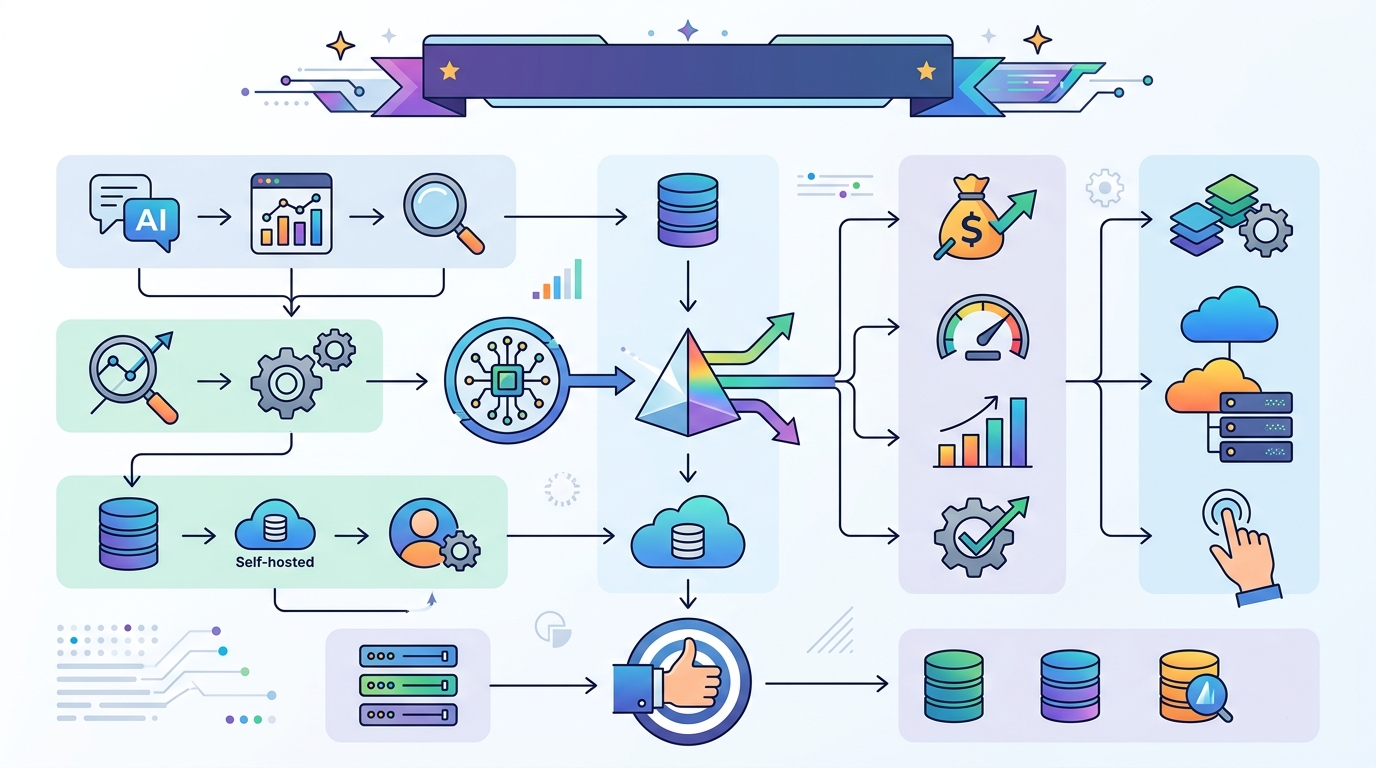
Use scale as a hard gate before you compare features. If you are on PostgreSQL and under 10M vectors, keep pgvector in the running. If you need serverless or object-storage-native retrieval, include LanceDB. If you need research-grade similarity search rather than a database, Faiss belongs in a separate bucket because it is a library, not a full database.
Verification: you should see a shortlist of no more than three systems that all fit your projected vector count for the next 12 to 18 months.
Step 3: Compare architecture and operations
Your third outcome is an architecture choice that matches your team’s operating model. The article draws a clear line between fully managed systems, open-source deployments, and embedded or serverless designs. Pinecone removes most infrastructure work. Milvus and Qdrant let you self-host when you want control. LanceDB stores data directly on object storage. Chroma is optimized for fast prototyping. MongoDB Atlas Vector Search keeps vectors and application data in one collection.
Decide which tradeoff matters most: zero-ops convenience, cloud portability, transaction support, hybrid retrieval, or multimodal support. If your team already runs MongoDB, the article’s ecosystem pick is Atlas Vector Search because it avoids dual writes and data sprawl. If your team already runs PostgreSQL, pgvector avoids introducing a second database.
Verification: you should be able to explain why your chosen architecture reduces either operational overhead, data duplication, or integration complexity.
Step 4: Build a pricing model from the article tiers
Your fourth outcome is a rough cost model that prevents surprises after launch. The article gives concrete entry points: Pinecone starts with Free, Builder at $20/month, Standard at $50 minimum, and Enterprise at $500 minimum; Weaviate’s Flex tier starts at $45/month; MongoDB Atlas Vector Search includes M0 free and Flex up to $30/month; Qdrant offers a free tier with 1GB RAM and 4GB disk; Chroma Cloud starts at $0 plus usage; and LanceDB and Faiss have free open-source entry points.
Translate those numbers into your own expected spend by adding three items: storage, query volume, and engineering time. Managed services often cost more in direct dollars but less in staff time. Self-hosting can look cheaper until you include uptime, tuning, backups, and index rebuilds.
Verification: you should have a monthly estimate for your top two candidates, even if it is a range rather than an exact quote.
| Metric | Before/Baseline | After/Result |
|---|---|---|
| Entry pricing | Pinecone Starter, MongoDB M0, Qdrant free tier, Chroma OSS, Faiss free | Budget options available without upfront infrastructure cost |
| Managed minimums | Pinecone Builder $20/mo, Weaviate Flex $45/mo, MongoDB Flex up to $30/mo | Clear monthly floor for production-ready managed deployments |
| Scale ceiling | pgvector millions, Qdrant up to 50M, Pinecone billions, Milvus/Zilliz 100B+ | Candidate choice aligns with near-term and growth-stage data volume |
Step 5: Run a narrow proof of concept
Your fifth outcome is a small benchmark that confirms the shortlist works with your data, not just in vendor marketing. Keep the test simple: ingest a few thousand chunks, run the same embedding model across each system, and compare latency, recall quality, filter behavior, and operational friction. If you need hybrid search, test BM25 plus vector plus metadata in a single query. If you need transactional integrity, test whether writes and reads behave the way your app expects.
python -m venv .venv
source .venv/bin/activate
pip install sentence-transformers qdrant-client pymongo psycopg[binary]
Verification: you should see one system that is measurably easier to operate or faster to integrate, and at least one fallback option that still meets your scale and budget.
Common mistakes
- Choosing by popularity alone. Fix: start with your scale and query pattern, then eliminate systems that do not fit.
- Ignoring hidden operations cost. Fix: include backups, index rebuilds, cloud egress, and on-call time in your estimate.
- Using a library as if it were a database. Fix: treat Faiss as a building block for custom pipelines, not as a drop-in production service.
What's next
Once you have a shortlist, move to a hands-on bakeoff: load your real schema, test your top retrieval queries, and compare how each system behaves under your expected write and read patterns.
// Related Articles
- [TOOLS]
Aliyun Bailian Token Plan turns credits into agents
- [TOOLS]
One API gateway turns six AI APIs into one
- [TOOLS]
OpenAI FDEs turn broken agents into shipped systems
- [TOOLS]
Anthropic’s daily brief turns news into a workflow
- [TOOLS]
Claude Reflect turns usage into retention
- [TOOLS]
Midjourney turns prompt ideas into art